page 4 – 2
IP-12/IP-16 / Dec 2014
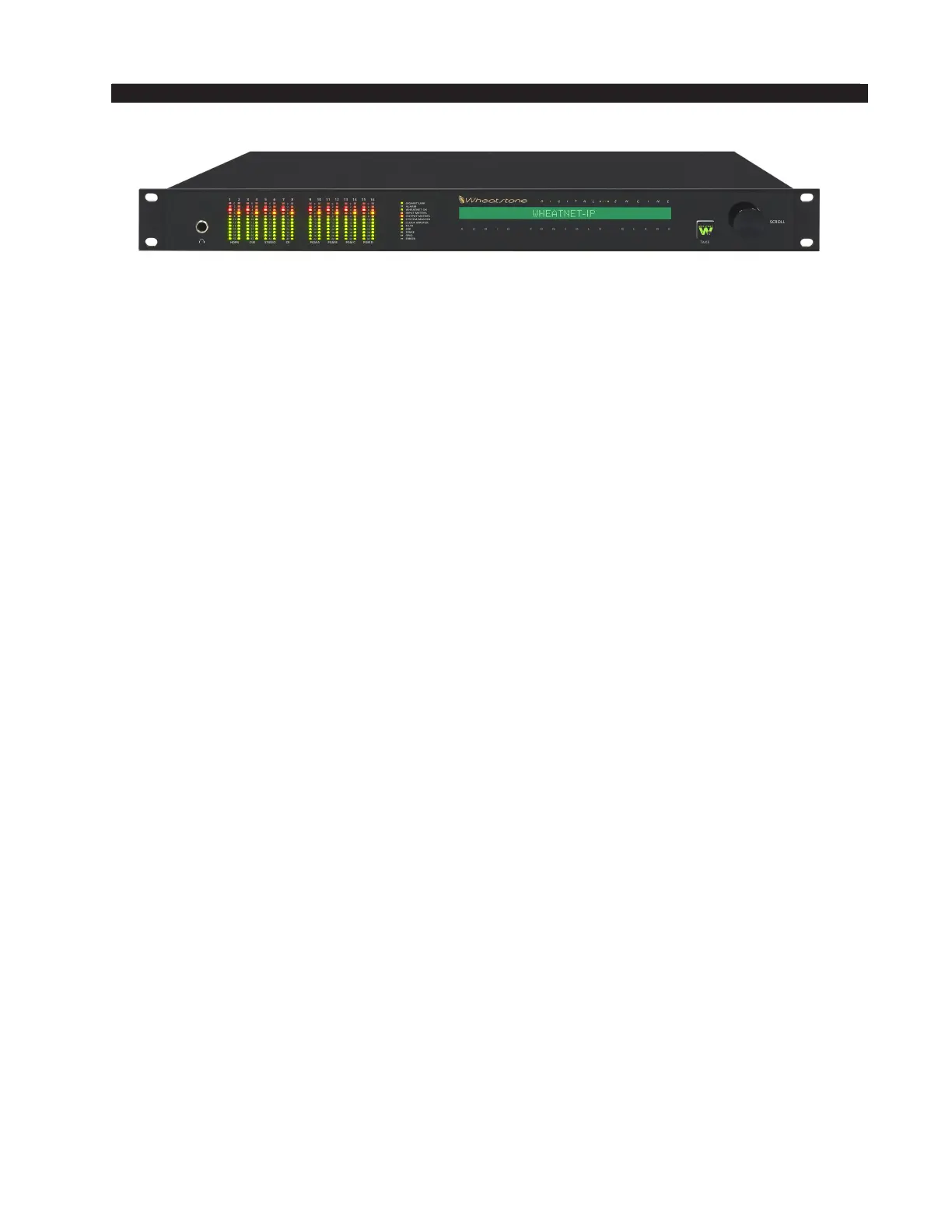
WHEATNET-IP 88cb CONSOLE BLADE
WheatNet-IP 88cb Console BLADE
General Information
WheatNet-IP 88cb integrates a powerful mix engine with analog and digital I/O
to give you a single rack-space console solution. Paired with the IP-12/IP-16 control
surface, you have a super-compact, ultra powerful-mix station that functions as a
stand-alone console. A powerful 1RU device containing the console’s digital signal
processing, input, output, and logic circuitry, the engine has no fans and may be located
either next to the control surface or at a remote location.
WARNING! Under no circumstances should the WheatNet-IP unit be opened!
The unit contains high voltage circuits that are hazardous and potentially harmful.
The unit has no user-serviceable parts inside! If you have a problem the unit must
be returned to Wheatstone Corporation for repair.
Installation Tips
• Place any surge protection circuits as close as possible to the WheatNet‑IP or other
device being protected.
• Establish a low impedance common ground in your facility and try to route all
grounds to that point.
• Choose the best power conditioning / UPS units that you can afford and suitable
for your equipment – focus on the features and options you need. The better UPS
products can prevent thousands of dollars in equipment damage – some even come
with an external equipment damage warranty.
• Unbalanced analog audio connections to the Console BLADE RJ‑45 connectors can
be done in different ways. The following wiring methods are worthy of consideration:
• connections can be made with UTP (unshielded twisted pair) cable such as CAT5
• for an audio input to the BLADE, connect the unbalanced source hot wire (for
example, the center pin of an RCA connector) to the RJ‑45 HI pin, and connect
the unbalanced source ground (for example, the shell of an RCA connector)
to the RJ‑45 LO pin
• for an audio output from the BLADE, the same connections can be made as
are used for the inputs
• although not recommended, connections can be made with shielded twisted pairs,
such as is normally used for balanced analog audio connection
• for an audio input to the BLADE, connect the unbalanced source hot wire to
one wire of the twisted pair and the unbalanced source ground to the other wire
of the pair – at the BLADE end, connect the wire carrying the hot signal to the
RJ‑45 HI pin and the wire carrying the ground to the RJ‑45 LO pin – connect



 To Next Page