page 2 – 5
IP-12/IP-16 / Dec 2014
SURFACE CONFIGURATION
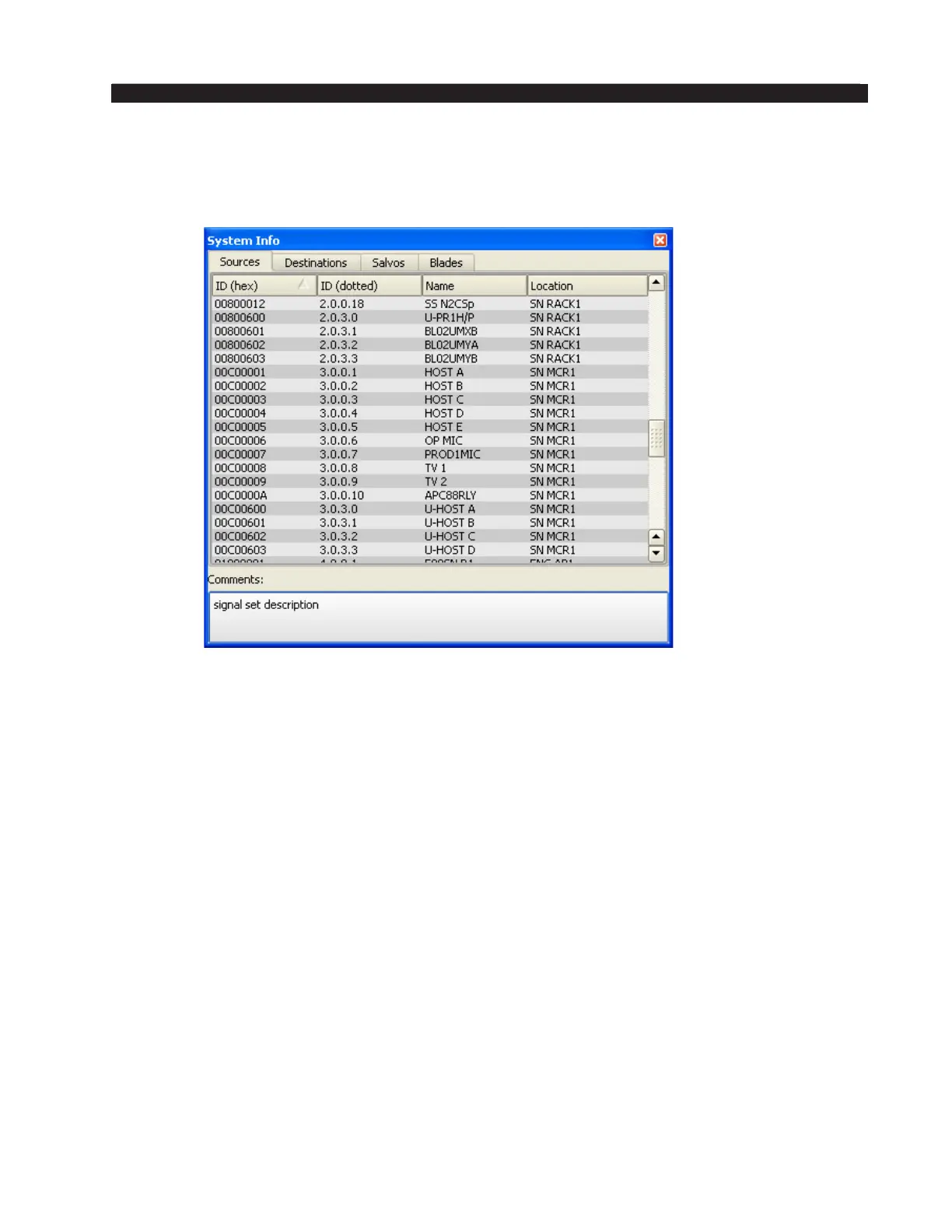
You will notice that the System Info Pane now has content. Here is an example
of what you might see on the Sources tab (remember, your signal names and other
information will almost surely be different than the data shown here):
As we discuss the GUI there will be times when we need to access signal names.
If you have not scanned the system, or loaded a saved data set, you will not be able
to see or choose individual signals.



 To Next Page