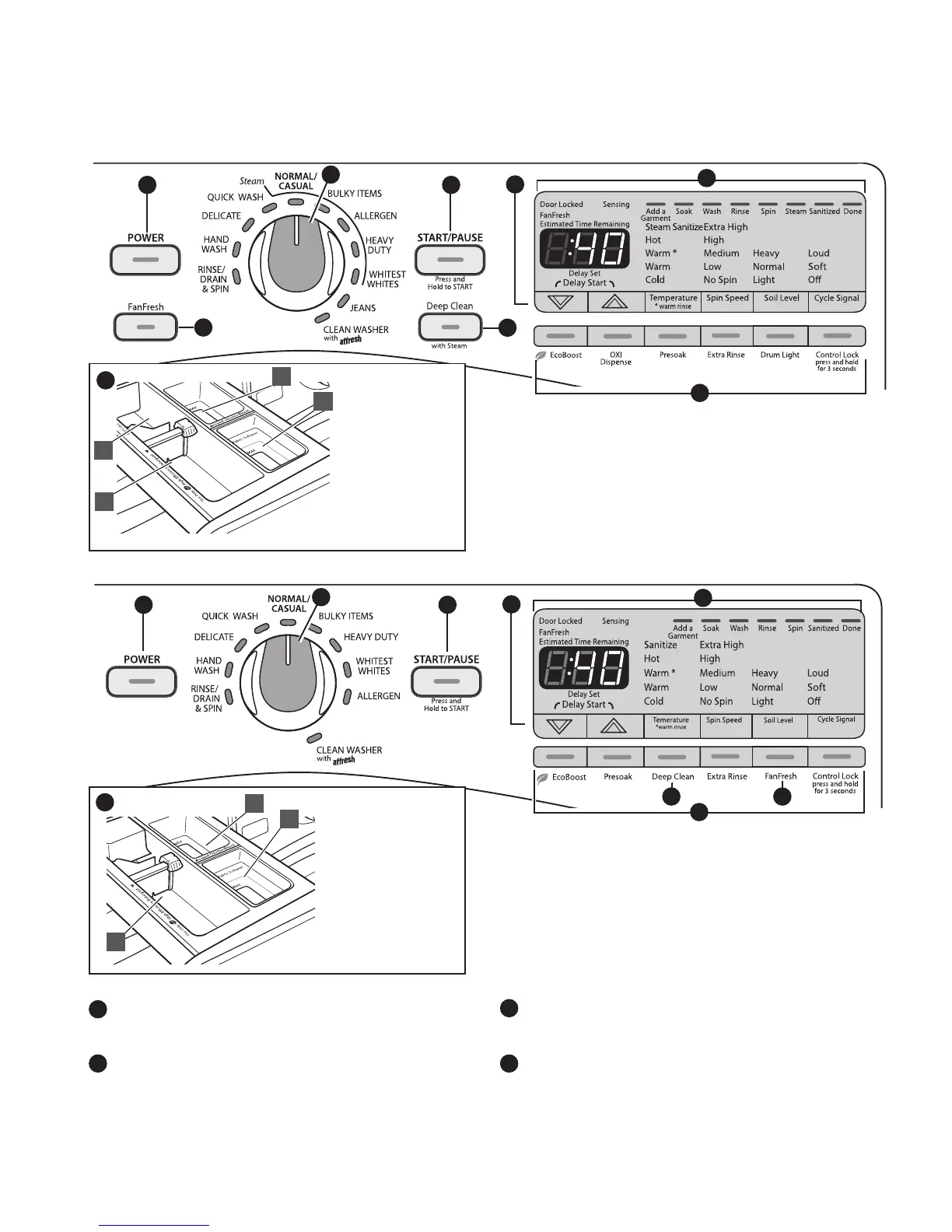
CONTROL PANEL AND FEATURES
8
7
3
4
Not all features and cycles are available on all models.
A
D
B
A
A HE detergent
B Liquid fabric
softener
C Chlorine bleach
D Oxi Dispense
A HE detergent
B Liquid fabric
softener
C Chlorine bleach
Steam models
Non-Steam models
9
9
POWER BUTTON
Press to turn the washer on and o.
Press to stop/cancel a cycle at any time.
WASH CYCLE KNOB
Use your Wash Cycle Knob to select available cycles on
your washer. Turn the knob to select a cycle for your laundry
load. See “Cycle Guide” for detailed descriptions of cycles.
1
2
3
START/PAUSE BUTTON
Press and hold to start a cycle, or press once while a cycle is
in process to pause it for up to 5 minutes.
DELAY START BUTTONS
Use these buttons to delay the start of the wash cycle
by up to 16 hours on models with Steam, and 12 hours
on non-Steam models.
4
2
1
5
3
4
2
1
5
6
7 8
6
C
B
C


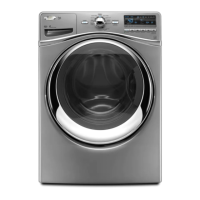
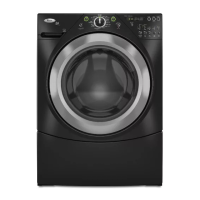
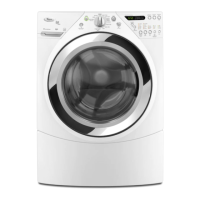


 To Next Page