POSITIONIT POSITIONERS
3-4 PM-01011-A
October 2023
• The current address will change to the one set however if the GUI is restarted the
current address must be changed to the set address of the unit.
• To change the baud rate of the positioner, select the required Baud Rate from the
“ChB Baud” section shown in figure 3-1.
• To drive the unit using the GUI the Baud Rate from the dropdown menu “Select Baud
Port1” must also be changed as per the set Baud rate on the unit.
• To reprogramme the PCB select the “Serial Program” button from the GUI and follow
the instruction in section 3.3.3 below.
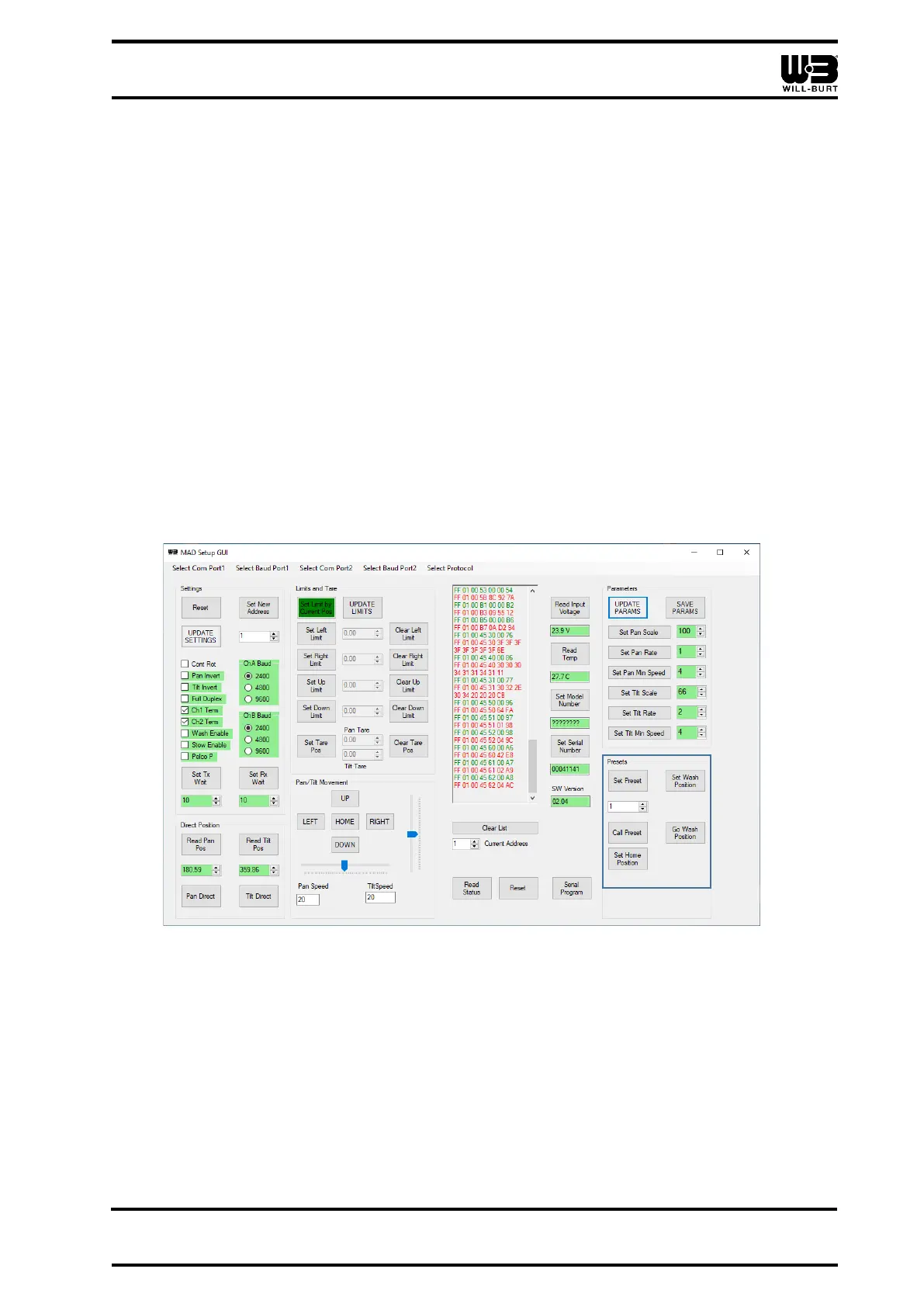
3.3.2.3 Presets and Stow & Unstow Setup
Preset positions can be stored to a preset number between (1) and (50).
The positioners comes from the factory with the preset [0] (zero) set to move the positioner
to the mid-point of both the pan and tilt. In this position the tilt platform will be horizontal and
the pan axis will be in the center position. This is referred to as the Home position.
The customer can program a stowed position by setting preset position [1]. The customer
can program an unstow position by setting preset position [2].
Presets can be set or recalled using the GUI. Presets can be cleared through the GUI.
Figure 3-2 Preset Configuration



 To Next Page