POSITIONIT POSITIONERS
PM-01011-A 5-1
October 2023
Section 5 Troubleshooting
This section describes troubleshooting of the system. Do not open the positioner. Opening
the positioner will break the environmental seal and potentially cause improper stop limit
settings. This will void the warranty. This troubleshooting guide assumes:
• Use of (1) positioner, either PI-35, PI-75 or PI-150.
• Use of (1) default joystick controller (P/N: 5098901)
5.1 Troubleshooting Guide
This section covers troubleshooting as follows:
• Positioner (Table 5-1)
• Controller (Table 5-2)
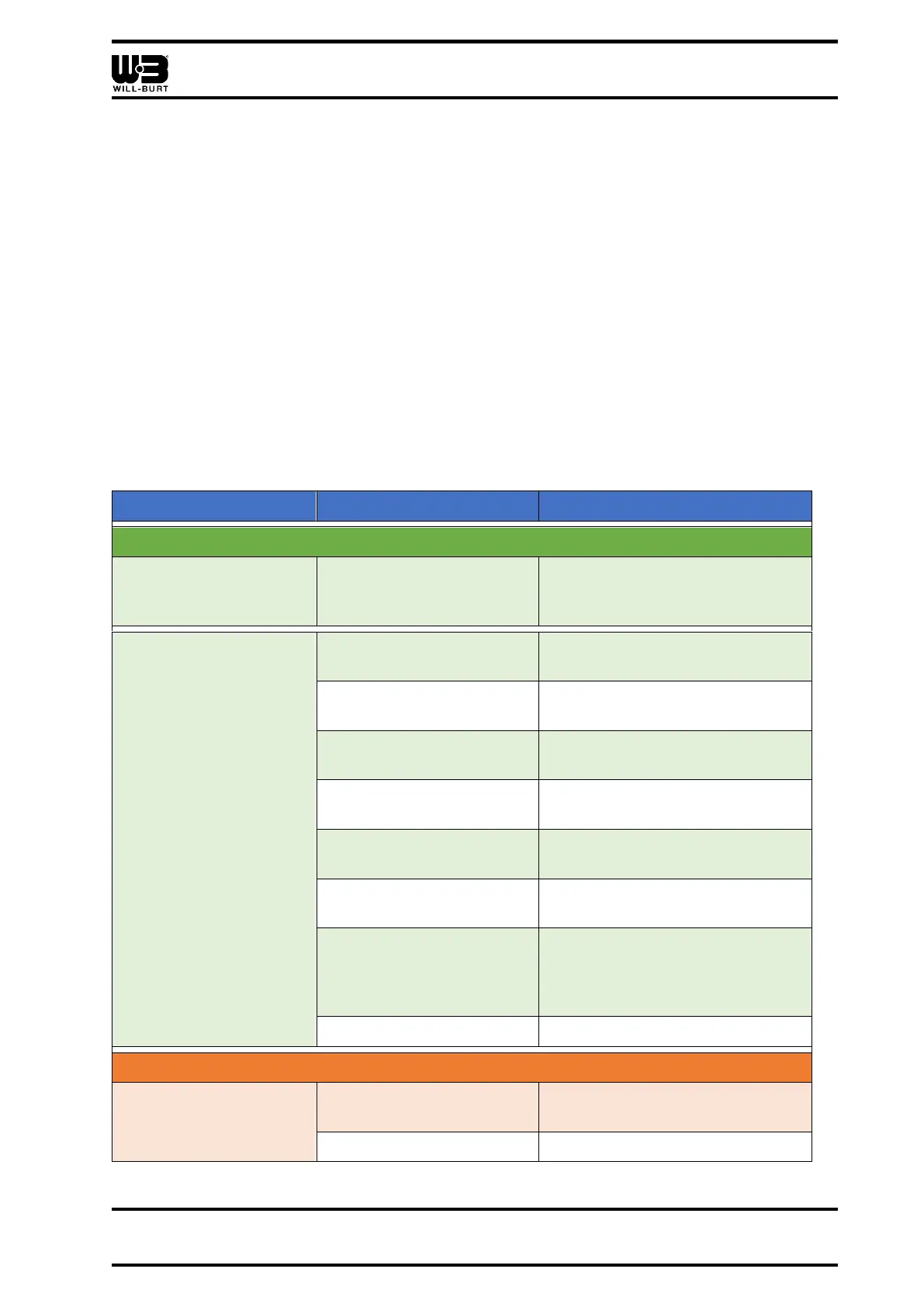
Table 5-1 Troubleshooting the Positioner
Positioner Does Not Pan or Tilt
Positioner does not pan
or tilt in a single
direction.
An electronic limit stop has
been reached.
Reset the electronic limit stops
(Section 3.3.8).
Positioner does not pan
or tilt in multiple
directions.
The system is not
receiving power.
Check the schematics (Section
7).
The power supply is
wrong.
Check the schematics (Section
7).
System settings are
incorrect.
Reset the factory defaults
(Section 5.2).
The controller is in a
menu.
The system wiring is
incorrect.
Check the schematics (Section
7).
Wires are broken or
improperly terminated.
Check the wires and connections.
The electronic limit stops
have been reset so that
the positioner cannot
move.
Reset the electronic limit stops
(Section 3.3.8).
The positioner is faulty.
Positioner Pans or Tilts Improperly
Positioner pans or tilts in
the wrong direction.
Check the schematics (Section
7).
The positioner is faulty.



 To Next Page