POSITIONIT POSITIONERS
PM-01011-A 3-7
October 2023
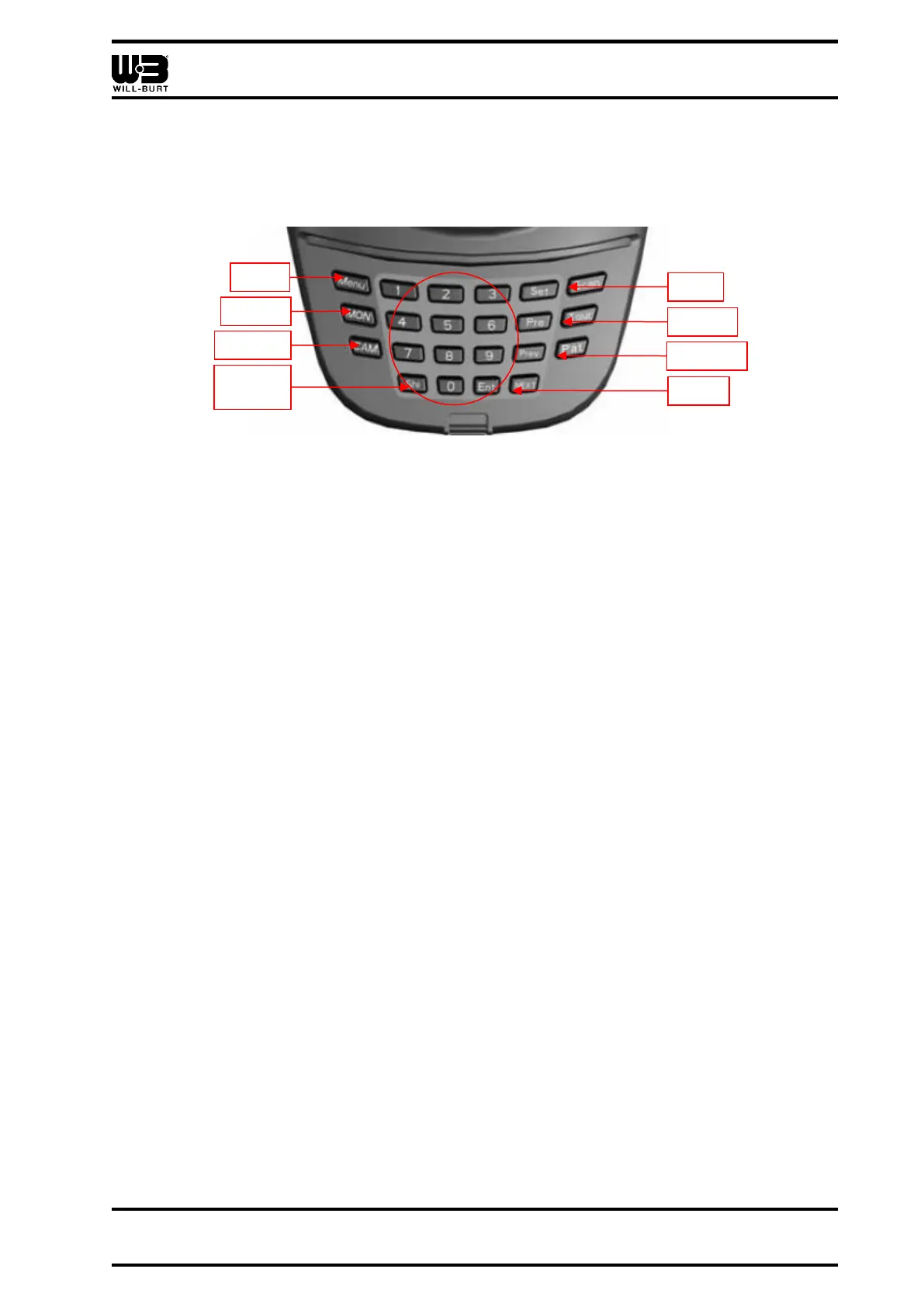
• [Prev] (previous) which is used when using the menu to save preset positions, and to
cancel out of a preset without recalling it
• [N], where “N” represents a number on the keyboard, which is used to access menu
functions, and as part of the processes to store and recall presets
Figure 3-4 Keyboard Keys
3.3.5 Joystick
The joystick pans and tilts the positioner. The speed of the movement will directly relate to
the lean angle of the joystick.
Menu
When used with menu functions, the joystick controller functions as follows:
• Push the joystick forward to move up the menu
• Pull the joystick back to move down the menu
• When the joystick is moved to the right, the menu will go to the sub menu or save the
setup
• When the joystick is moved to the left, the menu will be exited



 To Next Page