POSITIONIT POSITIONERS
5-4 PM-01011-A
October 2023
5.2.3 Protocol
When the controller is powered on, the protocol will be displayed. The protocol should be
Pelco D. If necessary, reset the protocol to Pelco D. A quick guide to resetting the protocol
can be found in Table 5-3.
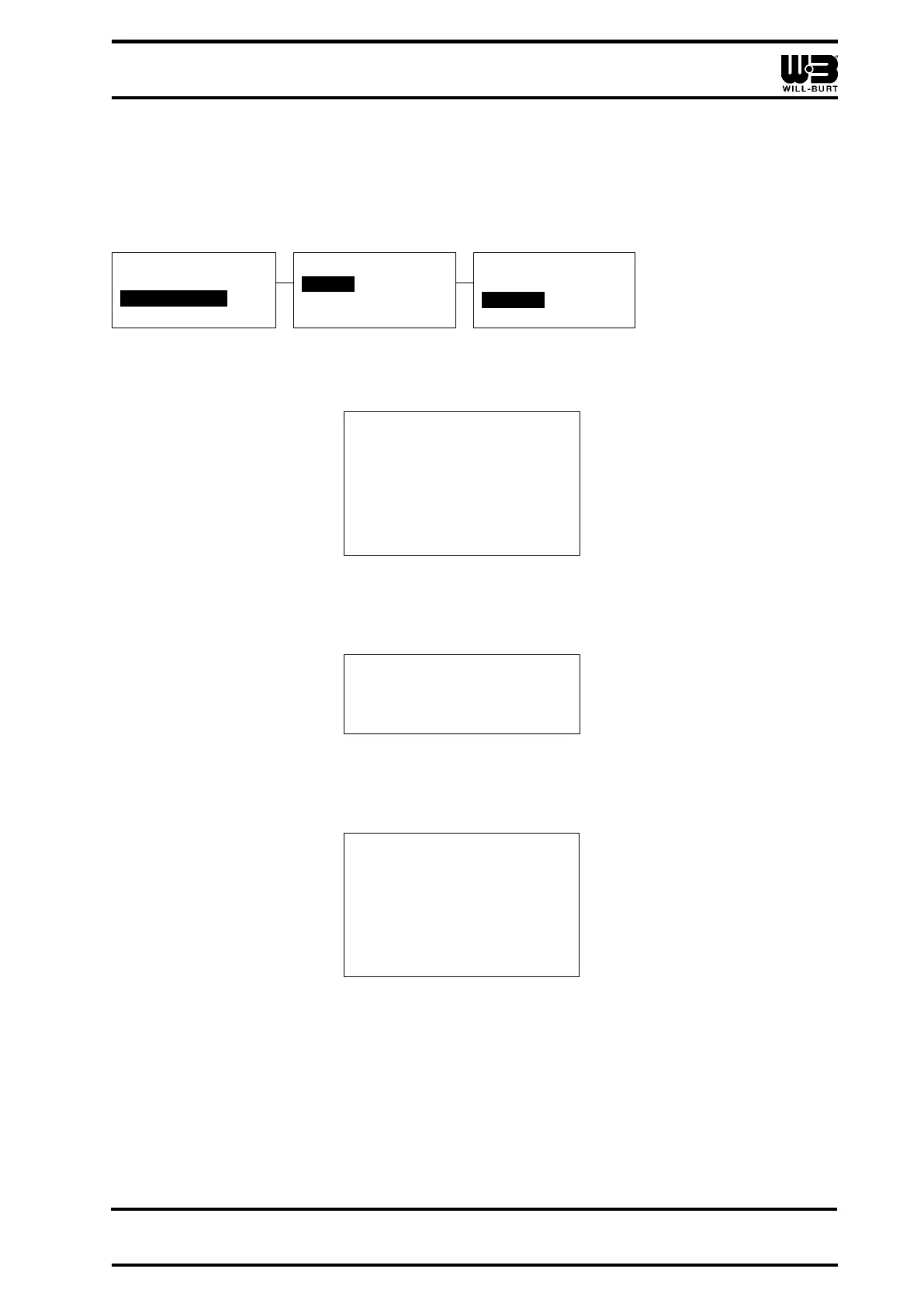
Table 5-3 Resetting the Protocol
1. Keyboard setup
2. Dome setup
3. Protocol select
4. Exit menu
1. Factory
2. Pelco-p
3. Pelco-d
4. DH-SD
To reset the protocol:
1. Press [Menu] for (2) seconds. The Menu screen will appear (Figure 5-2).
1. Keyboard setup
2. Dome setup
3. Protocol setup
4. Exit menu
Figure 5-2 Menu Screen
2. Navigate to <Protocol setup> and move the joystick to the right to go to the submenu.
The Protocol setup screen will appear (Figure 5-3).
Figure 5-3 Protocol Setup Screen
3. Navigate to <Dome> and move the joystick to the right to go to the submenu. The
Dome screen will appear (Figure 5-4).
1. Factory
2. Pelco-p
3. Pelco-d
4. DH-SD
Figure 5-4 Dome Screen
4. Navigate to <Pelco-d> and move the joystick to the right to select Pelco D as the
protocol. <Success!> will briefly flash at the bottom of the LCD screen and the
display will return to the Protocol setup screen (Figure 5-3). The setting is saved.



 To Next Page