POSITIONIT POSITIONERS
PM-01011-A 3-5
October 2023
3.3.3 PCB Reprogramming Instructions
3.3.3.1 RS232 Connection & Setup
• Programming should be carried out by a competent operator with advanced
knowledge of firmware installation. If in doubt, contact Will-Burt customer service.
IMPORTANT! Incorrect installation of firmware may render the PCB unusable
which will then require a factory reset.
• A programming lead would be required to reprogramme the unit, which can be
bought through Will Burt. Please contact Will Burt sales representative if a
programming lead is required.
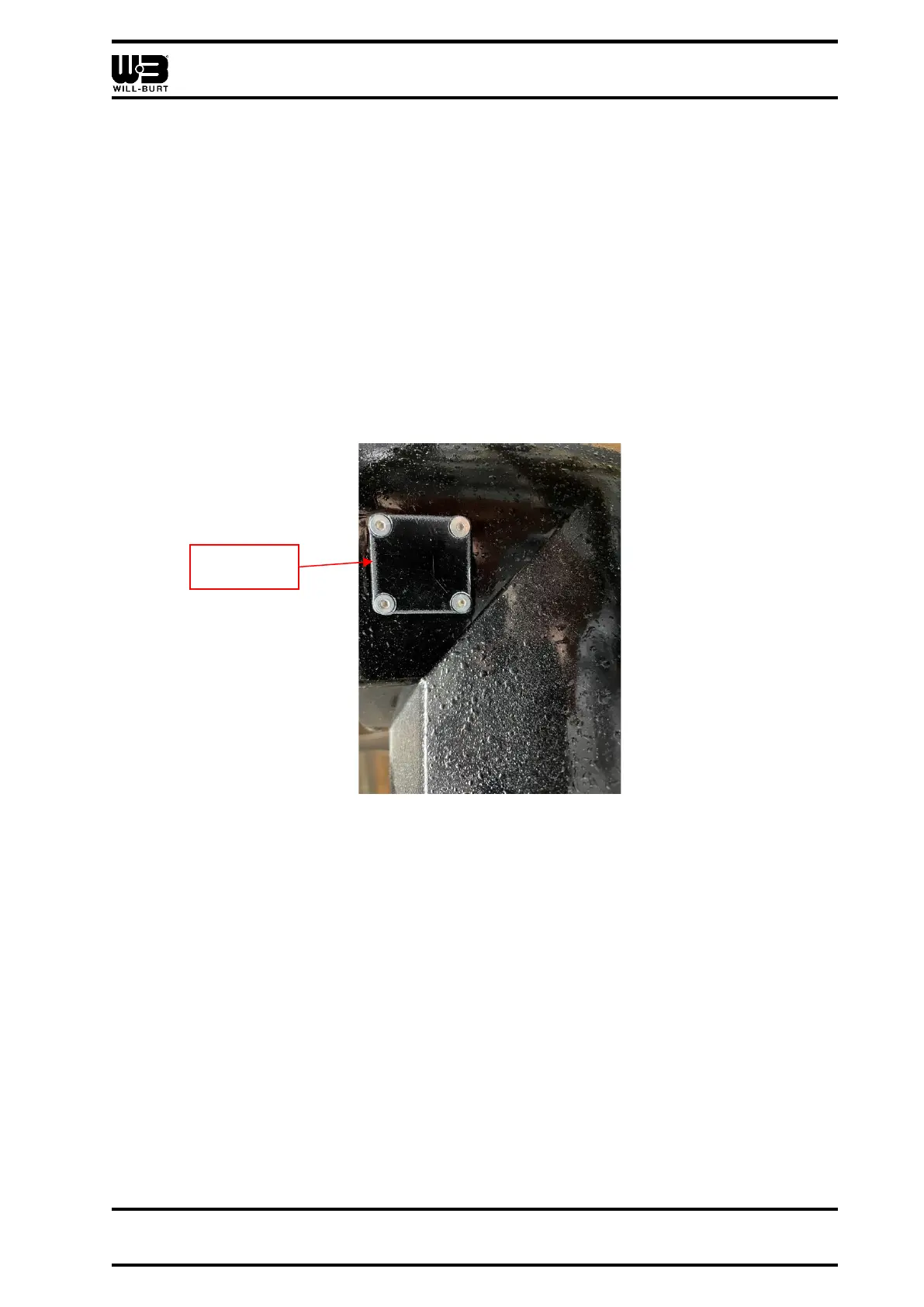
• Loosen the (4) bolts securing the removable plate to the back of the unit.
Figure 3-3 Removeable Plug Location
• Gently pull the plate to gain access to the internal programming lead connected to
the internal PCB.
• Connect the connector end on the programming cable to internal programming lead
attached to the removeable plate.
• Connect the serial port plug end on the programming cable to the serial port on the
Easysync ES-U-3001-M Unit.
• Using the USB connection cable connect the Easysync to your Laptop/ PC/ Tablet.
o Set to RS232 by switching the white dip switches on the Easysync unit.
▪ Settings: Dn/Up/Up/Up



 To Next Page