14
WPS-365-DVR-9CH & 16CH Installation and Users Manual
• AUTOMATIONSYSTEMS
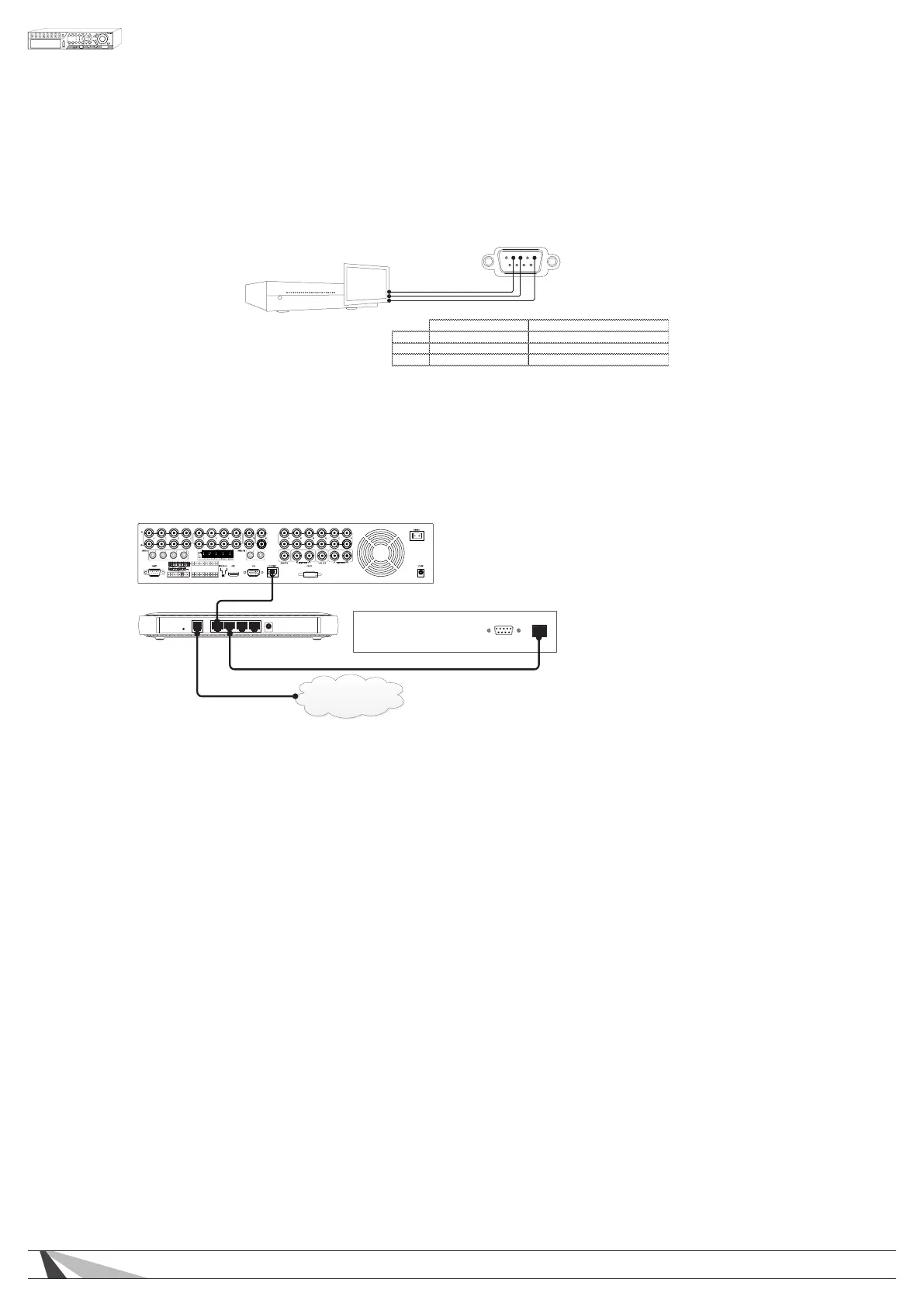
Connect the RS-232 DSUB connector to a control port on an Automation System to control the DVR. Please
refer to Section 6.10 for setup and the control protocol document found on the SnapAV Website.
2 3 5
RS232 DSUB Connector Pin Out
Pin 2 TxD (Data Transmit) Data Receive
Pin 3 RxD (Data Receive) Data Transmit
*Communication PIN functionality can vary, refer to the Automation System manual for proper PIN
functionality.
DVR RS232 DSUB
Male Connection
*Communication PIN functionality can vary; refer to the manual for your Automation System for proper PIN functionality.
IP Control Connections
Wirepath™ DVRs provide integration with Automation Systems via Ethernet allowing for
control and streaming of video. Connect the Ethernet port to a home automation network.
RS-232
Network
Control System
Router
Internet
WPS-365 Series DVR



 To Next Page