81
WPS-365-DVR-9CH & 16CH Installation and Users Manual
9.2.6. SEARCH PANEL AND COPY FEATURE
9.2.6.1. SEARCH BY TIME
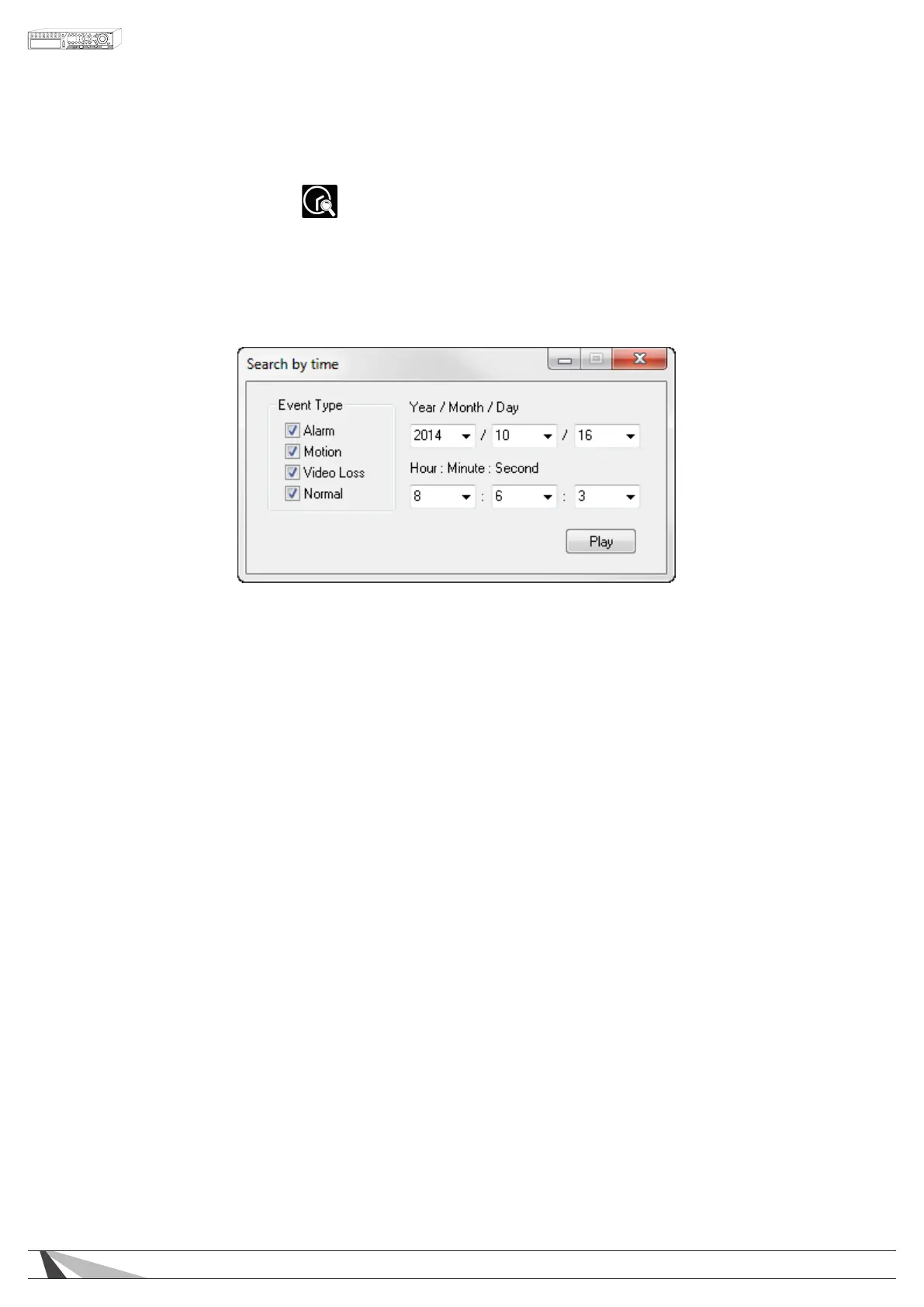
To playback video starting at a specic time, select the desired time (Year, Month, Date, Hour, Minute and
Second) and recorded event type (Alarm, Motion, Video Loss, and Normal) for playback. Click on the Play
button to begin the playback of all recorded video beginning at that time. Audio will only be played back
if in a single window view of a camera that has an associated audio input. Use the Playback Panel icons to
control the video. To exit playback, select the LIVE icon at the bottom of the screen.



 To Next Page