77
WPS-365-DVR-9CH & 16CH Installation and Users Manual
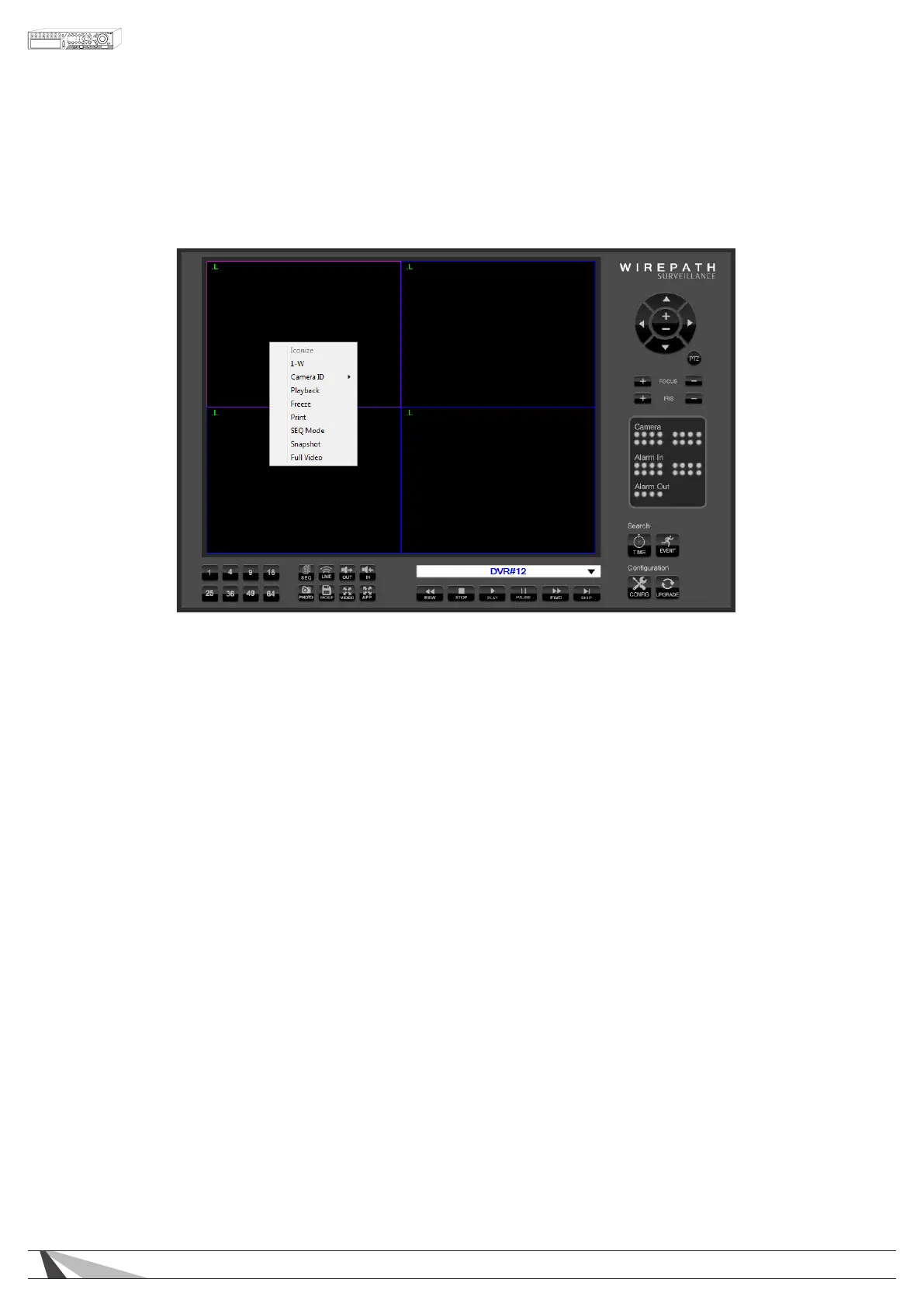
9.2.1. SPLIT-WINDOW OPTION MENU
Right click on any split-window to display the Split-Window Option Menu.
Thefollowingisabriefdescriptionforeachiteminthismenuanditsspecicoperations:
• 1-W
When in a split-window view, expand the focus window camera to ll the entire video window. When in a
single-window view, uncheck this item to return to the previous split-window view.
• CAMERAID
Change or rearrange the current view by selecting a different camera to appear in each window. If
multiple DVRs are connected, cameras from other DVRs can be displayed simultaneously.
• PLAYBACK
Begin Playback for the current camera window
• FREEZE
Freeze the Video
• PRINT
Print a picture of the current video window
• SEQMODE
Enable Sequence mode
• SNAPSHOT
Take a Snapshot of the video and save it to the local PC
• FULLVIDEO
Expand the current split-window for single window view to ll the entire display and hide all controls



 To Next Page