84
WPS-365-DVR-9CH & 16CH Installation and Users Manual
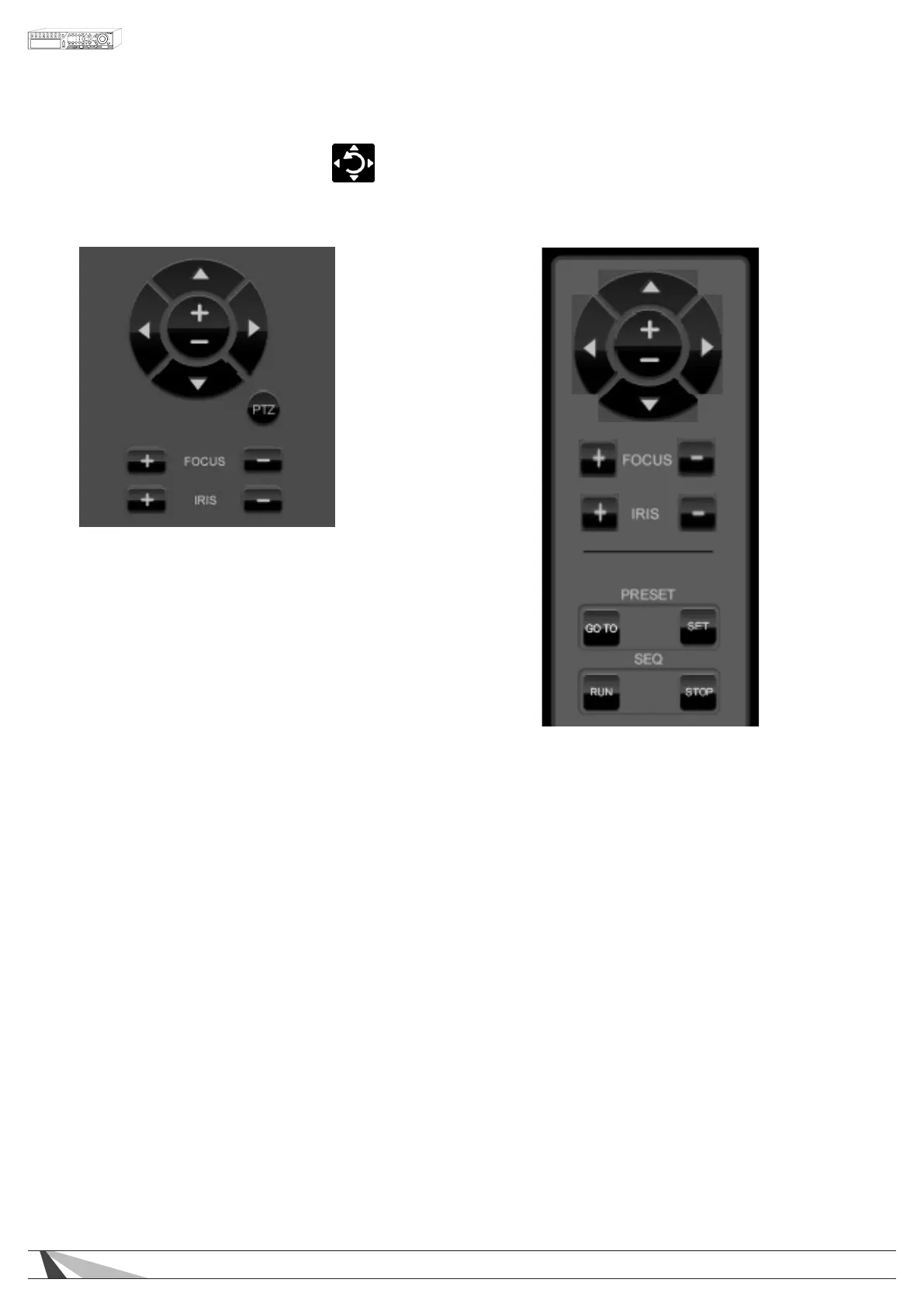
9.2.7. PTZ CONTROL PANEL
If the camera in the focus window is a Pan/Tilt/Zoom camera, use the buttons on the user interface to operate
basic PTZ features.
For more control, display the PTZ Control
Panel by clicking on the PTZ Panel icon.
Move the panel by clicking and dragging
the panel to the desired location.
To hide the menu, click on the PTZ Panel
icon again.



 To Next Page