15
WPS-365-DVR-9CH & 16CH Installation and Users Manual
4. MAIN SCREEN AND BASIC OPERATIONS
The following sections (Sections 4-6) relate to the display output from the HDMI, VGA or BNC connection. For
Remote Access operation using Internet Explorer see Section 9.
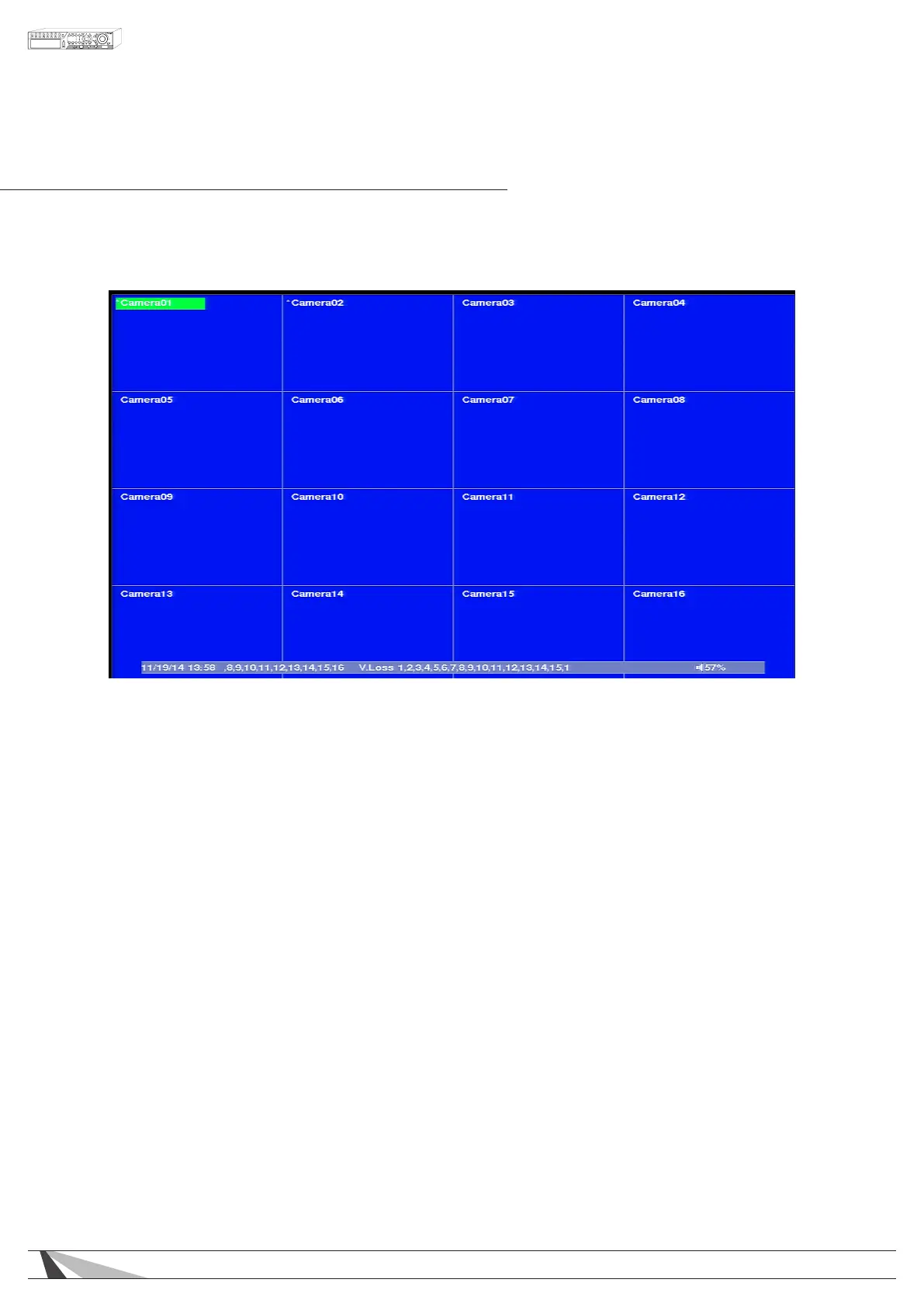
The split-window screen is the main screen displayed after system startup. There are several types of split-
window screens including 1, 4, 7, 9, 10, 13 or 16 window grids (as described in Section 4.3). In addition to the
split windows, a System Status Bar is displayed at the bottom of the screen. Time is displayed in the lower-left
corner while system status is displayed in the lower-right corner. Scrolling screen messages are displayed when
certain events occur.
The System Status Bar offers the following information:
• SEQ display – SEQ icon shown for SEQ display ON
• Backup state – Backup icon shown for backup
• Manual record – REC icon shown for ON,
• Zoom states – X2, or X4
• Mute state – Speaker icon visible when not muted; the icon will not be displayed in mute state
• Hard Drive recording percentage
• Video Loss – a message with the corresponding camera number scrolls from right to left
• Motion Detection – a message with the corresponding camera number scrolls from right to left
• Current date and time
In the top left of each camera the following information is displayed:
• Camera Title – name of the camera
• Recording icon – indicates video is being recorded
• Motion icon – indicates motion detected for this camera
• Alarm icon – indicates an alarm that has been associated with corresponding camera has been triggered
In split screen windows, the “focus” camera is indicated by a green or red box around the cameras title.
Green indicates live video, and red indicates recorded video that is being played back.



 To Next Page