Relio 4.2.x User Manual – 07/2015
Page 14
Head Office : Parc d’activites Kennedy - 20, avenue Neil Armstrong – 33700 Bordeaux-Merignac (France)
Tel +33 (0)5 57 928 928 – Fax +33 (0)5 57 928 929 – contact@worldcastsystems.com – www.worldcastsystems.com
3.5. Connecting the breakout panels
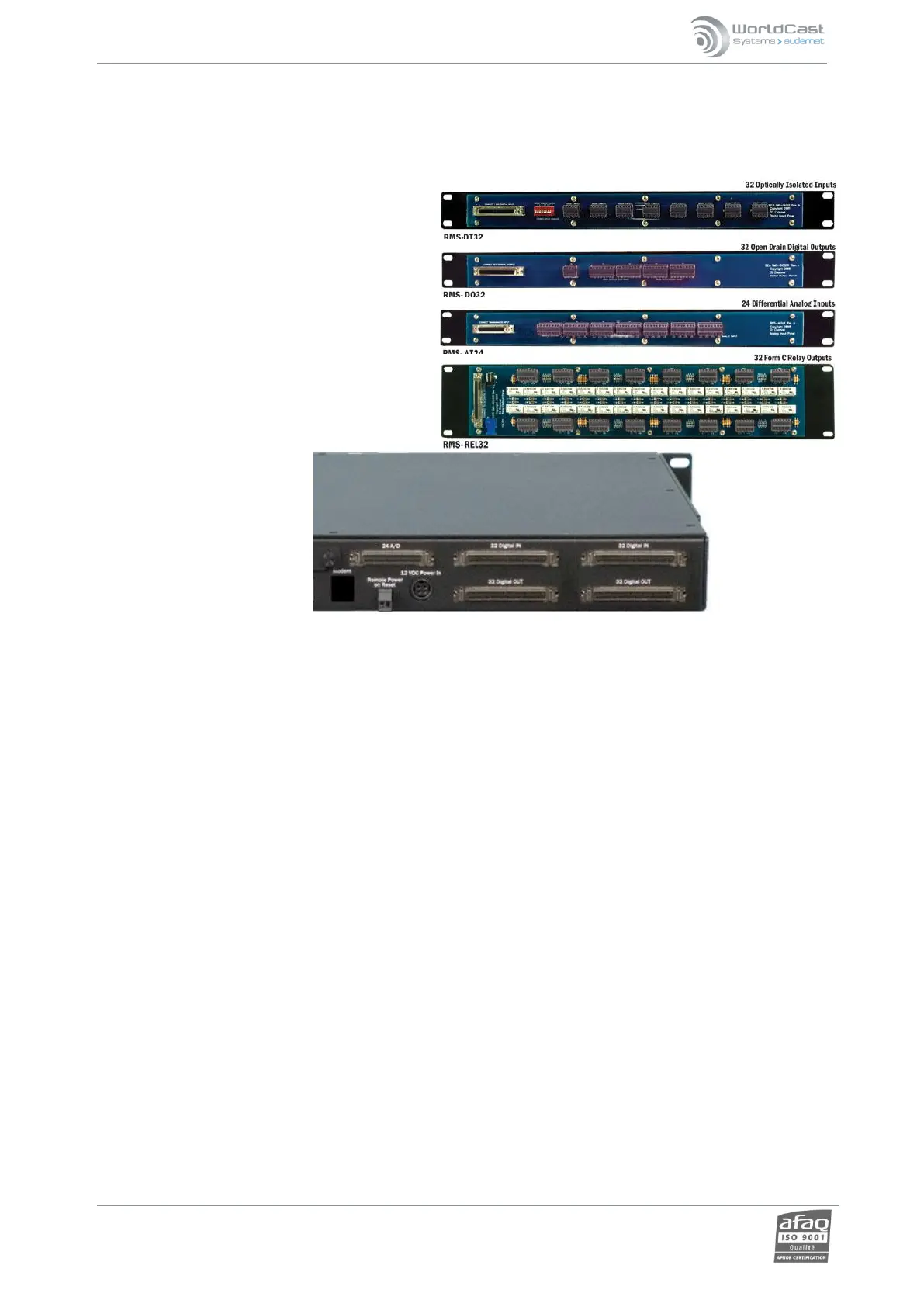
There are several different panels available to facilitate the connection of the I/Os of the Relio to external
equipment.
Analog input connector boards and Digital input
connector boards are fairly self-explanatory. Newer
Digital Input boards come with a small power
supply to provide easily accessible voltage to drive
the opto-isolators. For Digital (control) outputs, two
different options are available: a simple breakout
board that allows direct access to the open
collector outputs from the Relio, and a Relay
output board populated with SPDT relays. This
board comes with a separate power supply to
power the relays.
All of the breakout panels come with the high-
density latching connector SCSI cables needed to
connect them to the Relio.



 To Next Page