Relio 4.2.x User Manual – 07/2015
Page 16
Head Office : Parc d’activites Kennedy - 20, avenue Neil Armstrong – 33700 Bordeaux-Merignac (France)
Tel +33 (0)5 57 928 928 – Fax +33 (0)5 57 928 929 – contact@worldcastsystems.com – www.worldcastsystems.com
4. USING THE EMBEDDED WEBSITE
Though the web application is compatible with most browsers, performances vary from one browser to
another. Below is a list of compatible browsers from the most performing to the less performing by operating
system:
Windows XP: Google Chrome / Mozilla Firefox
Windows Vista: Google Chrome / Mozilla Firefox
Windows 7: Google Chrome / Mozilla Firefox / Microsoft Internet Explorer 11
Windows 8: Google Chrome / Mozilla Firefox / Microsoft Internet Explorer 11
Mac (OSX 10.9): Google Chrome / Mozilla Firefox / Safari
Linux (2013): Google Chrome / Mozilla Firefox
iPad / iPhone (IOS 6.X, 7.0x): Apple Safari / Google Chrome
Android phone (4.4): Google Chrome / Mozilla Firefox
Connecting to the embedded web site can be done in http (standard mode) or https (secured mode). With
https, some browsers may display a message indicating that the connection is not certified. WorldCast
Systems cannot indeed certify your unit’s address; however, the connection is secured (data is encrypted) and
you may proceed to access it. Other browsers may block access to the site; you may then use an http
connection.
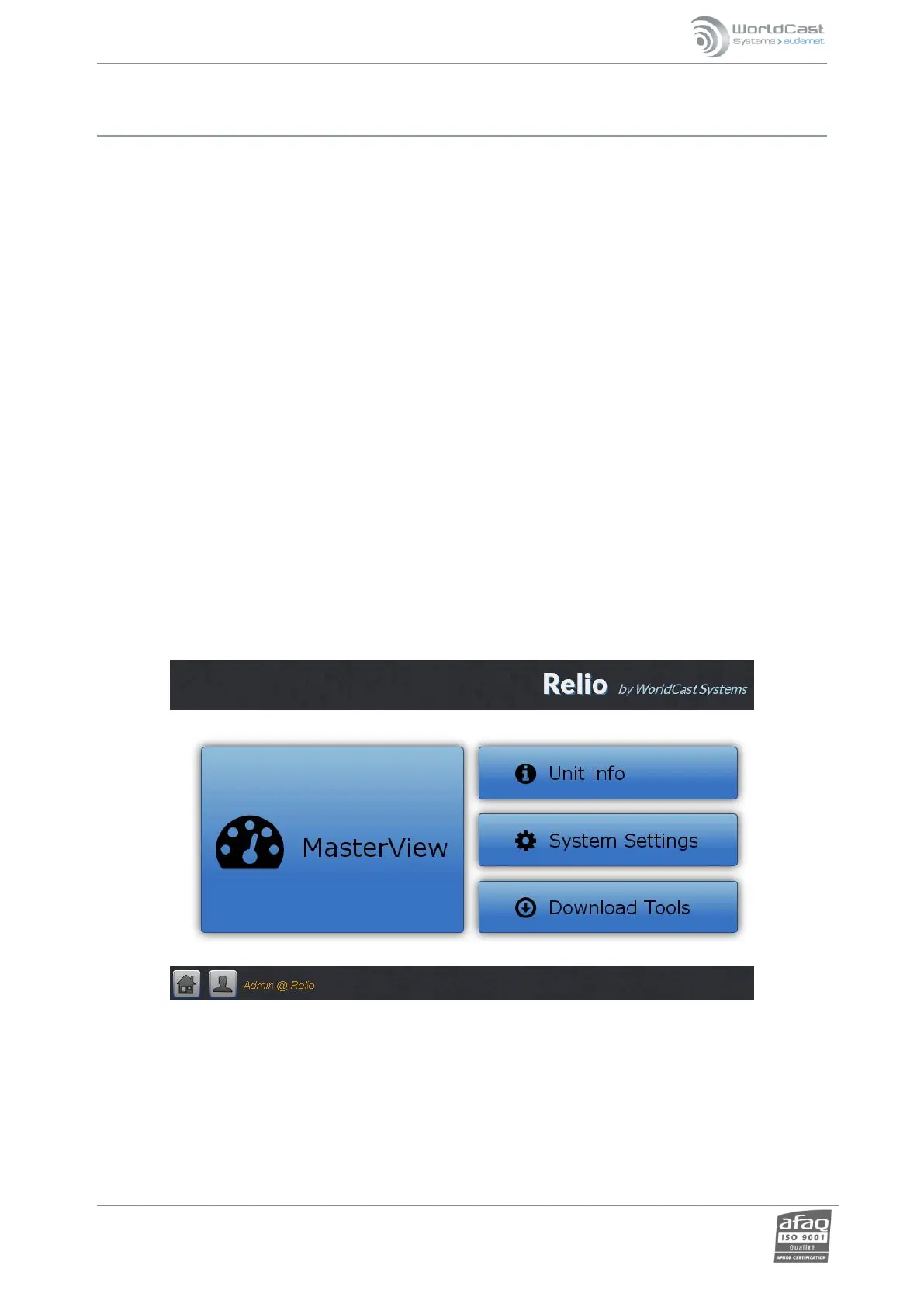
Open a Web browser and enter the IP address you just set via the front panel starting with the chosen protocol:
http://IP_address or https://IP_address
Default Login and Password: “Admin” / “admin”.



 To Next Page