Relio 4.2.x User Manual – 07/2015
Page 44
Head Office : Parc d’activites Kennedy - 20, avenue Neil Armstrong – 33700 Bordeaux-Merignac (France)
Tel +33 (0)5 57 928 928 – Fax +33 (0)5 57 928 929 – contact@worldcastsystems.com – www.worldcastsystems.com
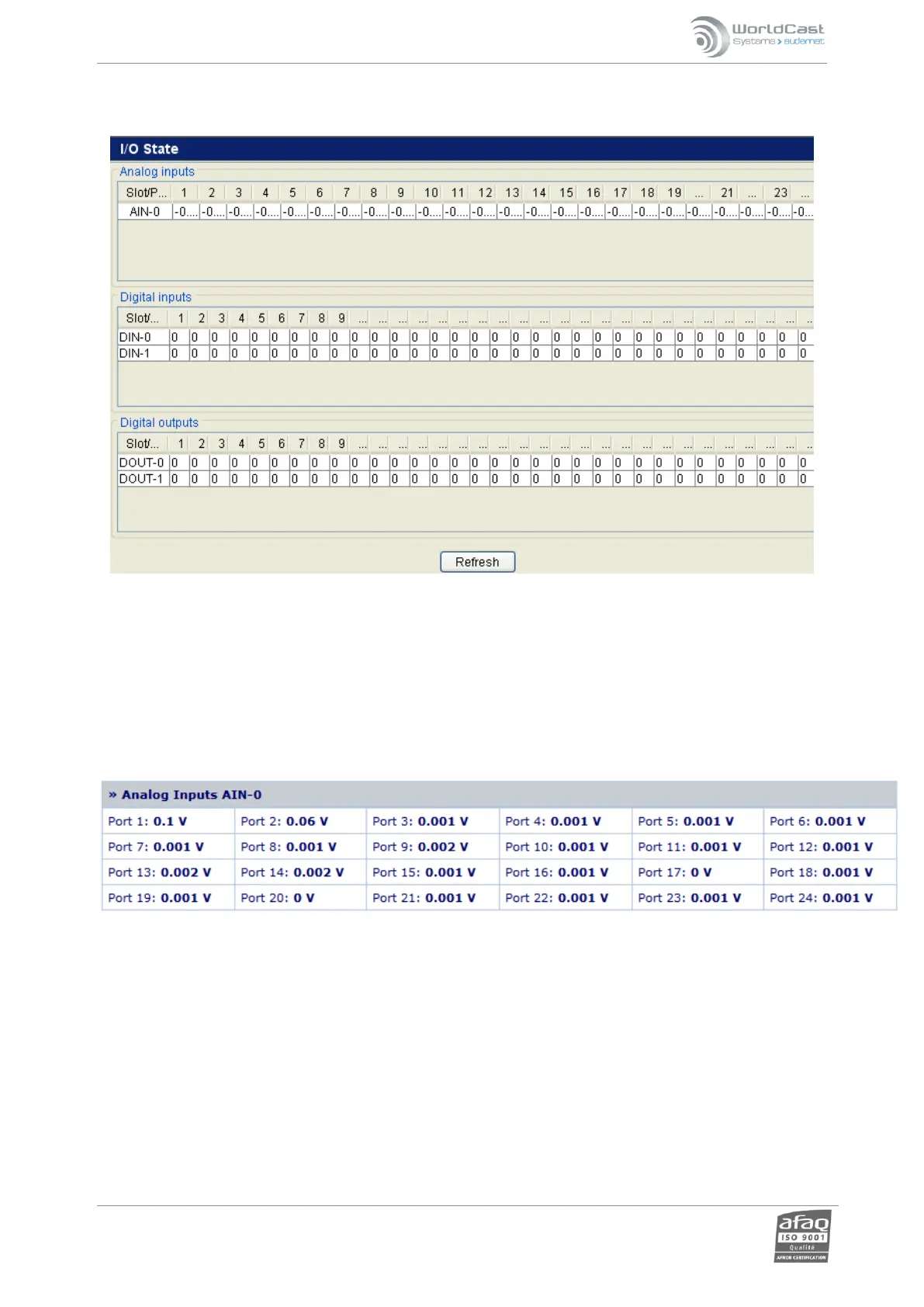
3.28. I/O State
On this page, view the state of inputs/outputs present in the system. It is refreshed automatically every 60
seconds.
NOTE: Due to the high density and high impedance design of the analog input circuitry, it is not unusual to see
small amounts of voltage bleeding from a connected input into adjacent inputs that are ‘floating ‘ – i.e. not
connected to anything. It is always a good idea to ground unused analog inputs, but in the case of the Relio, usually
grounding the first unused input will be sufficient to reduce phantom voltage readings to negligible levels.
Remember to click the ‘Update’ button in each section to lock in any changes.



 To Next Page