Relio 4.2.x User Manual – 07/2015
Page 43
Head Office : Parc d’activites Kennedy - 20, avenue Neil Armstrong – 33700 Bordeaux-Merignac (France)
Tel +33 (0)5 57 928 928 – Fax +33 (0)5 57 928 929 – contact@worldcastsystems.com – www.worldcastsystems.com
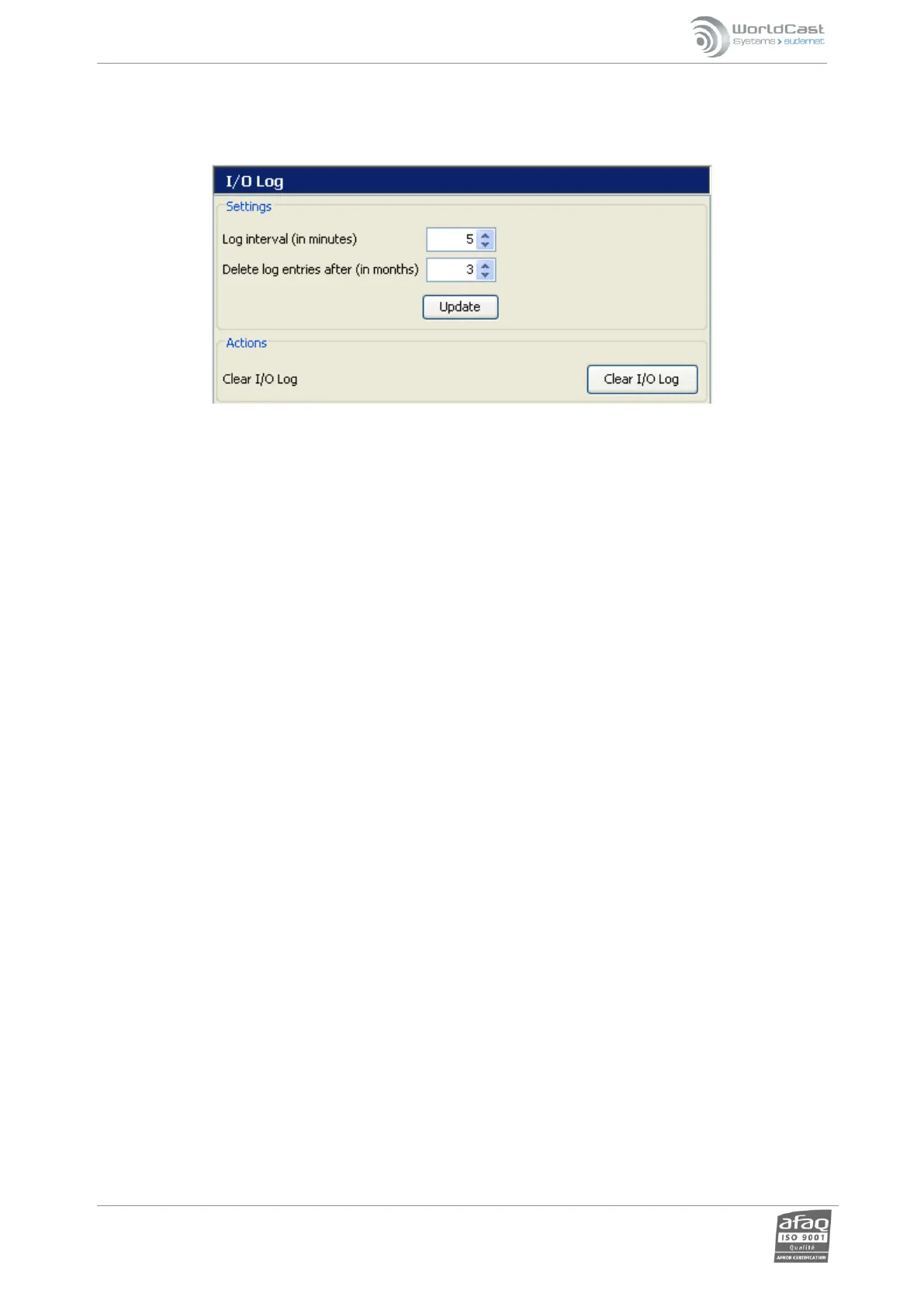
3.27. I/O Log Settings
Set parameters for the I/O log that the user can view in MasterView or ScriptEasy (see chapter 6).
Settings: set recording frequency and length of time event logs are kept.
Actions: clear the logs.



 To Next Page