Relio 4.2.x User Manual – 07/2015
Page 33
Head Office : Parc d’activites Kennedy - 20, avenue Neil Armstrong – 33700 Bordeaux-Merignac (France)
Tel +33 (0)5 57 928 928 – Fax +33 (0)5 57 928 929 – contact@worldcastsystems.com – www.worldcastsystems.com
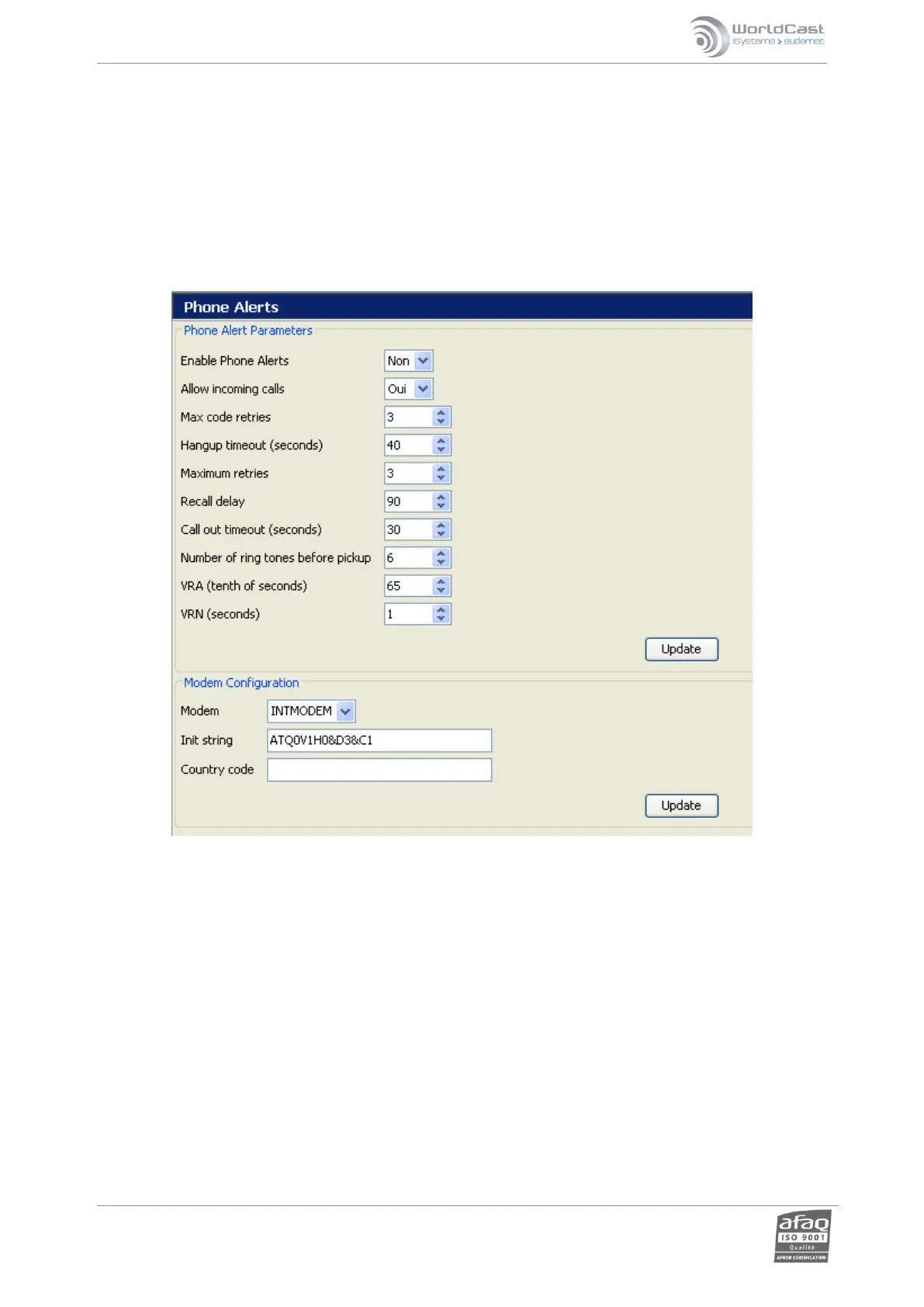
3.19. Phone Alerts
! You cannot use Phone Alert and Voice/DTMF functions if PPP connections are enabled!
When configuring from ScriptEasy, enabling one function will disable the other function’s tab. After disabling
a function, you’ll need to close the system configuration pages and open them again to enable the tab you
need.
The Relio comes equipped with a voice/DTMF modem built in. This is the page of the embedded website where
the user can configure the settings for sending the phone alerts. Please see the User page (section 3.13) and the
ScriptEasy manual for more details on this function.



 To Next Page