Relio 4.2.x User Manual – 07/2015
Page 47
Head Office : Parc d’activites Kennedy - 20, avenue Neil Armstrong – 33700 Bordeaux-Merignac (France)
Tel +33 (0)5 57 928 928 – Fax +33 (0)5 57 928 929 – contact@worldcastsystems.com – www.worldcastsystems.com
6. VIEWING THE LOGS
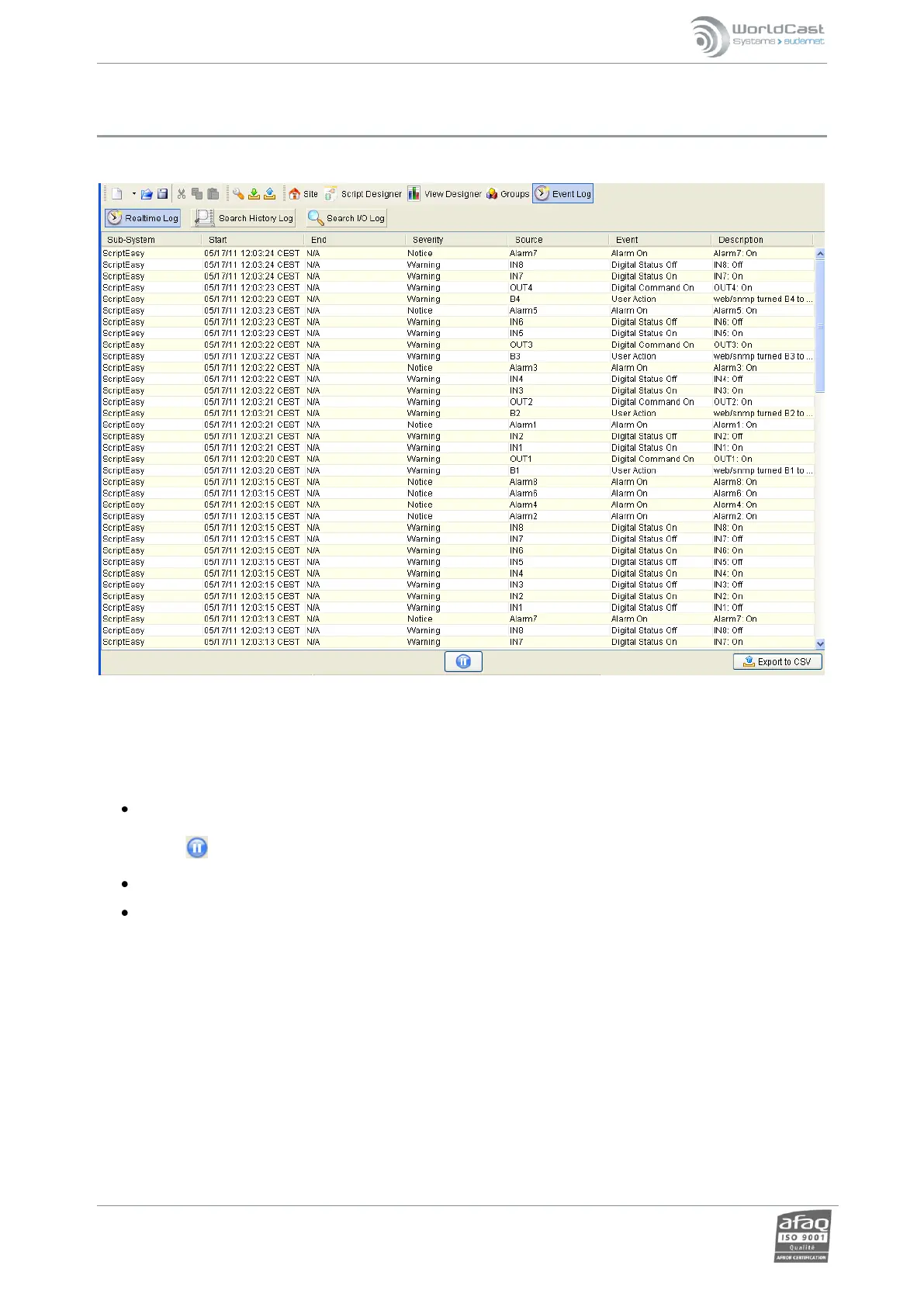
Open MasterView (PC application) or ScriptEasy, connect to your Relio and click the “Event Log” button.
Three logs are available:
Realtime log: list of current events. The following information is listed: sub-system, start and end time,
severity, event type and description. The list is refreshed automatically; it is however possible to pause
using .
History Log: historical event list. Display the “Support” page to clear this log (see section 5.12).
I/O Log: input or output event list. Date, sub-system, I/O name, value and unit are displayed. Recording
frequency, time during which records are kept and the ability to clear the log are set in the ‘I/O log’ page of
the system configuration section (see section 5.18).



 To Next Page