Relio 4.2.x User Manual – 07/2015
Page 48
Head Office : Parc d’activites Kennedy - 20, avenue Neil Armstrong – 33700 Bordeaux-Merignac (France)
Tel +33 (0)5 57 928 928 – Fax +33 (0)5 57 928 929 – contact@worldcastsystems.com – www.worldcastsystems.com
Searching data:
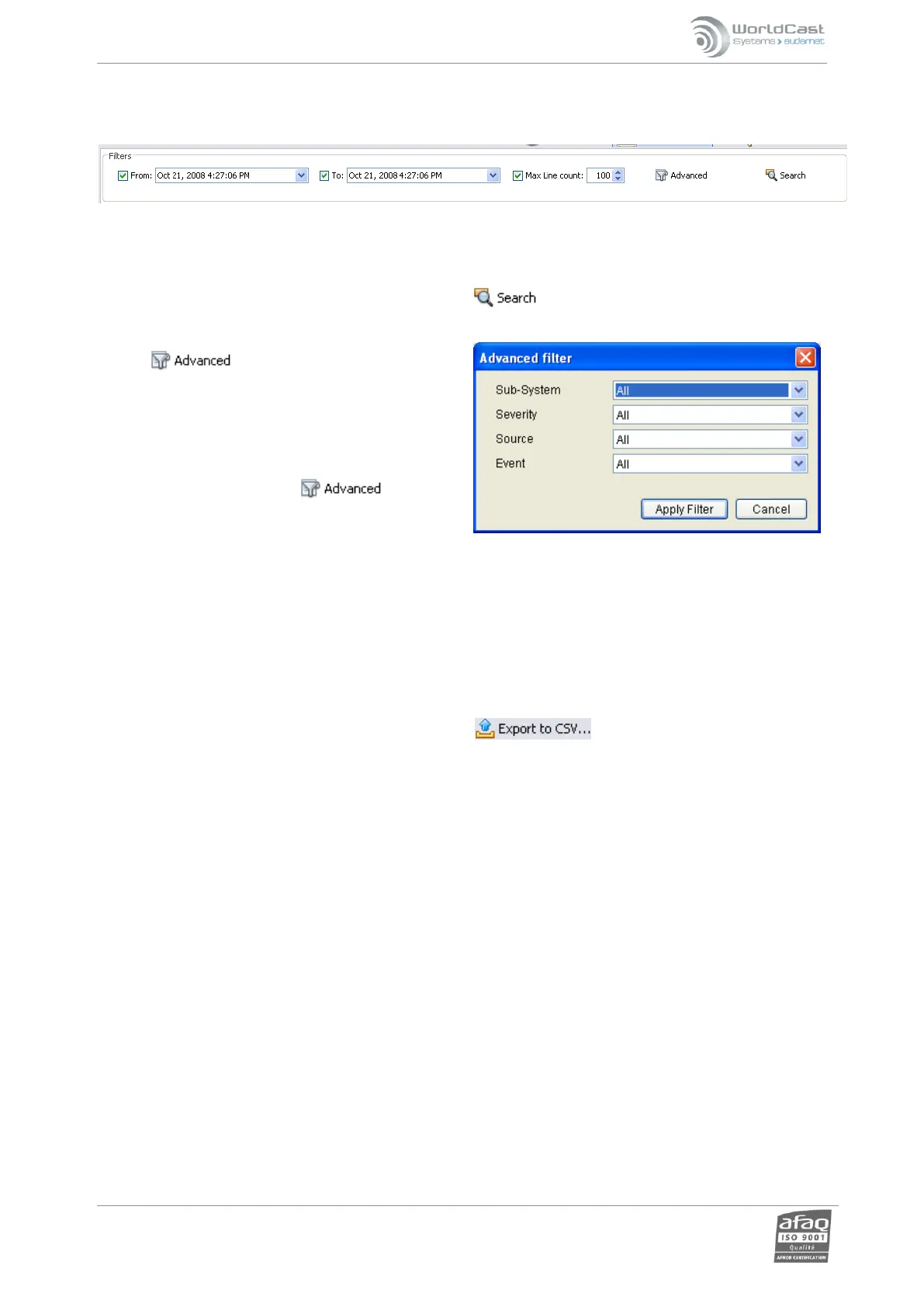
When selecting the history log or the I/O log, the filter configuration window is available:
It allows the user to select events for a limited time frame and to select the number of events to display. Warning:
If the Max line count is 30, only the 30 first events will be listed (this number is not a ‘per page’ number).
For date criteria, enter the start and end dates and click on to display the events.
Use the button for additional search
parameters. It opens a dialog box that makes it possible
to filter by sub system, severity, source AND event type.
Click on ‘Apply filter’.
The criteria appear in the filter section.
To deactivate the filter, click on a 2
nd
time,
filtering criteria disappear, and click on ‘Apply filter’
again.
‘Auto’ filters are also available for most columns.
Data export:
With all logs, data can be exported in csv format by clicking . A filtered list will be exported as is.



 To Next Page