Ci7 XX0 BENCHTOP S P ECTROPHOTOMETER
45
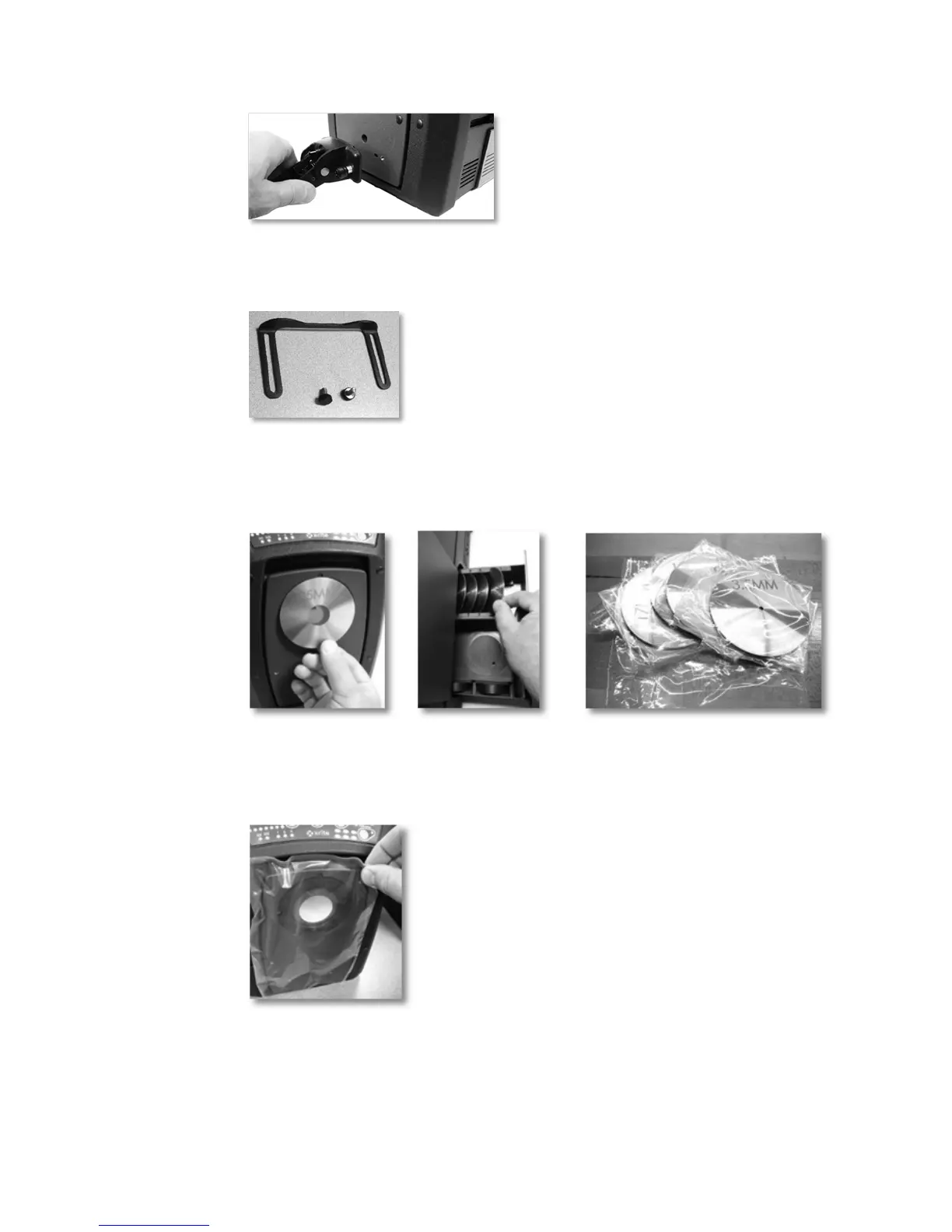
d. Package sample shelf (if installed on your instrument).
i. Loosen thumb screws and remove sample shelf from front of instrument.
ii. Place in plastic bag and tape shut (if available from original packaging).
e. Bag all aperture plates.
i. Remove and package all apertures from instrument drawer and front of instrument.
ii. Place each aperture into its own bag (if available from original packaging).
iii. Insert all of the bagged apertures into a single bag (combined).
f. Install protective bag over instrument’s front plate.
i. Open front sample door from top (not through sphere opening).
ii. Slide protective bag over front plate (if available from original packaging).
iii. Close sample door.
g. Insert rubber shim on door latch (if available from original packaging).
i. Lift top door latch and rotate to lock in the “up” position.
ii. Install shim. If shim is not available, simply leave the door latch in the locked
“up” position.
iii. Slide door completely shut.



 To Next Page