RM200QC User Manual
22
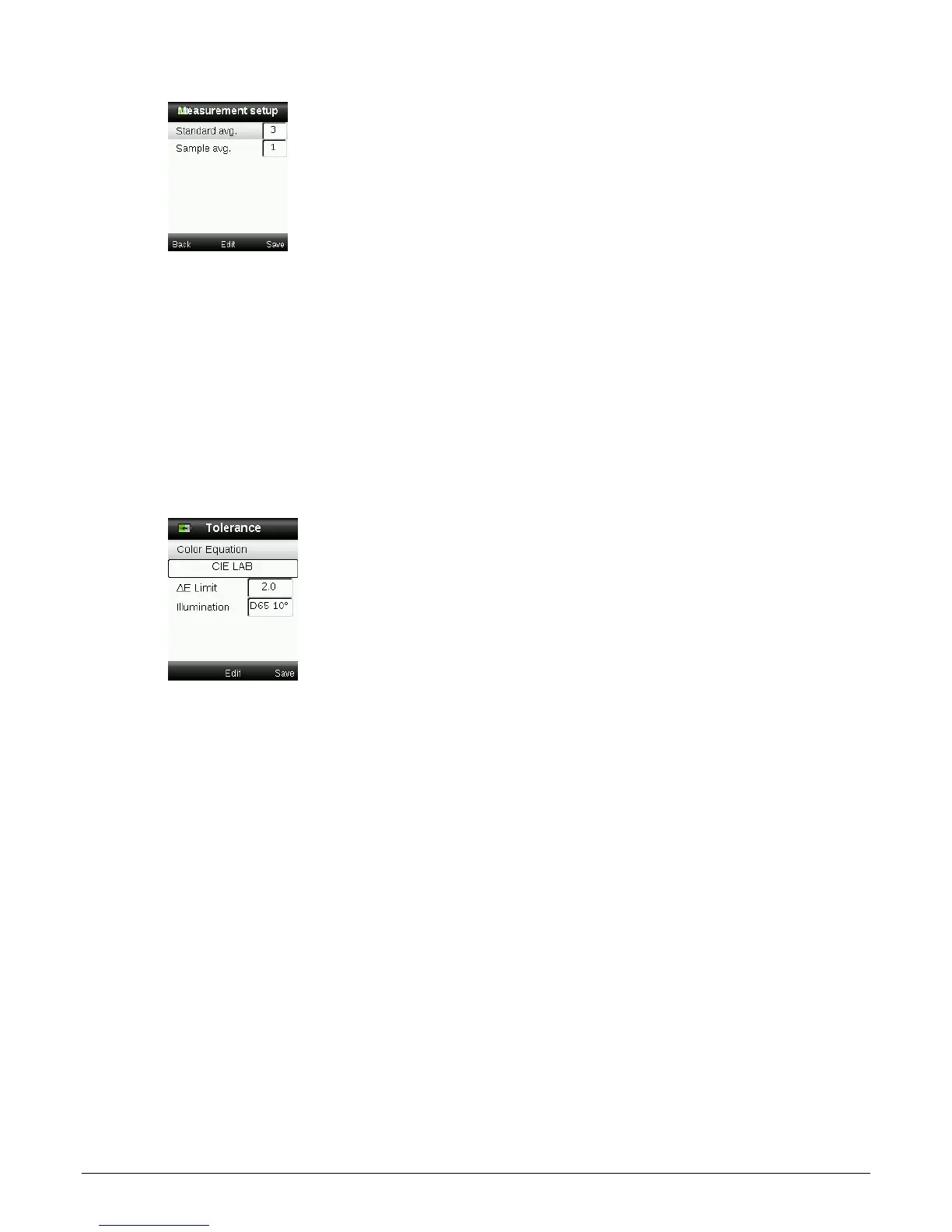
4. When finished, press the right side of the Navigation control (Save) to go to the Settings
window.
Tolerance
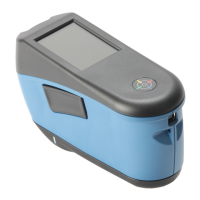
The tolerance option is used to set the global tolerance for all standards and samples.
1. Select Color Equation by pressing the up and down sides of the Navigation control, and
then press the Enter (Edit) button.
2. Press the up and down sides of the Navigation control to toggle through CIE LAB, CMC, CIE
94, and CIE 2000.
3. Press the Enter (Select) button to set the selection.
4. Select ∆E Limit by pressing the up and down sides of the Navigation control, and then press
the Enter (Edit) button.
5. Press the up and down sides of the Navigation control to set the limit value between 0.8 to
10.0 ∆E (the lowest value of 0.8 is applied in accordance to the device limitations).
6. Select Illumination by pressing the up and down sides of the Navigation control, and then
press the Enter (Edit) button.
7. Press the up and down sides of the Navigation control to select D65 10° or A 10°.
A/10°: represents an incandescent light source with a 10° wide view standard observer.
D65/10°: represents noon daylight with a 10° wide view standard observer.
8. Press the Enter (Edit) button to set the selection.
9. When finished, press the right side of the Navigation control (Save) to go to the Settings
window.














 To Next Page