CAMERA SYSTEM (LooksCAM2) 10 www.xenosys.co.kr
WARNING:
Components may change for safety and better performance without prior notice.
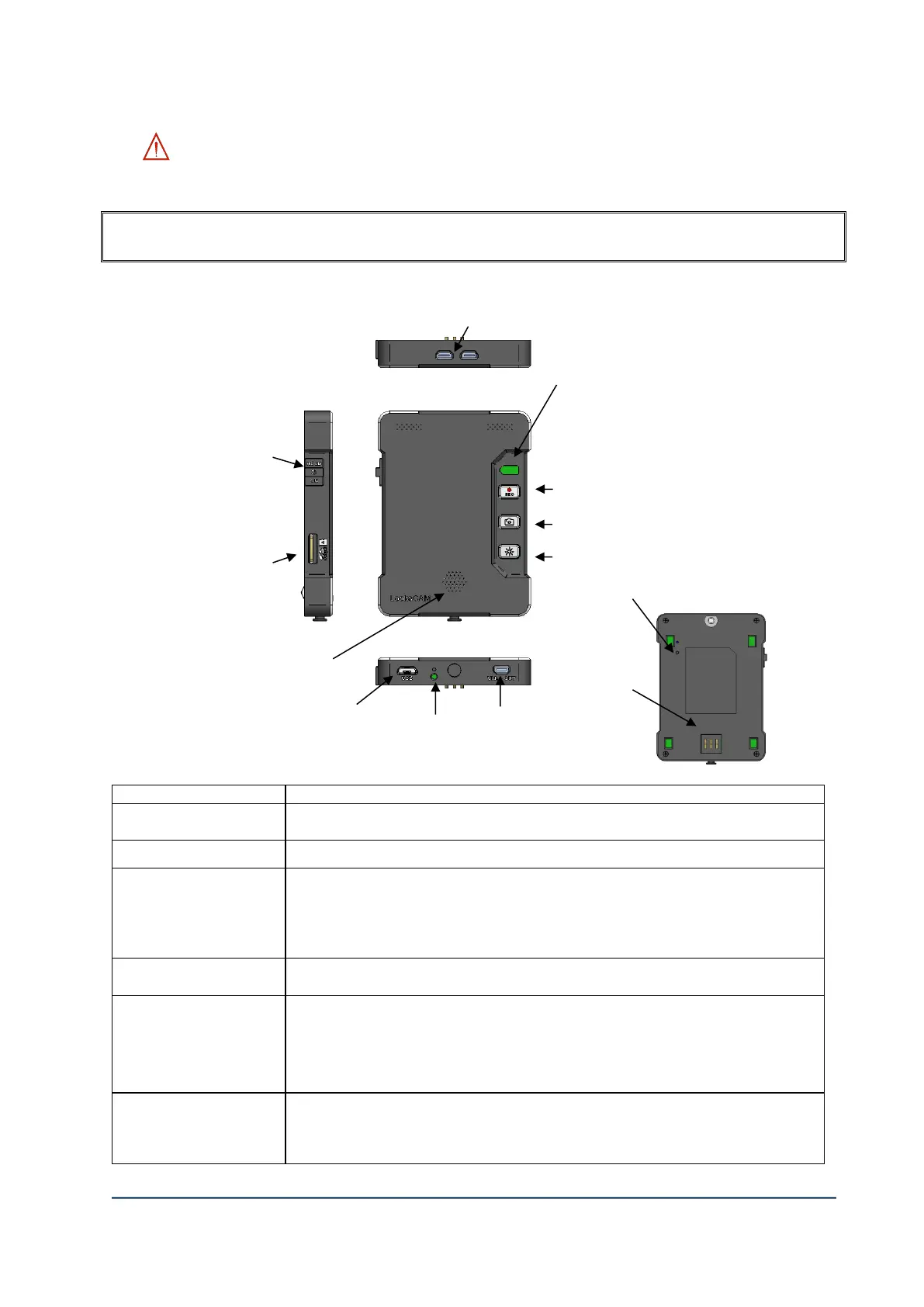
EACH COMPONENT & FUCNTIONS
1. Main Body (Camera Control Unit, LC2-CU)
If you press 1 second, the device will reboot. If you hold this key for 5 seconds, all settings
will be initialized for factory set up and SC card will be formatted.
Connection port with head assembly unit cable
LED status color and battery operating time (3 step will be used for recording & light)
1. Fully charged Green LED on (3 hours 30 minutes)
2. Orange LED on (2 hours 30 minutes)
3. Blinking Orange LED (1 hour)
4. When Orange LED blinking fast 2 minutes then turn off.
Power ON/OFF: Hold the button to downward (1 second)
When you move the power switch to upward, all buttons of main body will not work.
Video Recording Start / Stop Button
REC LED ON: System initialization completed
REC LED Blinking: Video Recording is in process
REC LED OFF: Ongoing of system initialization or malfunction
Quick press for one snapshot, Hold for continuous shots
Snapshot Button LED ON: WiFi On, Possible to connect viewer
Snapshot Button LED OFF: WiFi Off, Not possible to connect viewer
⑬ Battery power
Input pin



 To Next Page