CAMERA SYSTEM (LooksCAM2) 14 www.xenosys.co.kr
Paring Set Up
1. Connect USB cable to main body (LC2-CU).
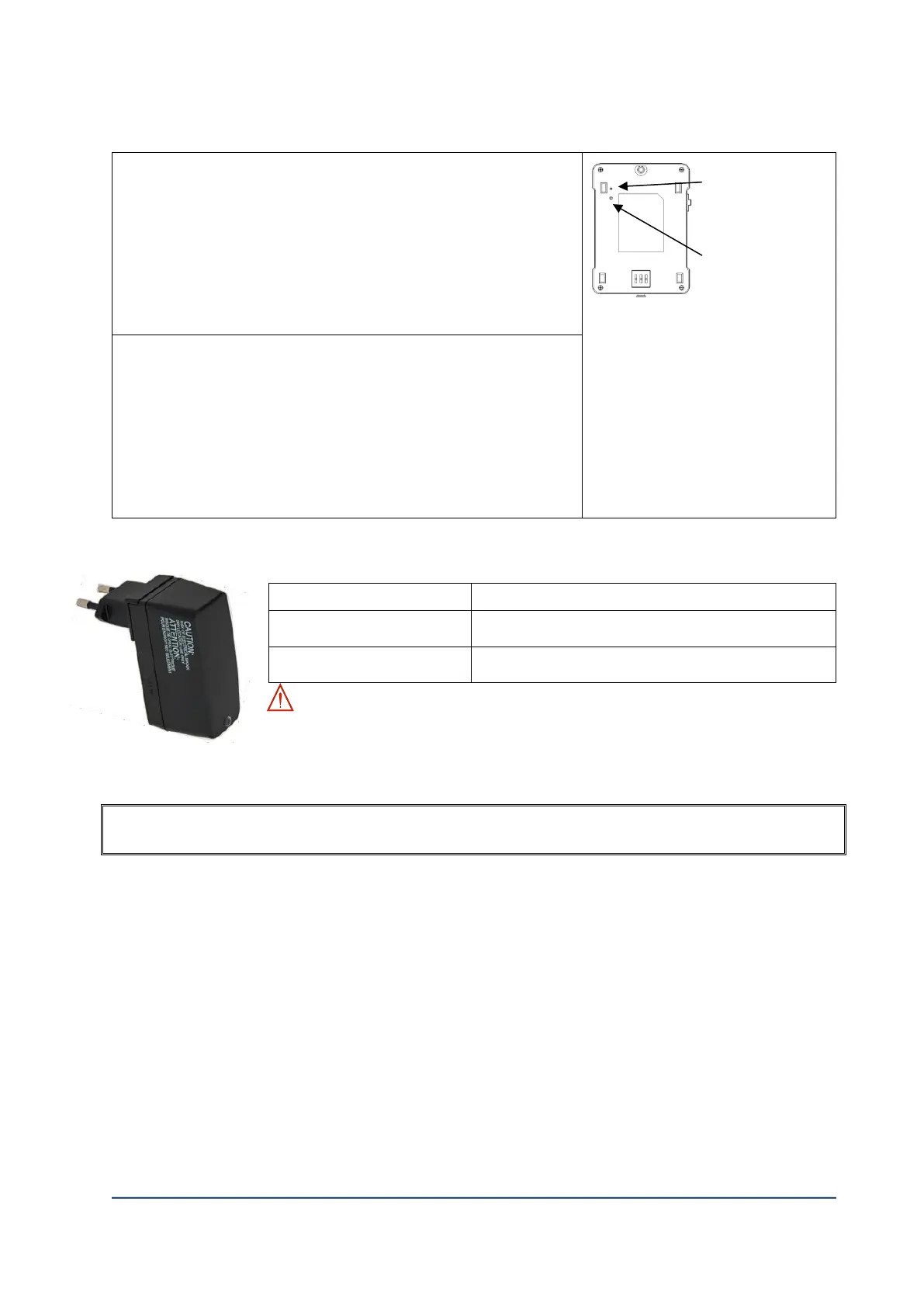
2. Main body (LC2-CU) power on
3. Press the paring switch quickly, then LED on the backside of
main body will blink “Blue”
4. Press any button on remote controller -> Blue LED will blink
repeatedly
5. Pairing completed
A. You can use one remote
controller for several units by
pairing.
B. If the main body is released in
paring, it can be controlled by
several remote controllers.
Pairing Release
1. Connect USB cable to main body (LC2-CU).
2. Main body (LC2-CU) power on
3. Press and hold the pairing switch for 5 seconds -> Blinking
LED (Blue) on the back side of main body
4. Press any button on remote controller -> Blue LED will blink
repeatedly
5. Pairing release completed
5. DC Power Supply (FW8000MUSB05)
100/240 VAC, 50/60 Hz, 0.3A
Green LED light means normal power supply
WARNING: Charging the battery should be used with Xenosys provided DC
power supply. If any other similar power supply used for charging to cause the
malfunction or faulty, it will be charged for additional cost.
HOW TO USE
1. Preparation before use
1) Unpack the box and check components quantity and external figures are good or not.
2) Read the manual to fully understand how to use.
3) Charge the battery pack before use and must use Xenosys provided DC Power Supply
(FW8000MUSB05).
2. How to use and control
1) Check Micro SD is imbedded & assembled.
2) Assemble the main body and fully charged battery pack.
3) Connect head assembly unit to main body and check the connection status.



 To Next Page