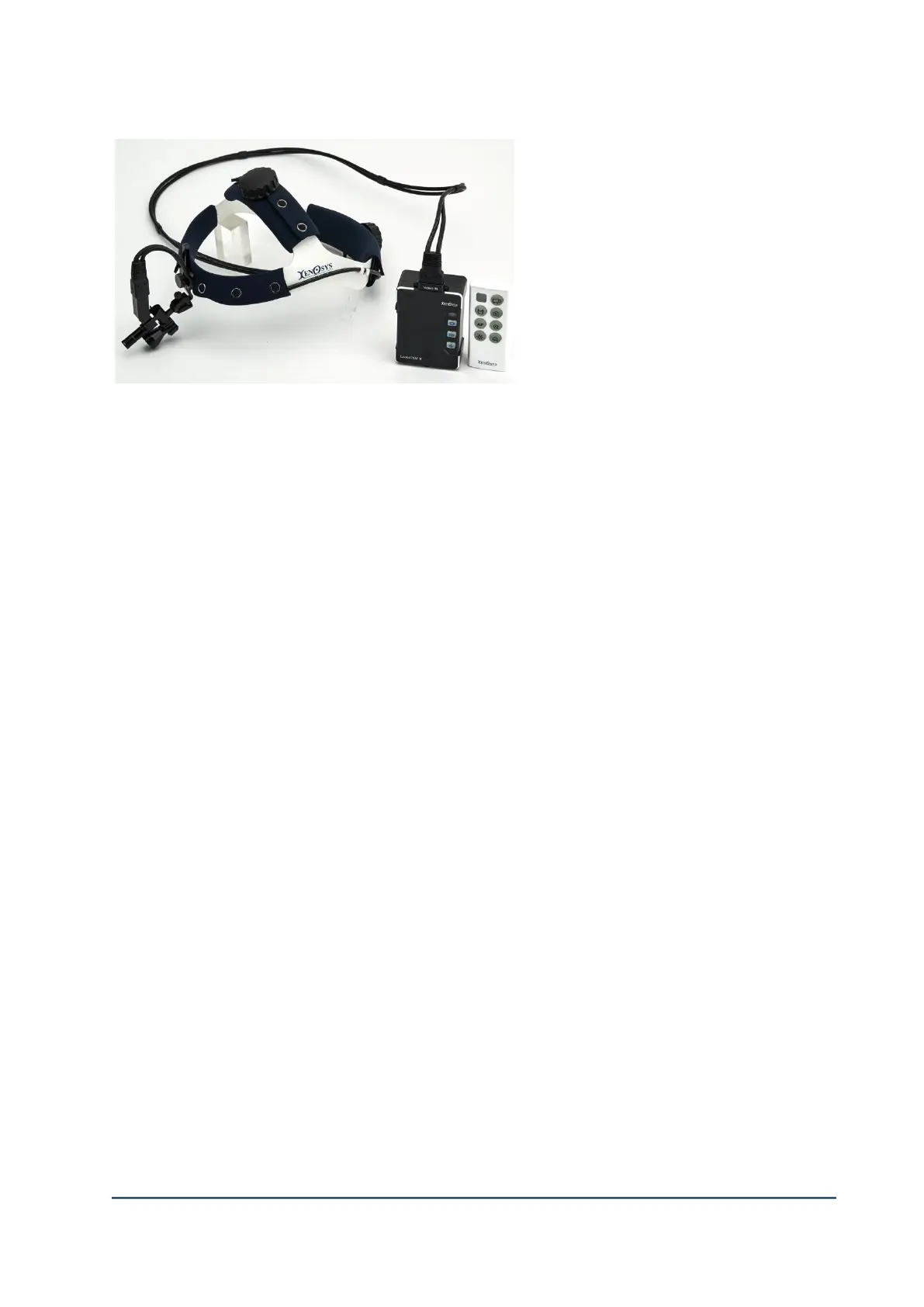
CAMERA SYSTEM (LooksCAM2) 15 www.xenosys.co.kr
4) Fix the headband by using clamp.
5) Check the camera alignment or video,
connect video out cable to HMDI to
find or connect wifi via tablet.
6) Press and hold ON/OFF button for 1
second to boot, press and hold button to
downward for 3 seconds will make power
OFF. If you wish to NOT to make any
button to be operated, move the button to
upward to make HOLD mode, then only operated by remote controller. To move the button
downward make HOLF mode OFF.
7) After booting complete, REC button will turn on, then you can start recording by pressing REC
button.
8) LED button on main body/remote controller will do ON/OFF. You can change light intensity at
viewer configuration “LED LIGHT”.
9) If you wish to finish recording, press REC button will make LED button blinking then finish
recording.
10) You can turn off by pressing & holding the button to downward for 3 seconds.
11) Refer to main manual for detailed operating methods.
3. Storage and maintenance
1) Make clean the product after usage to be ready for next use.
* Clean with cleaning cloth included in the box for external cleaning. Use slightly dipped
neutral detergent if it’s dirtier. DO NOT make any humidity or water into the main body.
2) Store in a place where there is no possibility of affecting this product by containing air
pressure, temperature, humidity, ventilation, daylight, dust salt, and ion.
3) Store in safe place from slope, vibration, and impact.
4) Avoid storage area where chemicals or generating gas.
5) If any problem of faulty, stop using it and ask nearest distributor or agent for repairs.
6) DO NOT disassembly, repair, or remodel.



 To Next Page