CAMERA SYSTEM (LooksCAM2) 27 www.xenosys.co.kr
2. How to install the Viewer
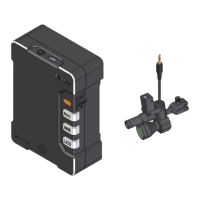
1) You can check real time video of main body (LC2-CU) by tablet PC Viewer.
2) Recommended Viewer specifications (Firmware, Hardware, Memory, and etc)
Android – RAM: 1.0 GB (Recommended more than 2GB)
More than Android OS 7.0
Monitor Resolution more than 1440 × 2560
iOS – More than iOS 11.0
More than IPhone 6
More than IPad 2 Retina
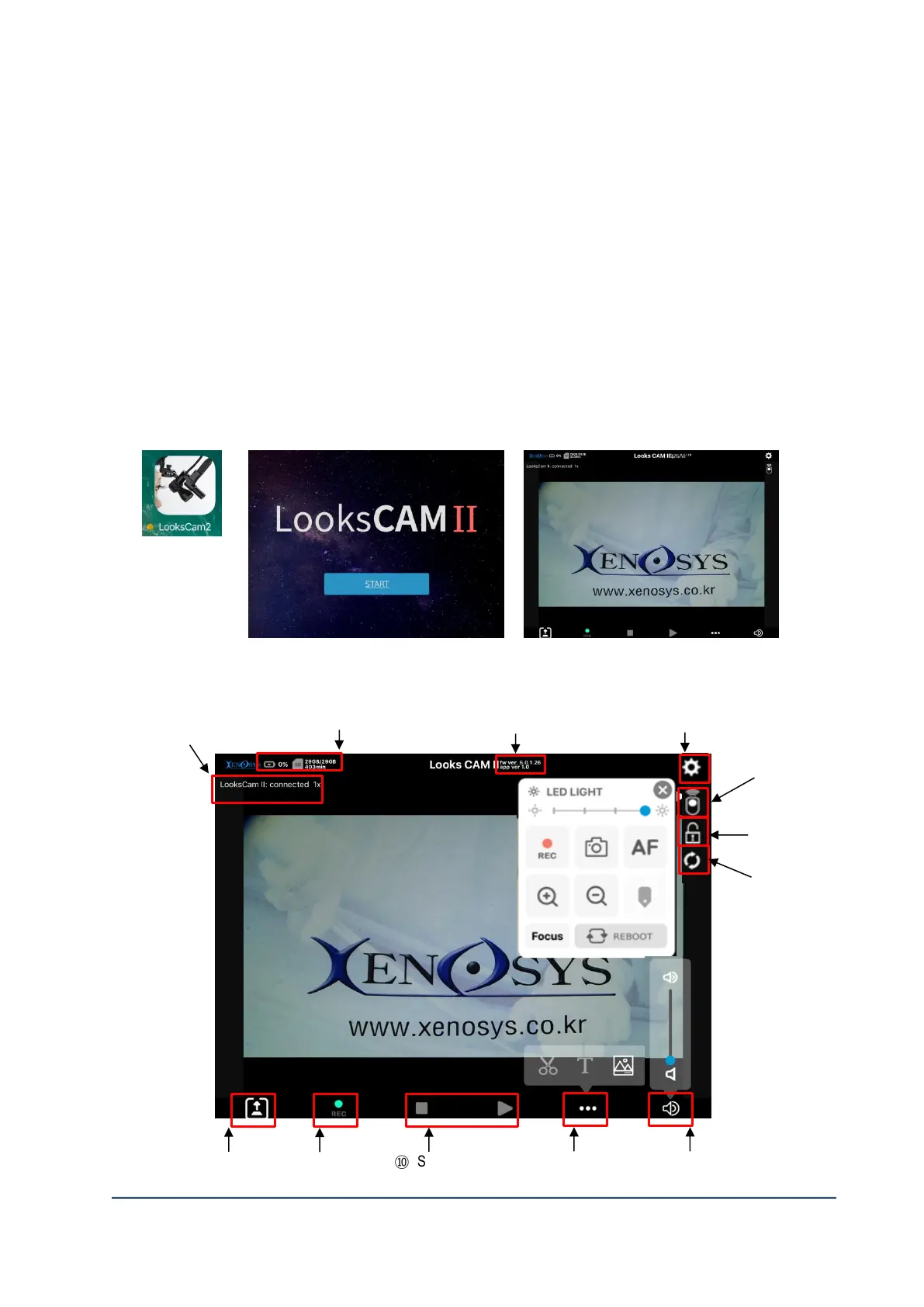
3) Install the application: Android at Playstore, iOS Appstore to find “LooksCAM2”.
3. Features & Fuctions of Viewer
① Network & Status of screen
Recording
(Android/iOS)
Screen (Live or file play)
Refresh


 To Next Page