CAMERA SYSTEM (LooksCAM2) 23 www.xenosys.co.kr
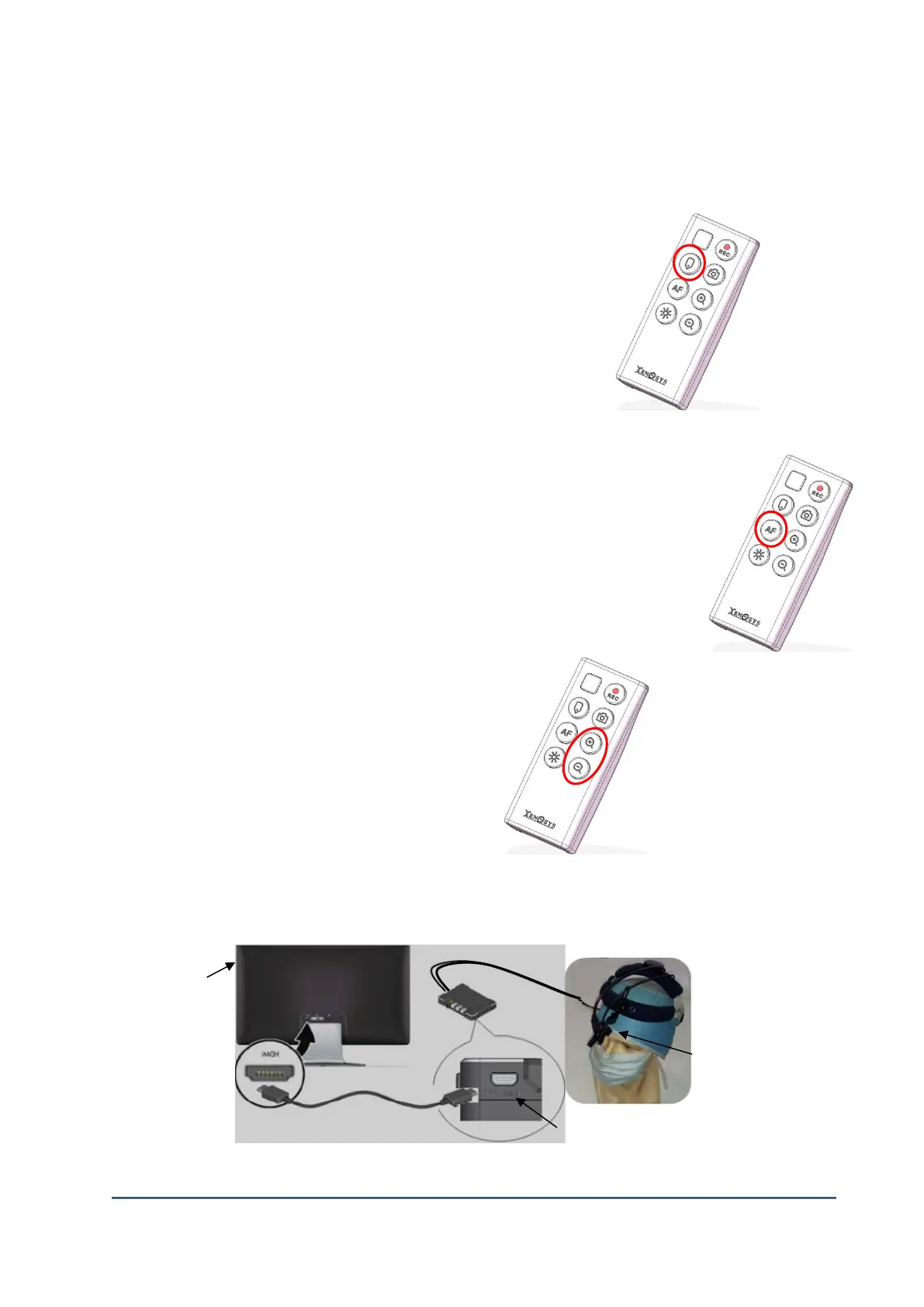
5. Insert the Highlight Tag
1) Special Tag will be inserted on recorded files, if you press
Highlight tag button.
2) You can easily find the important moment by using highlight
Tag function.
6. Auto Focus
Focus on special object automatically.
You can choose among 2 modes in configuration setting (config.exe).
1) Fixed Mode: Focus will be fixed on user’s chosen working distance(cm)
2) Continuous Mode: Focus will be automatically matched whilst working
7. Zoom-in & Zoom-out
1) Digital zoom-in and zoom-out function
There are 4 steps of magnifications
(1.0x 1.5x 2.0x 3.0x).
2) Not feasible while recording is on.
8. Check Video by Video-out port
1) Prepare TV with HDMI port and change the input to HDMI.
②Video-Out port of main body



 To Next Page