CAMERA SYSTEM (LooksCAM2) 24 www.xenosys.co.kr
2) Connect Video out cable to ②Video-Out of main body port.
3) Connect the head assembly unit to main body, and turn on while Micro SD card is inserted.
4) If the battery power is enough, system initialization will proceed, and then LED on [REC] button
will come up which is completed system initialization.
5) Video shown by camera will appear on TV with OSD (On Screen Display).
6) You can check real time video by Video-Out port
WARNING:
- There can be system malfunction possibility when you connect LC2-VOC during recording
or LC2-CU is power on. It is due to the difference between two devices electricity, so
connect LC2-VOC first then turn on the power of LC2-CU.
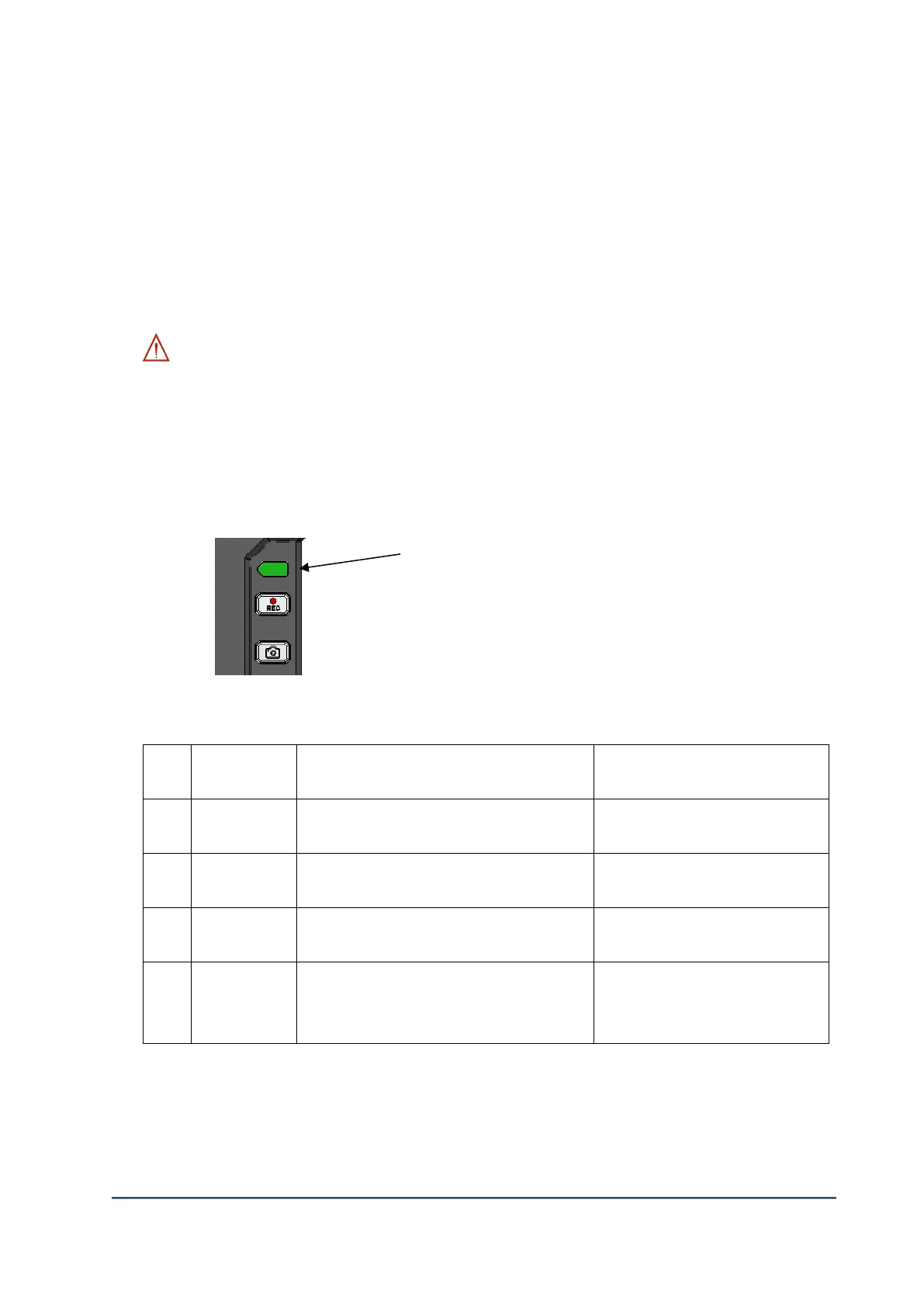
9. Battery Status LED
1) Battery status LED change and operating time by each step
(LED intensity 3 step, recording ON: 4 hours 20 minutes)
LED status color duration time for
each step
Operating time by LED status
color
4 hours 20 minutes
~ 3 hours 20 minutes
3 hours 20 minutes
~ 1 hours 20 minutes
About 1 hour then 1 warning sound
1 hour 20 minutes
~ 20 minutes
About 20 minutes then 1 warning
sound. After that shout down of power
off



 To Next Page