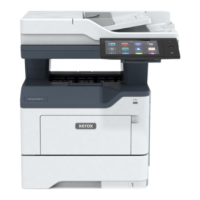
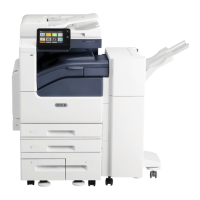
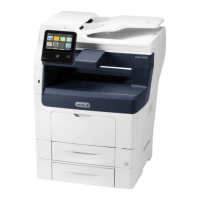
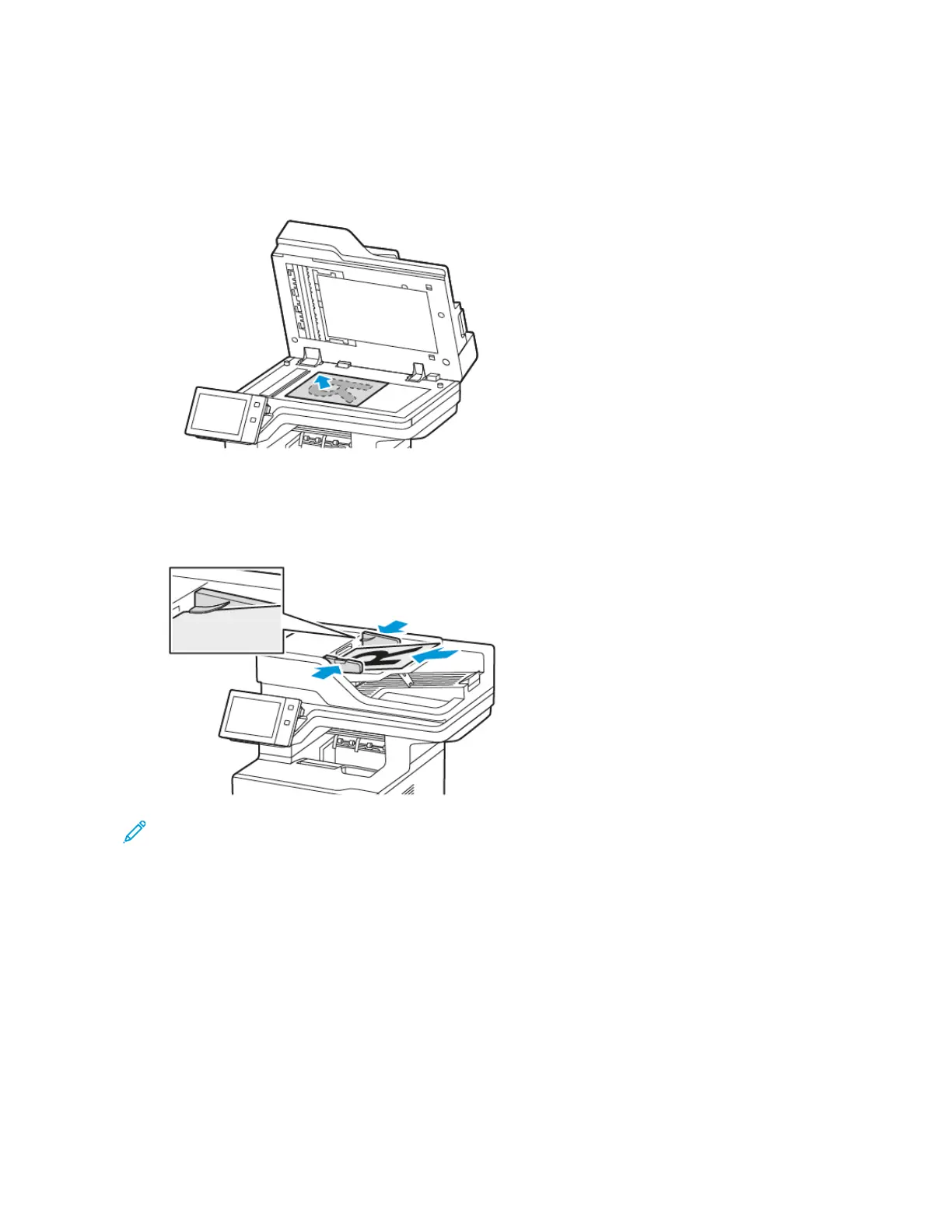
1. Load your original documents.
• For single pages or paper that cannot be fed using the duplex automatic document feeder, use the
document glass. Lift the duplex automatic document feeder, then place the original document face down in
the upper-left corner of the document glass.
• For multiple, single, or 2-sided pages, use the duplex automatic document feeder. Remove any staples and
paper clips from the pages. Insert the original documents face up in the duplex automatic document feeder
with the top of the page entering the feeder first. Adjust the paper guides so that they fit against the
original documents.
Note: When the original documents are detected, the automatic document feeder confirmation indicator
LED illuminates.
2. At the device control panel, press the HHoommee button.
3. Touch SSeerrvveerr FFaaxx.
4. To clear previous app settings, touch RReesseett.
148
Xerox
®
VersaLink
®
B625 Multifunction Printer User Guide
Xerox
®
Apps


 To Next Page
 Loading...