PM5D/PM5D-RH Owner’s Manual Reference section 241
Information shown
in the display
Function
menu
Global
functions
Output
functions
Input
functions
Appendices
dow appears, select one of the following choices to
copy, and click the OK button.
LEVEL COPY [ALL MATRIX ]
Copy the send level (pan) value of the selected grid to
all send level (pan) settings of the corresponding MIX
(or STEREO A/B) channel in the vertical direction of
the grid.
Note
If the selected grid is a send level, only the send levels will be
copied. If the selected grid is a pan value, only the pan values
will be copied.
LEVEL COPY [ALL MIX ]
Copy the send level (pan) value of the selected grid to
all send level (pan) settings of the corresponding
MATRIX bus in the horizontal direction of the grid.
LEVEL COPY [ALL MIX x ALL MATRIX]
Copy the send level (pan) value of the selected grid to
the send level (pan) settings of all MIX (and STEREO
A/B) channels and MATRIX buses.
ALL ON [ALL MIX ]
Turn on the signals sent from all channels (MIX,
STEREO A/B) to the corresponding MATRIX bus.
ALL OFF [ALL MIX ]
Turn off the signals sent from all channels (MIX,
STEREO A/B) to the corresponding MATRIX bus.
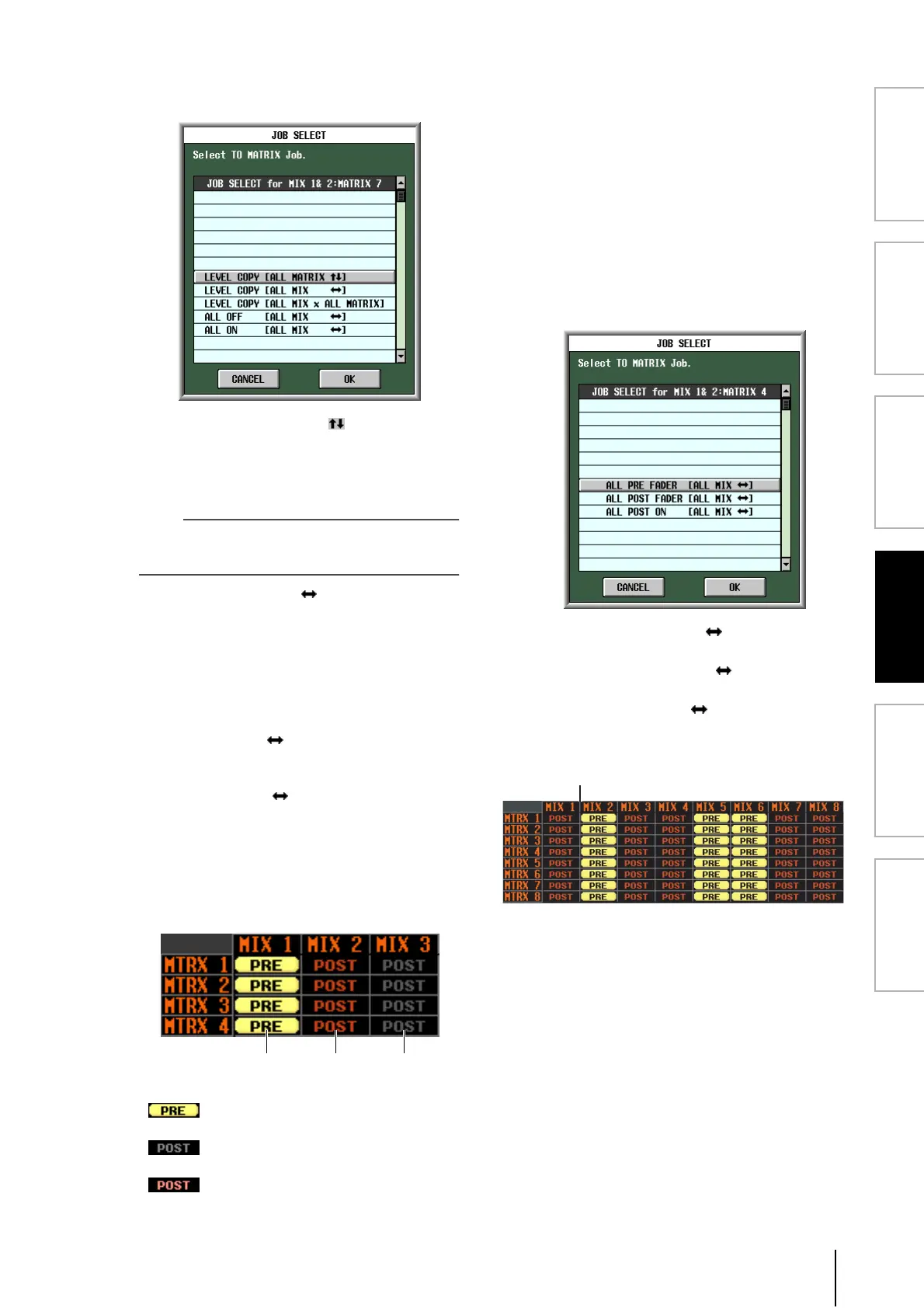
❏ When the SEND POINT button is on
The grid will show the position from which the signal is
sent from the MIX channels or STEREO A/B channels
to the MATRIX buses.
Each indication has the following significance.
(yellow) . . PRE FADER (immediately
before the fader)
(gray) . . . . POST FADER (immediately
after the fader)
(red) . . . . . POST ON (immediately after
the [ON] key)
To change the position from which the signal is sent,
move the cursor to the vertical column for the desired
channel, and press the [ENTER] key, click, or turn the
[DATA] encoder. (The position of all signals sent from
that channel to all MATRIX buses will change
simultaneously.)
If the SEND POINT button is on, the send position for
all grid locations can be changed simultaneously. To do
so, hold down the [SHIFT] key and click the desired
grid. (Alternatively, move the cursor to the desired
grid; then hold down the [SHIFT] key and press the
[ENTER] key.) When the JOB SELECT window
appears, select one of the following choices, and click
the OK button.
ALL PRE FADER [ALL MIX ]
All grids will be set to PRE FADER.
ALL POST FADER [ALL MIX ]
All grids will be set to POST FADER.
ALL POST ON [ALL MIX ]
All grids will be set to POST ON.
C Grid
The grid shows various settings for the signals sent
from the MIX or STEREO A/B channels (vertical col-
umns) to the MATRIX buses (horizontal rows). The
red lines shown in the upward, downward, left, and
right directions indicate the channel (MIX or STEREO
A/B) and MATRIX bus corresponding to the grid
where the cursor is located.
PRE FADER POST FADER POST ON





 To Next Page