5 Input channel operations
46 PM5D/PM5D-RH Owner’s Manual Operating section
Hint
When you switch between vertical pair mode and horizontal
pair mode, the input channel numbers will change, but the
channel names and parameter values will not change.
4
Hold down the [SHIFT] key of the data entry
section, and press the [SEL] key of one of the
channels you want to pair.
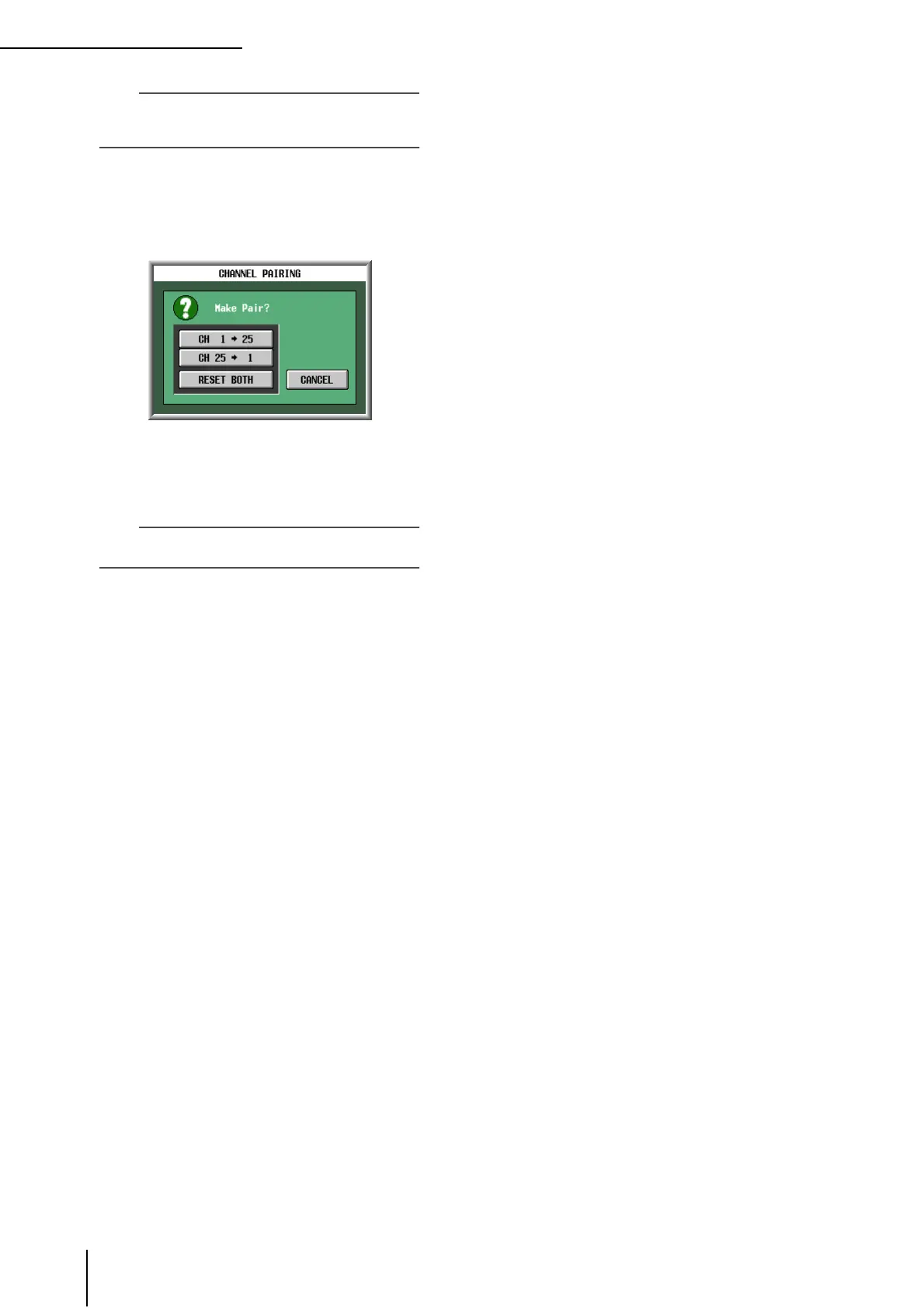
A window will appear, allowing you to select how pair-
ing will be handled.
5
Click the appropriate button to choose the
source/destination for the parameters that will
be copied.
The channels will be paired as you specify.
Hint
If you click the RESET BOTH button, the parameters of both
channels will be reset to their default value.
6
To defeat pairing, hold down the [SHIFT] key
and press the [SEL] key of one of the channels.
A window will ask you to confirm that you want to
defeat pairing. Click the OK button to defeat pairing.





 To Next Page