8 Input Patch / Output Patch operations
68 PM5D/PM5D-RH Owner’s Manual Operating section
4
Click the grid where the desired patch-source
and patch-destination intersect.
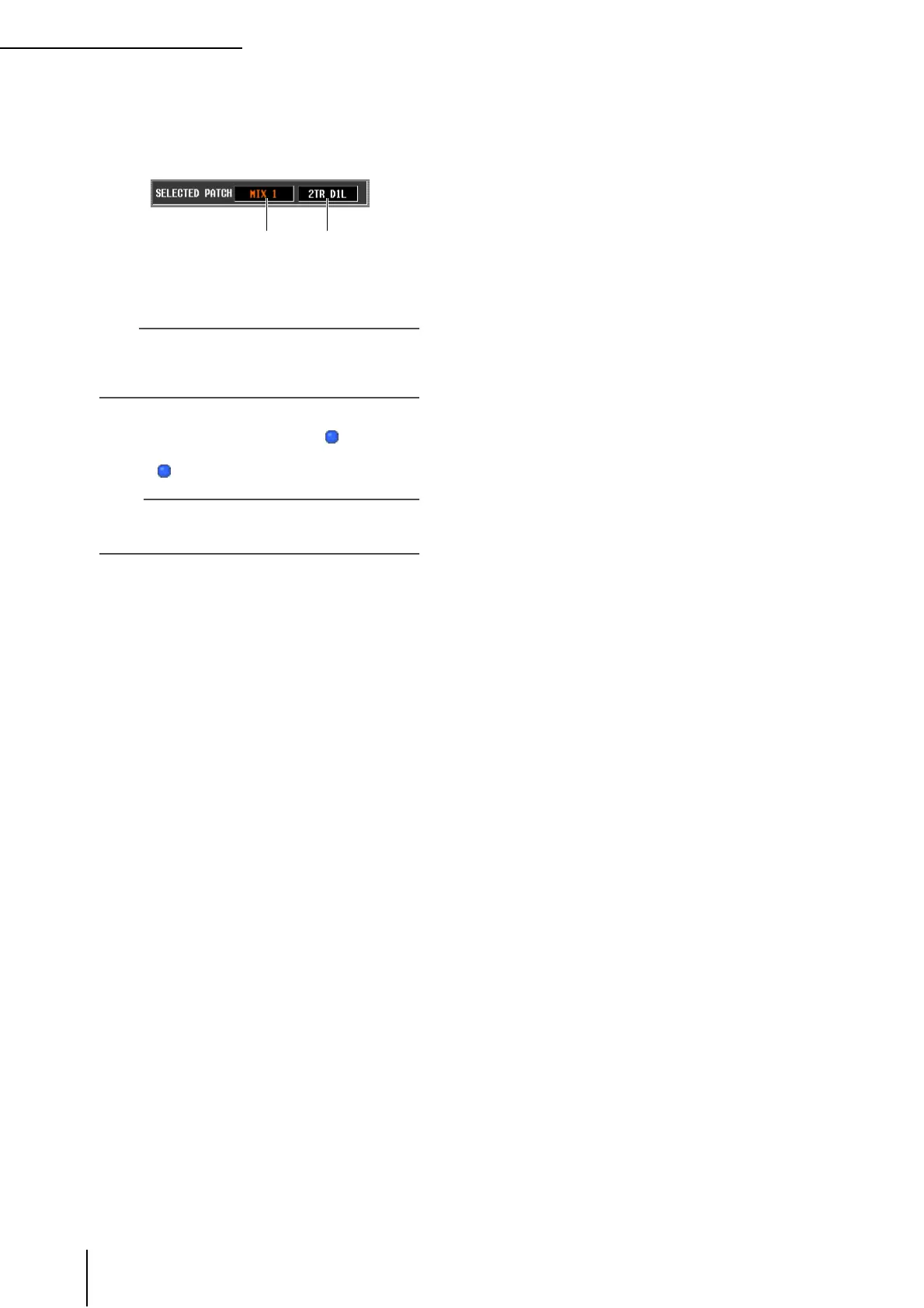
The SELECTED PATCH area in the upper left of the
screen shows the output port and output channel for
the grid at which the cursor is located.
When you click a grid, a window will ask you to con-
firm that you want to change the patch setting.
Hint
If you want to change the patch directly without having to
respond to the confirmation window, go to the UTILITY func-
tion PREFERENCE 1 screen and turn PATCH
CONFIRMATION off (
➥
p.186).
5
Click the OK button in the window.
The new patch will be finalized, and a “ ” symbol will
appear at the corresponding grid. To cancel the patch,
click the “ ” symbol once again.
Note
You can patch an output channel to more than one output
port, but you cannot patch multiple output channels to a sin-
gle output port.
Output port
Output channel
number





 To Next Page