PM5D/PM5D-RH Owner’s Manual Operating section 71
8
Input Patch / Output Patch operations
5
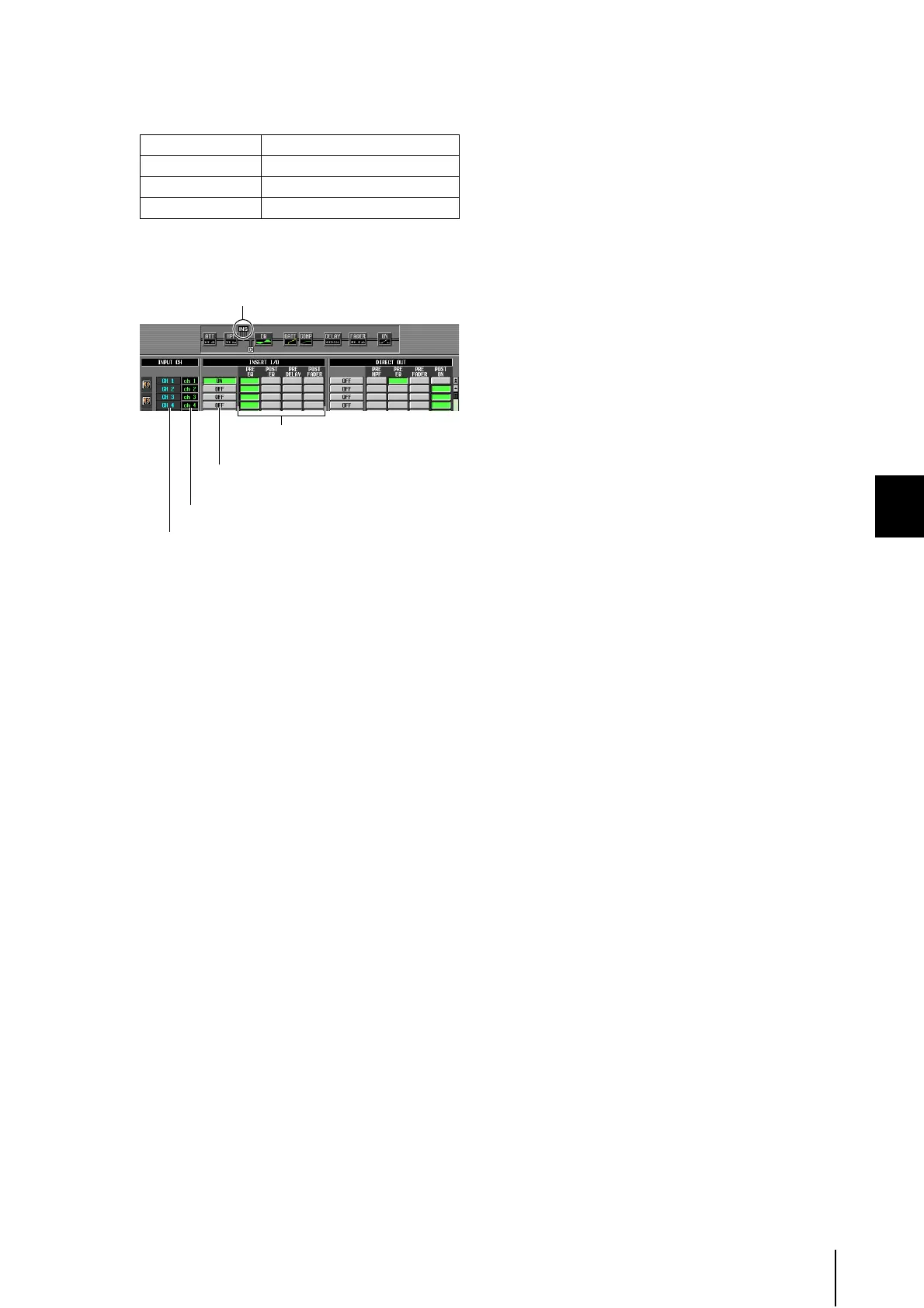
Select one of the following as the insert I/O
point for each channel, and turn on the corre-
sponding button.
The selected point is indicated by the graphic in the
upper part of the screen.
6
Click the INSERT I/O ON/OFF button for the
desired channel to turn it on.
This enables the insert connection for the correspond-
ing channel.
If you selected AD IN as the insert-in, or if you selected
a slot to which an external head amp supporting the
special protocol (Yamaha AD8HR, AD824) is con-
nected, make head amp settings as necessary (➥ p.36).
PRE EQ Immediately before the EQ
POST EQ Immediately after the EQ
PRE DELAY Immediately before the delay
POST FADER Immediately after the fader
Select the insert I/O point for
each channel.
The INS symbol indicates the insert I/O point
for the channel at which the cursor is located.
These are the INSERT I/O ON/OFF buttons
that switch insert on/off for each channel.
These indicate the channel numbers.
These indicate the names of the input channels.





 To Next Page