PREPARATIONS ➤ Selecting an on-screen menu language En 27
Select the desired on-screen menu language from English
(default), Japanese, French, German, Spanish, Russian, Italian and
Chinese.
1
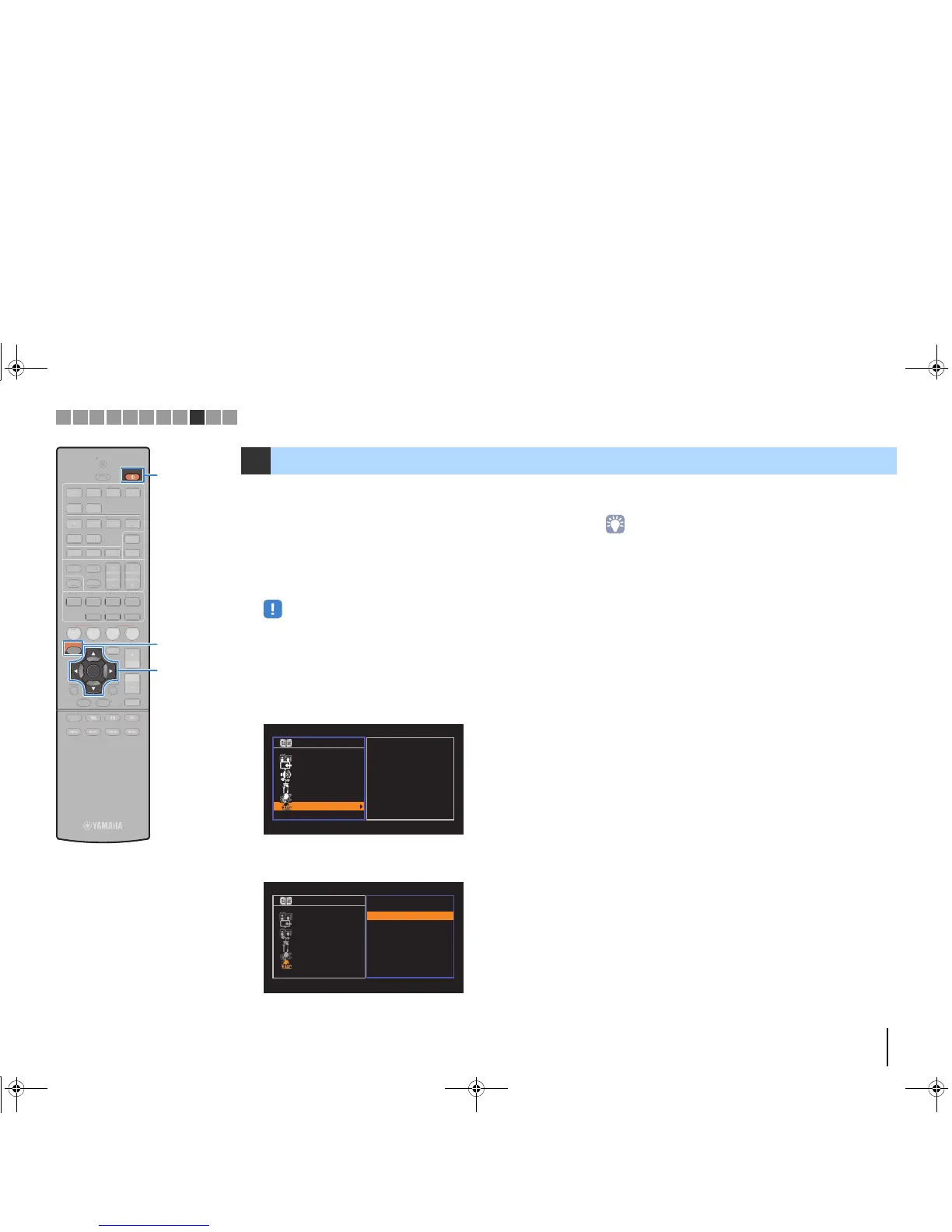
Press RECEIVER z to turn on the unit.
2
Turn on the TV and switch the TV input to display
video from the unit (HDMI OUT jack).
• Operations with TV screen are available only when your TV is connected to
the unit via HDMI. If not, carry out operations while viewing the front display.
3
Press SETUP.
4
Use the cursor keys to select “Language” and press
ENTER.
5
Use the cursor keys to select the desired language.
6
To exit from the menu, press SETUP.
• The information on the front display is provided in English only.
9 Selecting an on-screen menu language



 To Next Page