Enjoying pure high fidelity sound
(direct playback)
When the direct playback mode is enabled, the unit plays back the
selected source with the least circuitry in order to reduce the
electrical noise from other circuitry (such as the front display). It
allows you to enjoy Hi-Fi sound quality.
1
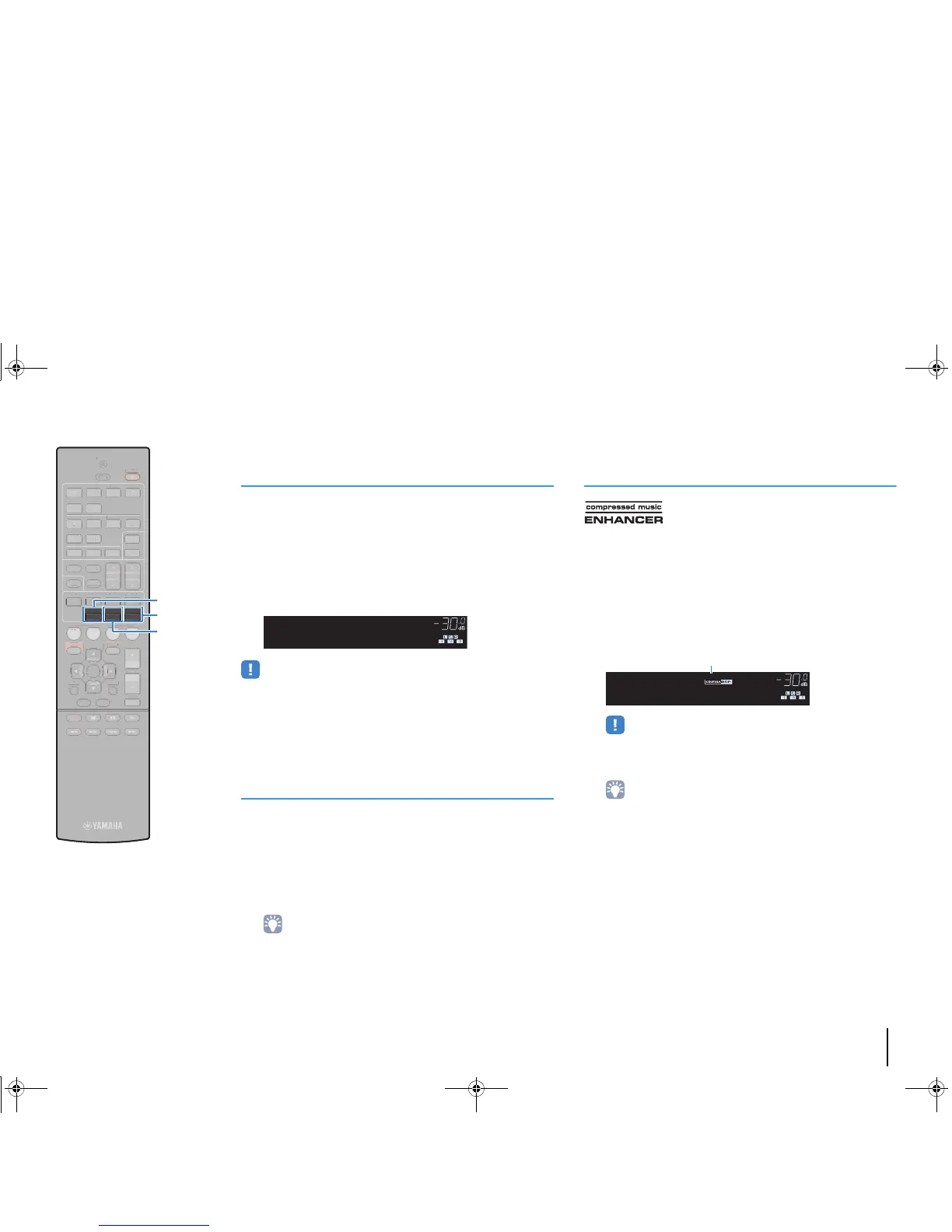
Press DIRECT.
Each time you press the key, the direct playback mode is
enabled or disabled.
• When the direct playback mode is enabled, the following functions are not
available.
– Selecting sound programs
– Adjusting the tone control
– Operating the on-screen and “Option” menus
– Viewing information on the front display (when not in operation)
Enhancing the bass (Extra Bass)
Extra Bass allows you to enjoy enhanced bass sounds, regardless
of the size of the front speakers and the presence or absence of the
subwoofer.
1
Press BASS.
Each time you press the key, Extra Bass is enabled or
disabled.
• You can also use “Extra Bass” (p.80) in the “Setup” menu to enable/disable
Extra Bass.
Enjoying compressed music with enhanced
sound (Compressed Music Enhancer)
Compressed Music Enhancer adds depth and breadth to the
sound, allowing you to enjoy a dynamic sound close to the original
sound before it was compressed. This function can be used along
with any other sound modes.
1
Press ENHANCER.
Each time you press the key, Compressed Music Enhancer
is enabled or disabled.
• Compressed Music Enhancer does not work on the following audio sources.
– Signals whose sampling rate is over 48 kHz
– High-definition streaming audio
• You can also use “Enhancer” (p.74) in the “Option” menu to enable/disable
Compressed Music Enhancer.



 To Next Page