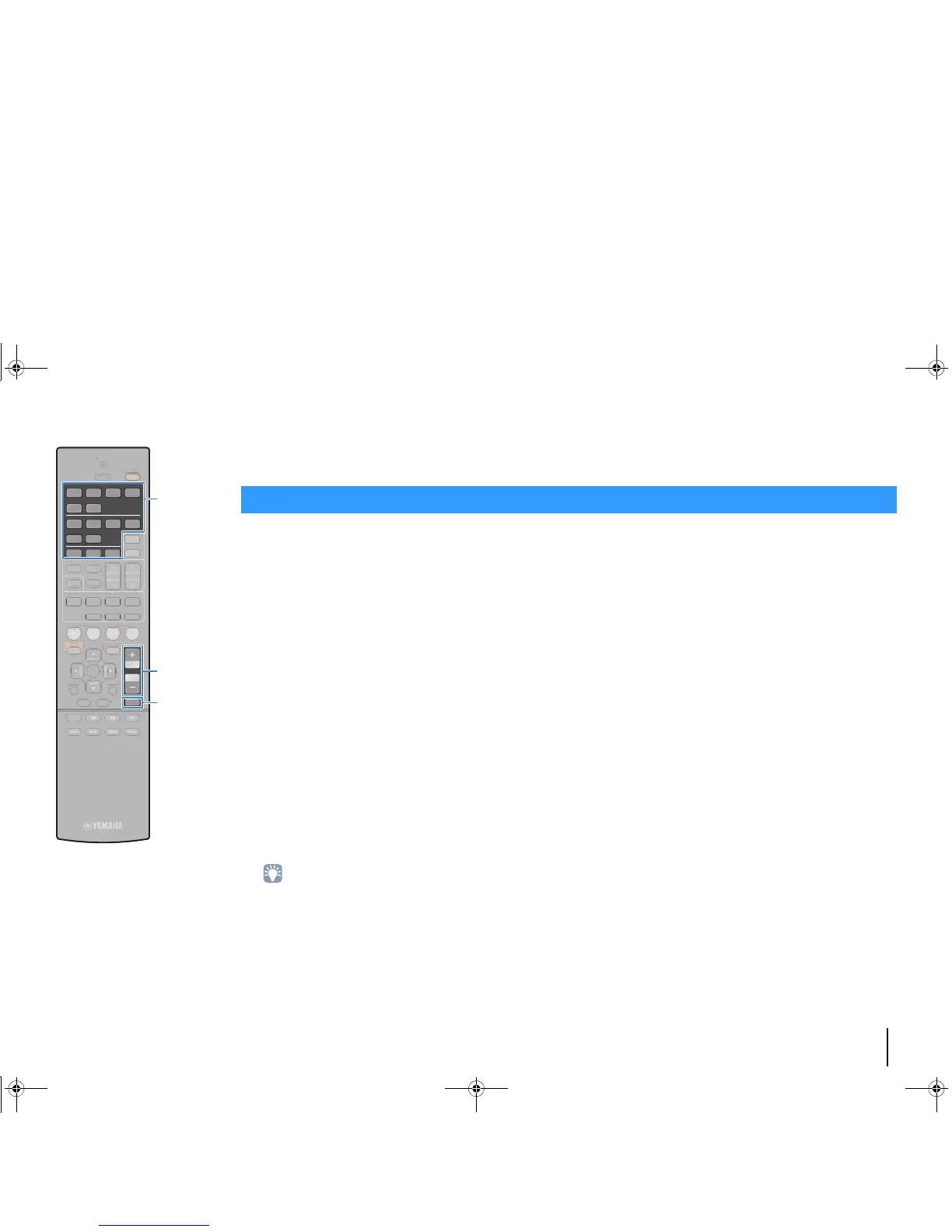
VOLUME
MUTE
PLAYBACK
1
Turn on the external devices (such as a TV or
BD/DVD player) connected to the unit.
2
Use the input selection keys to select an input
source.
3
Start playback on the external device or select a
radio station.
Refer to the instruction manual for the external device.
For details on the following operations, see the
corresponding pages.
• Listening to FM/AM radio (p.49)
• Playing back iPod music (p.53)
• Playing back music stored on a USB storage device
(p.57)
• Playing back music stored on media servers (PCs/NAS)
(p.60)
• Listening to Internet radio (p.64)
• Playing back music with AirPlay (p.67)
4
Press VOLUME to adjust the volume.
• To mute the audio output, press MUTE. Press MUTE again to unmute.
• To adjust the treble/bass settings, use the “Option” menu or TONE
CONTROL on the front panel (p.73).
Basic playback procedure
Input selection keys
00_RX-V477_V577_om_U.book Page 42 Monday, November 11, 2013 1:19 PM



 To Next Page