PLAYBACK ➤ Playing back music stored on media servers (PCs/NAS) En 61
Playback of PC music contents
Follow the procedure below to operate the PC music contents and
start playback.
You can control the PC/NAS with the menu displayed on the TV
screen.
• Operations with TV screen are available only when your TV is connected to the
unit via HDMI. If not, carry out operations while viewing the front display.
• “_” (underscore) will be displayed for characters not supported by the unit.
1
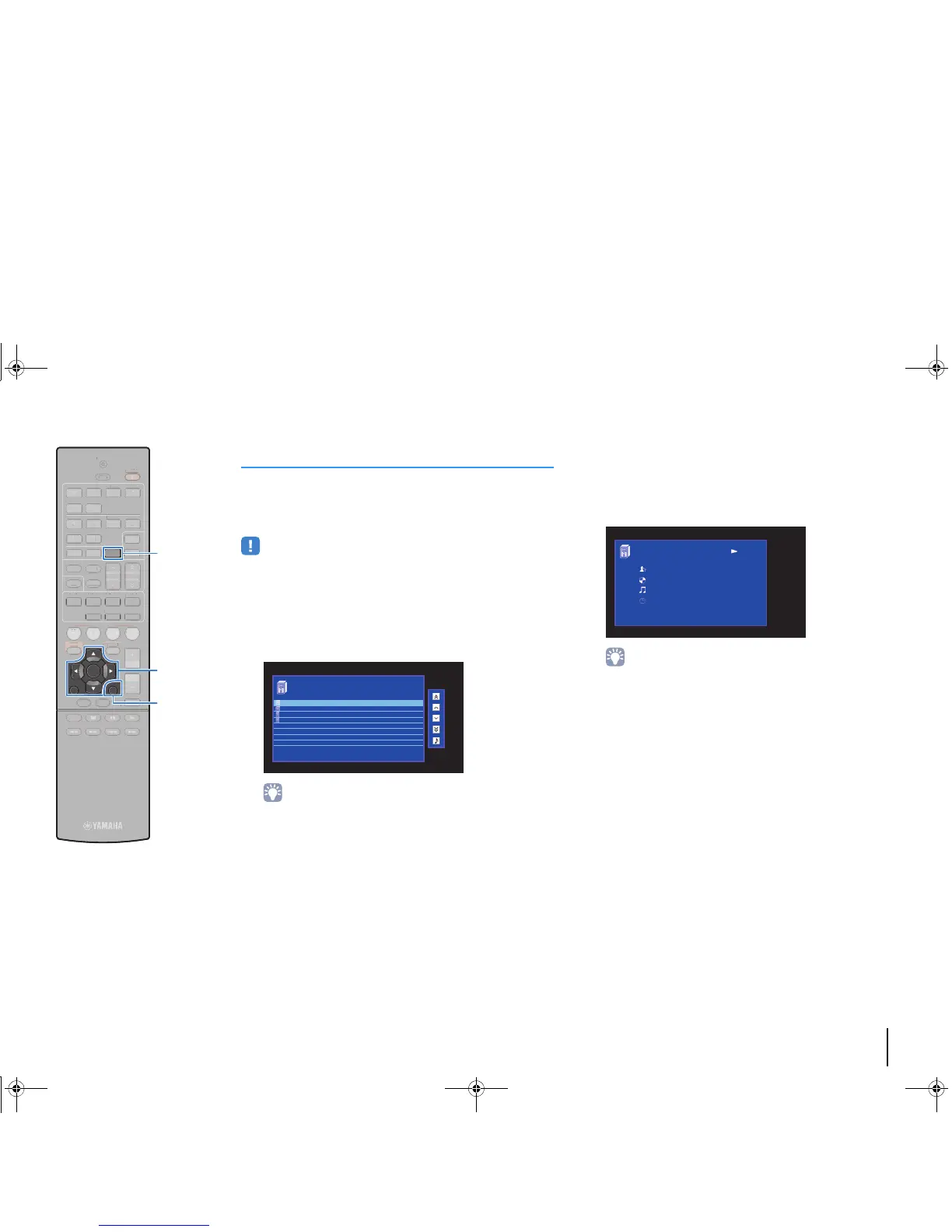
Press NET repeatedly to select “SERVER” as the
input source.
The browse screen is displayed on the TV.
• If playback of a music file selected from the unit is ongoing on your PC, the
playback screen is displayed.
2
Use the cursor keys to select a music server and
press ENTER.
3
Use the cursor keys to select an item and press
ENTER.
If a song is selected, playback starts and the playback
screen is displayed.
• To return to the previous screen, press RETURN.
• To switch between the browse and playback screens during playback, press
DISPLAY.
• Files not supported by the unit cannot be selected.



 To Next Page