PLAYBACK ➤ Playing back iPod music En 55
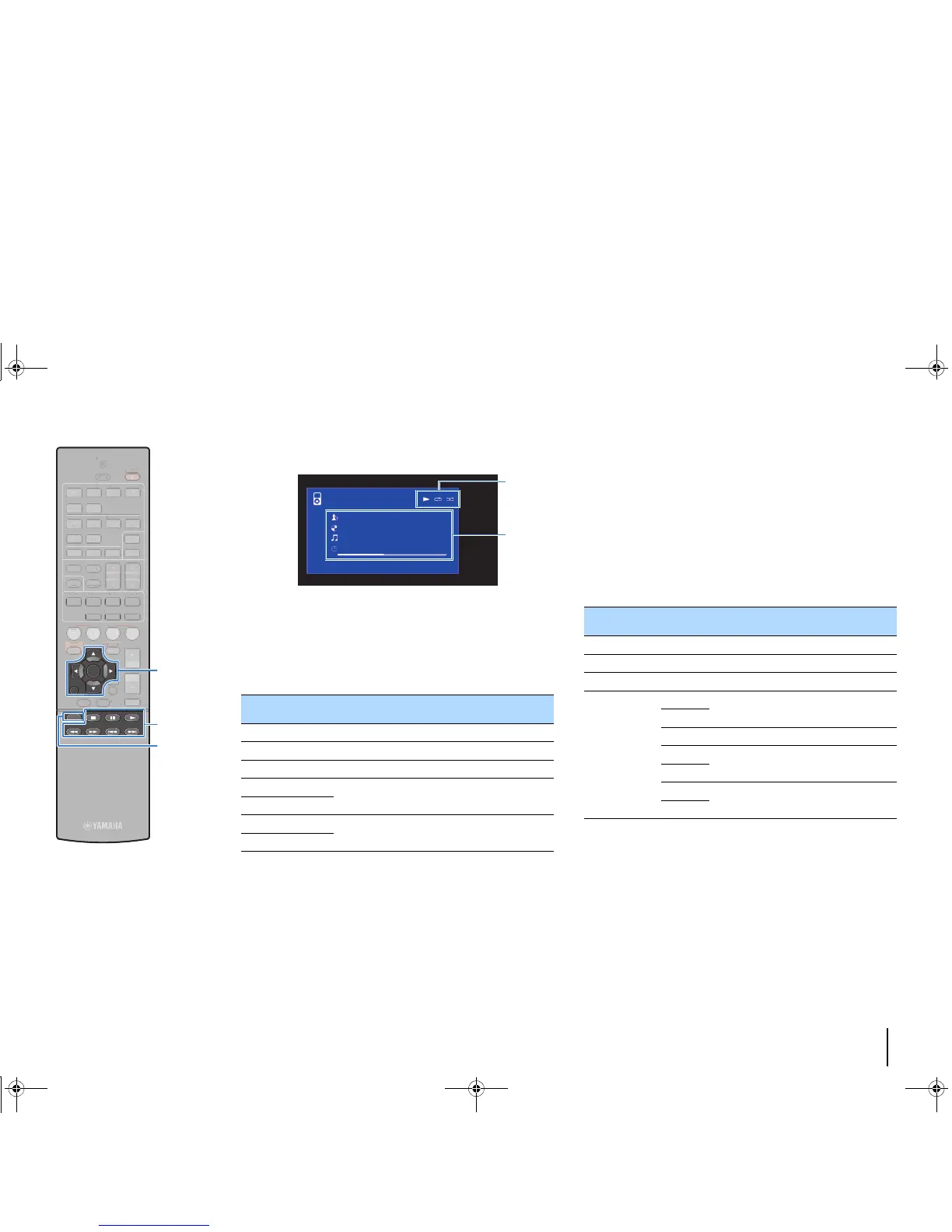
■ Playback screen
1 Status indicators
Display the current repeat/shuffle settings (p.56) and playback status
(such as play/pause).
2 Playback information
Displays the artist name, album name, song title, and elapsed time/song
length.
Use the following remote control keys to control playback.
■ Operating the iPod itself or remote control
(simple play)
1
Press MODE to switch to the simple play mode.
The TV menu screen turns off and iPod operations are
enabled.
To display the TV menu screen, press MODE again.
2
Operate your iPod itself or the remote control to
start playback.
External device
operation keys
Function
a Resumes playback from pause.
s Stops playback.
d Stops playback temporarily.
f
Skips forward/backward.
g
h
Searches forward/backward (by holding down).
j
Operational remote control
keys
Function
Cursor keys Select an item.
ENTER Confirms the selection.
RETURN Returns to the previous screen.
External device
operation keys
a
Starts playback or stops playback
temporarily.
d
s Stops playback.
f
Skips forward/backward.
g
h
Searches forward/backward (while holding
down).
j
1234
5 6
FM
INFO
MEMORY
AM
PRESET
TUNING
SCENE
RETURN
TOP
MENU
POP-UP
MENU
VOLUME
BD
DVD
TV
NET
RADIO
MUTE
DISPLAY
ENTER
TRANSMIT
RECEIVER
HDMI
AV
SLEEP
AUX USB
5 6
NET
ZONE B
ZONE A
MOVIE MUSIC
SUR. DECODE STRAIGHT
ENHANCER
BASS DIRECT
MODE
SETUP
OPTION
2341



 To Next Page