PREPARATIONS ➤ Optimizing the speaker settings automatically (YPAO) En 38
The Yamaha Parametric room Acoustic Optimizer (YPAO) function
detects speaker connections, measures the distances from them to
your listening position(s), and then automatically optimizes the
speaker settings, such as volume balance and acoustic
parameters, to suit your room.
• Please note the following when using YPAO.
– Use YPAO after connecting a TV and speakers to the unit.
– During the measuring process, test tones are output at high volume. Ensure that
the test tones do not frighten small children.
– During the measuring process, you cannot adjust the volume.
– During the measuring process, keep the room as quiet as possible.
– Do not connect headphones.
– Do not stand between the speakers and the YPAO microphone during the
measurement process (about 3 minutes).
1
Press RECEIVER z to turn on the unit.
2
Turn on the TV and switch the TV input to display
video from the unit (HDMI OUT jack).
• Operations with TV screen are available only when your TV is connected to
the unit via HDMI. If not, carry out operations while viewing the front display.
3
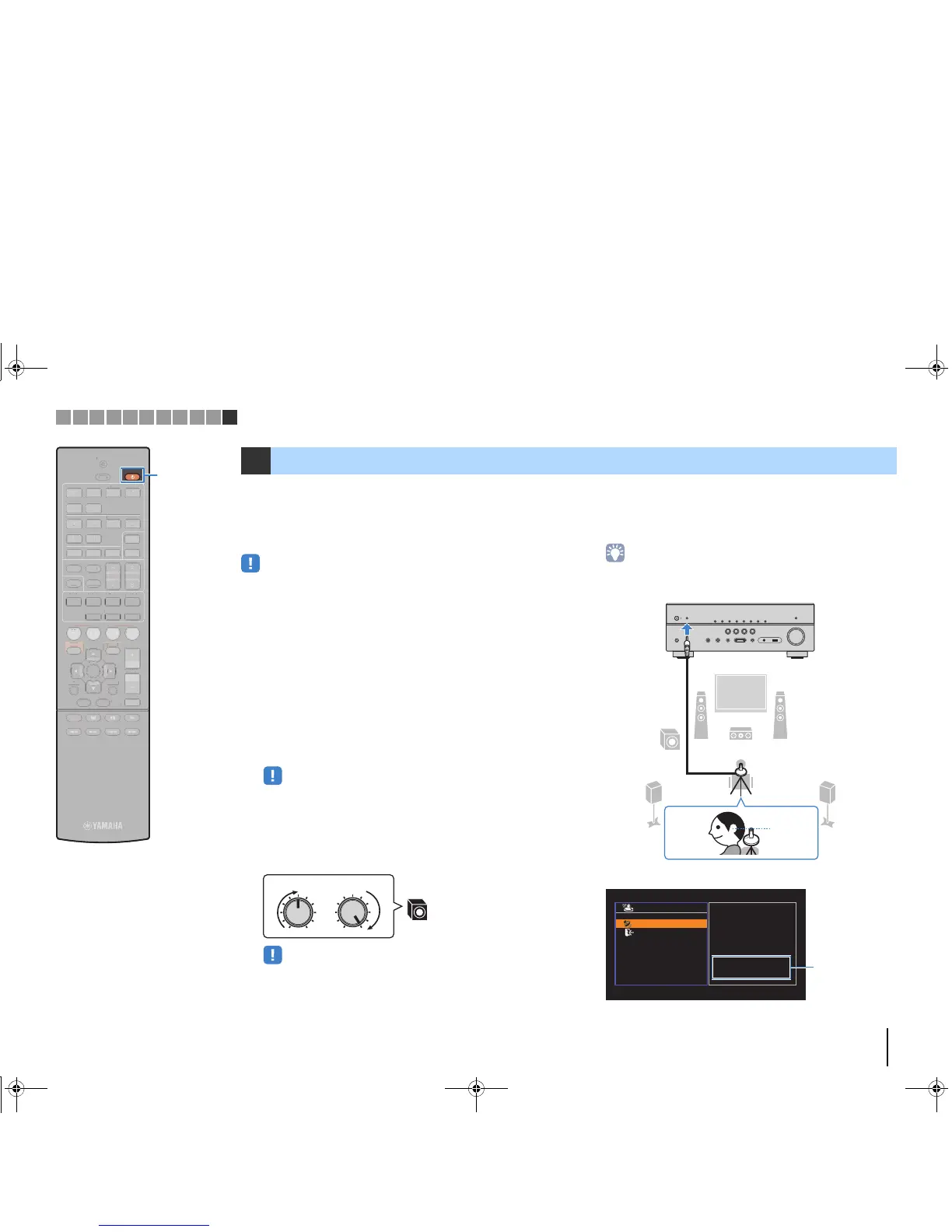
Turn on the subwoofer and set the volume to half. If
the crossover frequency is adjustable, set it to
maximum.
• (RX-V577 only)
If you are using bi-amp connection or Zone B speakers, set “Power Amp
Assign” (p.79) in the “Setup” menu to the appropriate setting before starting
YPAO.
4
Place the YPAO microphone at your listening
position and connect it to the YPAO MIC jack on the
front panel.
• Place the YPAO microphone at your listening position (same height as your
ears). We recommend the use of a tripod as a microphone stand. You can
use the tripod screws to stabilize the microphone.
The following screen appears on the TV.
11 Optimizing the speaker settings automatically (YPAO)
VOLUME HIGH CUT
CROSSOVER/
MIN MAXMIN MAX
9



 To Next Page