PLAYBACK ➤ Listening to Internet radio En 64
You can listen to Internet radio stations from all over the world.
• Operations with TV screen are available only when your TV is connected to the
unit via HDMI. If not, carry out operations while viewing the front display.
• To use this function, the unit must be connected to the Internet (p.25). You can
check whether the network parameters (such as the IP address) are properly
assigned to the unit in “Information” (p.91) in the “Setup” menu.
• You may not be able to receive some Internet radio stations.
• The unit uses the vTuner Internet radio station database service.
• This service may be discontinued without notice.
Playback of Internet radio
Follow the procedure below to select an Internet radio station and
start playback.
You can control the Internet radio with the menu displayed on the
TV screen.
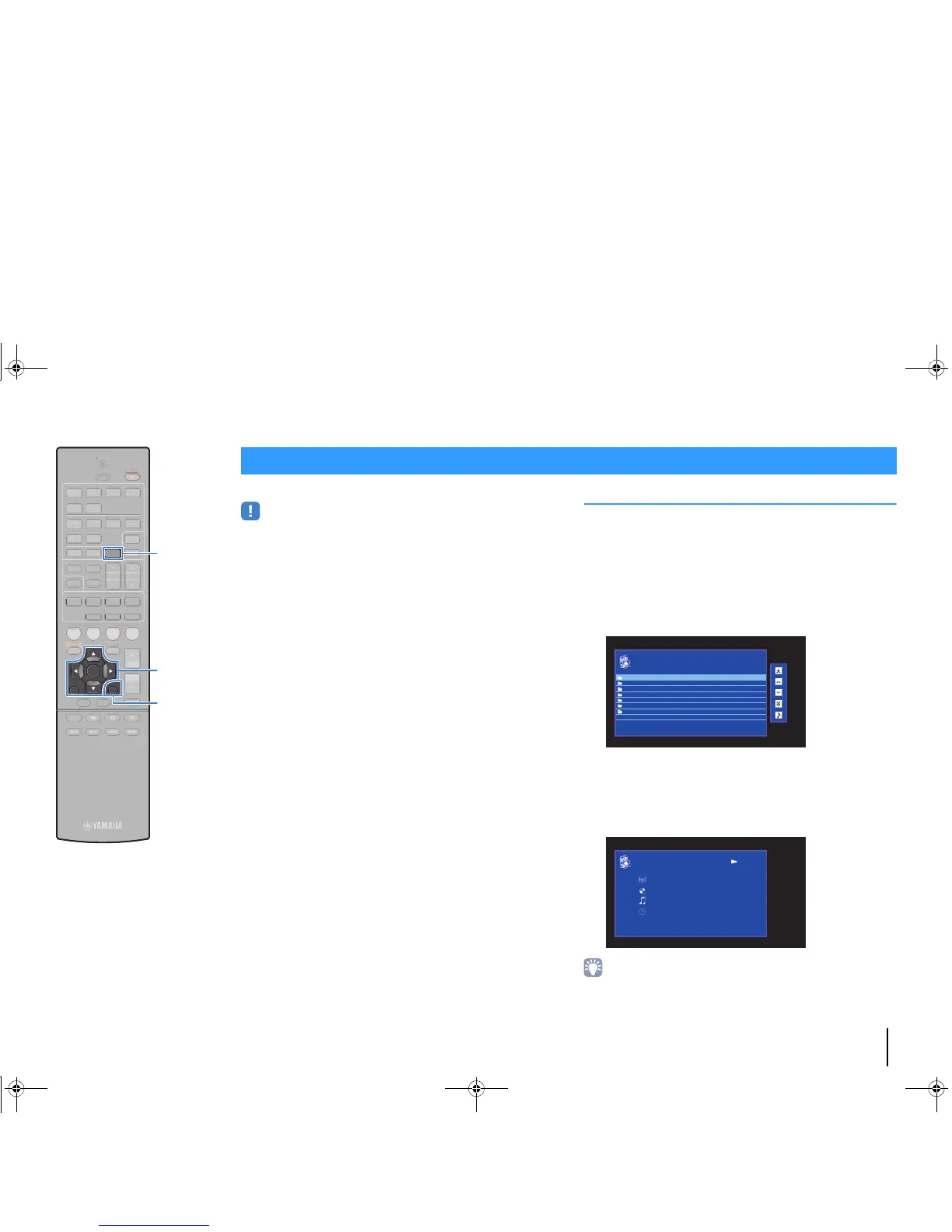
1
Press NET repeatedly to select “NET RADIO” as the
input source.
The browse screen is displayed on the TV.
2
Use the cursor keys to select an item and press
ENTER.
If an Internet radio station is selected, playback starts and
the playback screen is displayed.
• To return to the previous screen, press RETURN.
• To switch between the browse and playback screens during playback, press
DISPLAY.
Listening to Internet radio



 To Next Page