CONFIGURATIONS ➤ Configuring various functions (Setup menu) En 76
CONFIGURATIONS
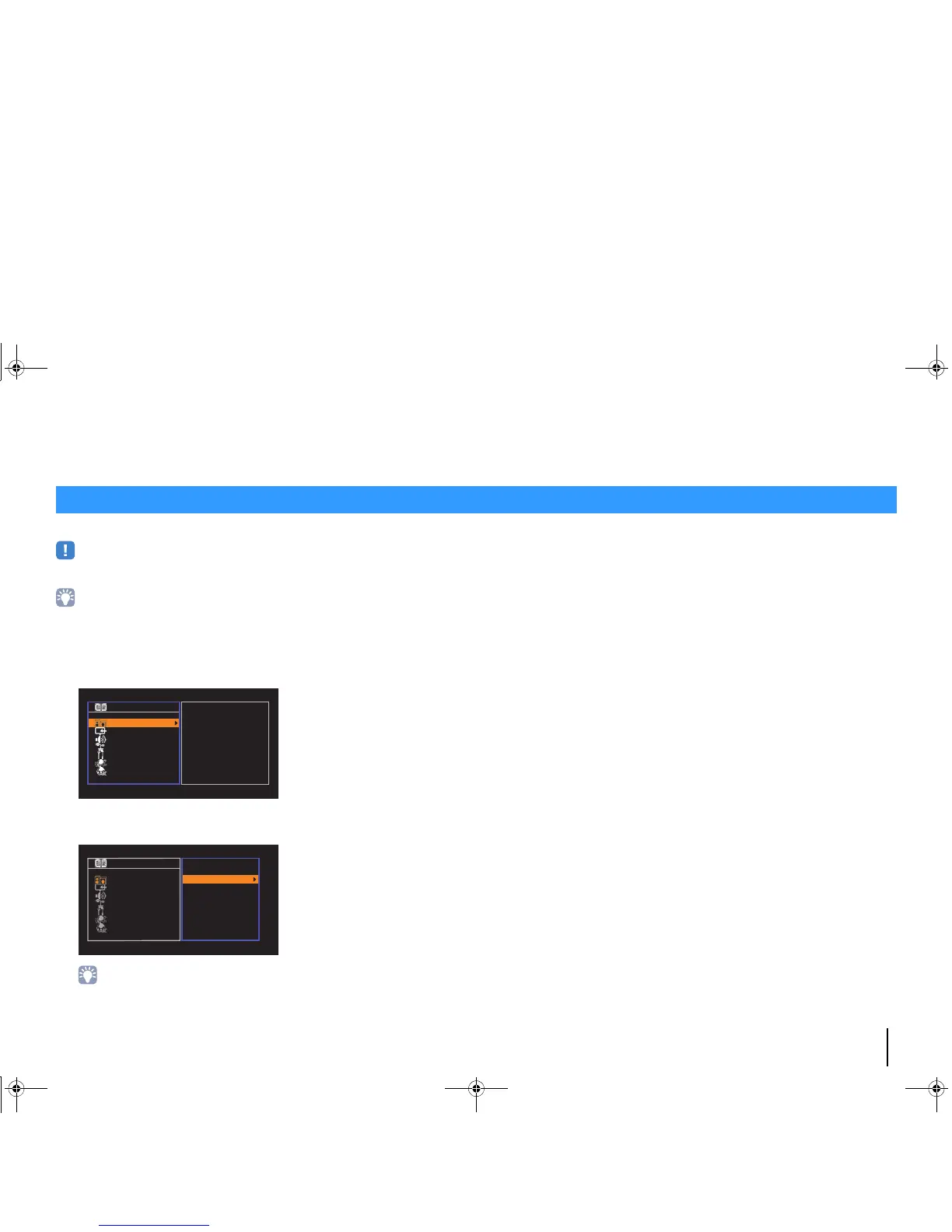
You can configure the unit’s various function with the menu displayed on the TV screen.
• Operations with TV screen are available only when your TV is connected to the unit via HDMI. If not, carry
out operations while viewing the front display.
• If new firmware is available, the envelope icon (p) appears in the screen (p.97).
1
Press SETUP.
2
Use the cursor keys to select a menu and press ENTER.
3
Use the cursor keys to select an item and press ENTER.
• To return to the previous screen during menu operations, press RETURN.
4
Use the cursor keys (e/r) to select a setting and press ENTER.
5
To exit from the menu, press SETUP.
Configuring various functions (Setup menu)



 To Next Page