EasyManua.ls Logo

Yamaha RX-V577 - Page 37

Yamaha RX-V577
150 pages
Print Icon
To Next Page IconTo Next Page
To Previous Page IconTo Previous Page
Loading...
PREPARATIONS Connecting to a network wirelessly (RX-V577 only) En 37
10
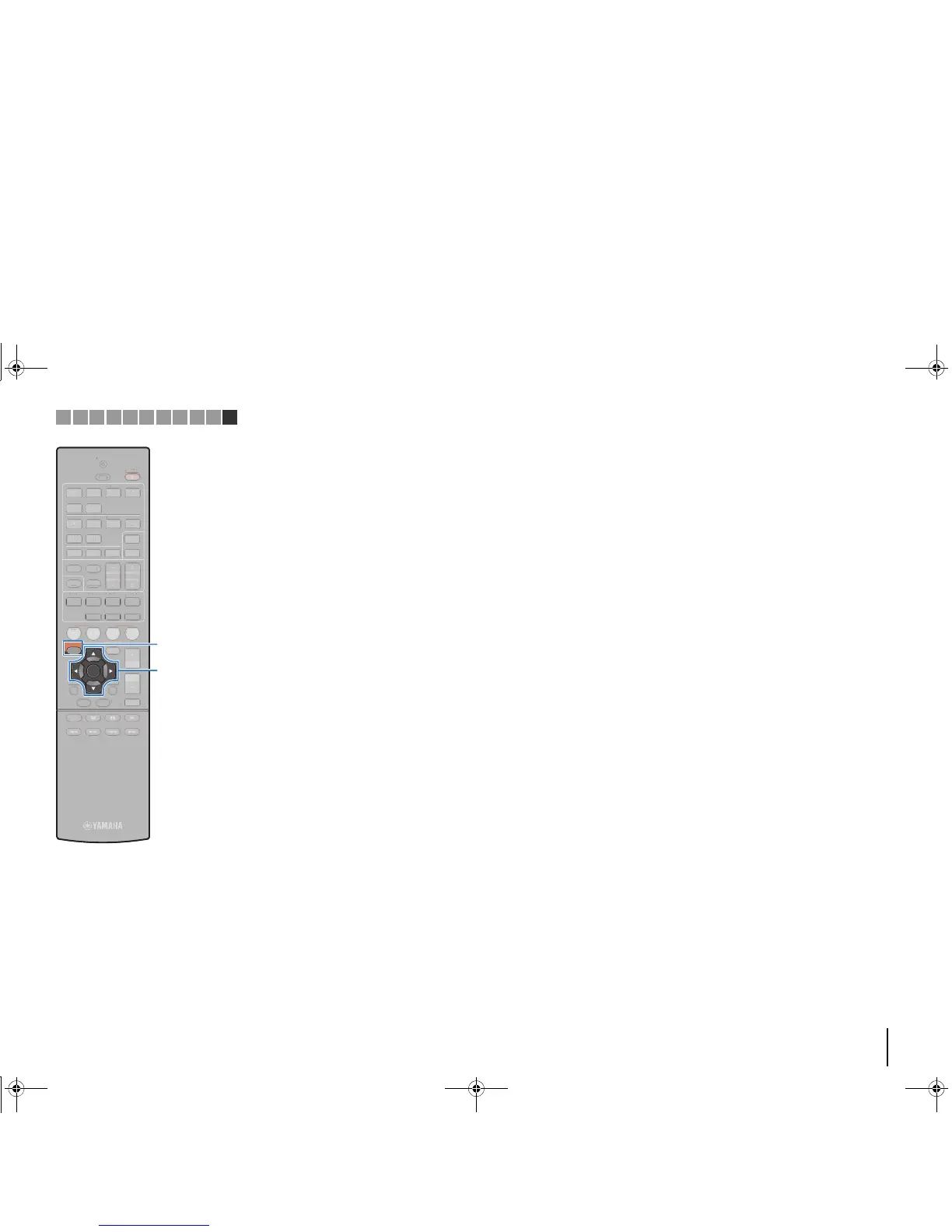
Use the cursor keys (q/w) to select “Save” and
press ENTER to save the setting.
This completes the settings and “Completed” appears on
the TV screen.
Next, configure the Wi-Fi settings of a mobile device.
11
Configure the Wi-Fi settings of a mobile device.
For details on settings of your mobile device, refer to the
instruction manual of the mobile device.
a Enable the Wi-Fi function on the mobile device.
b Select the SSID displayed in step 9 from the list of available
access points.
c When you are prompted for a password, enter the security key
displayed in step 9.
12
To exit from the menu, press SETUP.
1 2 3 4 5 6 7 8 9 10 11

1234
5 6
FM
INFO
MEMORY
AM
PRESET
TUNING
SCENE
RETURN
TOP
MENU
POP-UP
MENU
VOLUME
BD
DVD
TV
NET
RADIO
MUTE
DISPLAY
ENTER
TRANSMIT
RECEIVER
HDMI
AV
SLEEP
AUX USB
5 6
NET
ZONE B
ZONE A
MOVIE MUSIC
SUR. DECODE STRAIGHT
ENHANCER
BASS DIRECT
MODE
SETUP
OPTION
2341
S
CEN
E
RETURN
TO
P
MENU
PO
P-
U
P
MENU
VOLUME
B
D
DVD
TV
NET
RADI
O
MUTE
DISPLAY
FM
MEM
O
R
Y
AM
P
RE
S
E
T
TU
NIN
G
INFO
1
2
3
4
5
6
TRANSMI
T
R
ECEIVER
HDMI
AV
S
LEE
P
AU
X
USB
5
6
NET
ZO
NE
B
ZO
NE
A
M
O
VI
E
MU
S
I
C
S
UR. DE
CO
DE
S
TRAI
G
HT
E
NHAN
C
ER
B
A
SS
DIRE
C
T
M
OD
E
OPTIO
N
2
3
4
1
ENTER
SETUP
Cursor keys
00_RX-V477_V577_om_U.book Page 37 Monday, November 11, 2013 1:19 PM

Table of Contents

Other manuals for Yamaha RX-V577

Related product manuals