PREPARATIONS ➤ Optimizing the speaker settings automatically (YPAO) En 39
5
To start the measurement, use the cursor keys to
select “Start” and press SETUP.
The measurement will start in 10 seconds. Press ENTER to
start the measurement immediately.
• To stop the measurement temporarily, press RETURN and follow the
procedure in “Error messages” (p.40).
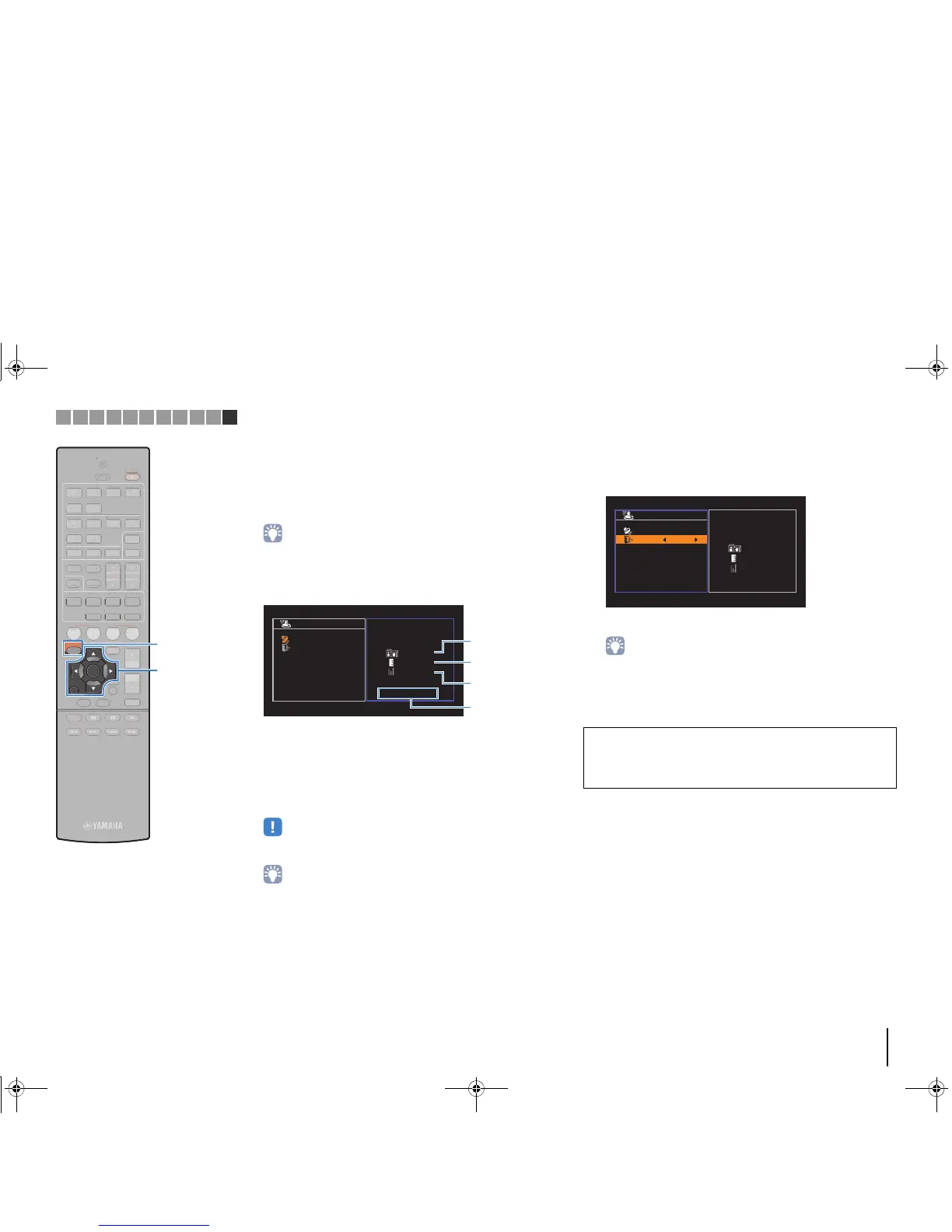
The following screen appears on the TV when the
measurement finishes.
1 The number of speakers (front side/rear
side/subwoofer)
2 Speaker distance (nearest/farthest)
3 Adjustment range of speaker output level
4 Warning message (if available)
• If any error message (such as E-1) or warning message (such as W-1)
appears, see “Error messages” (p.40) or “Warning messages” (p.41).
• A speaker with a problem is indicated by blinking of the speaker indicators in
the front display.
• If multiple warnings are given (when operating with the front display), use
the cursor keys (q/w) to check the other warning messages.
6
To save the measurement results, use the cursor
keys (e/r) to select “SAVE” and press ENTER.
The adjusted speaker settings are applied.
• To finish the measurement without saving the result, select “CANCEL”.
7
Disconnect the YPAO microphone from the unit.
This completes optimization of the speaker settings.



 To Next Page