PLAYBACK ➤ Playing back music in multiple rooms (RX-V577 only) En 70
■ Basic playback procedure
1
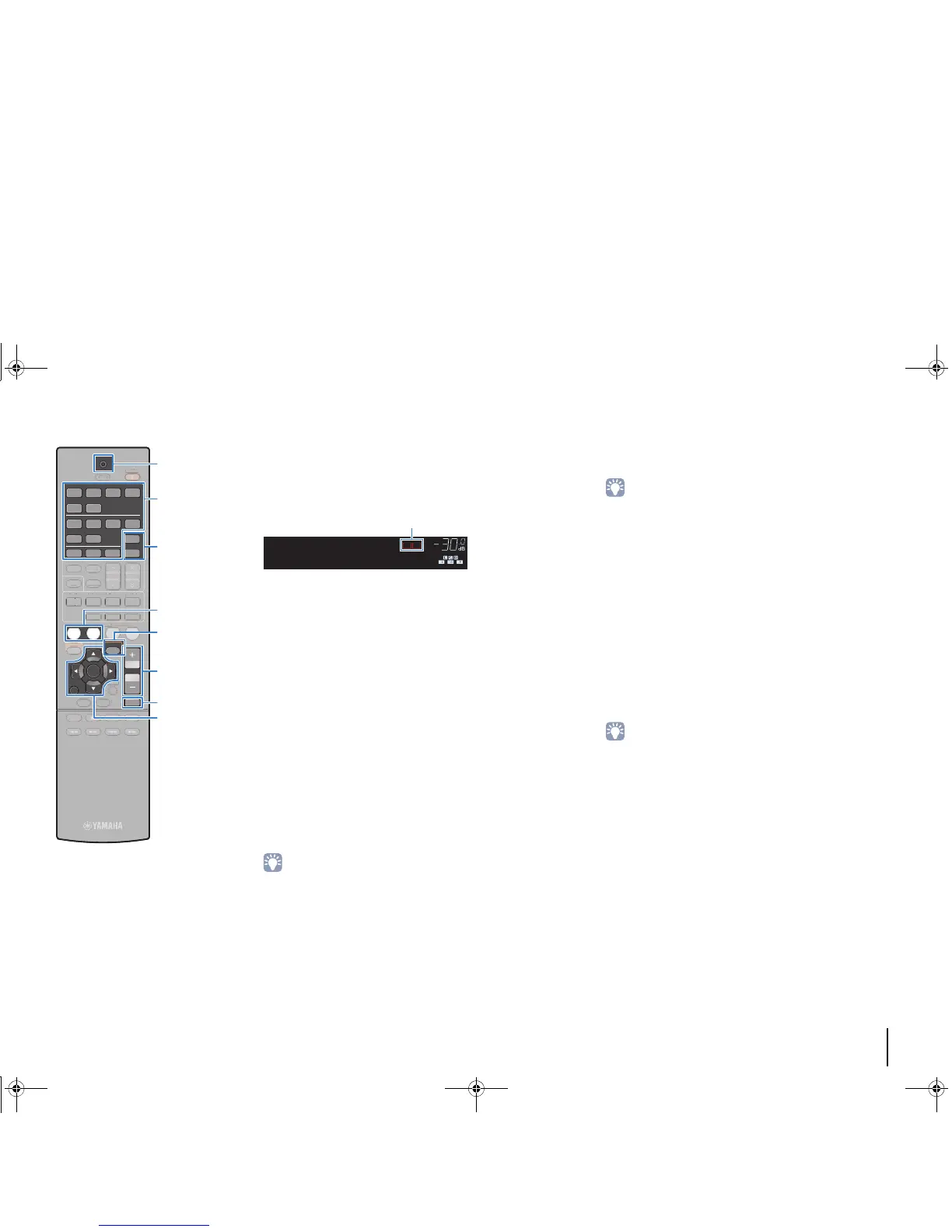
Press ZONE A or ZONE B to enable/disable audio
output to Zone A or Zone B.
2
Use the input selection keys to select an input
source.
3
Start playback on the external device or select a
radio station.
4
Press VOLUME to adjust the volume.
■ Correcting volume difference between
Zone A and Zone B
If you are bothered by volume difference between Zone A/B, follow
the procedure below to adjust the volume for Zone B.
1
Press OPTION.
2
Use the cursor keys to select “Volume Trim”
(Volume Trim) and press ENTER.
• To return to the previous screen during menu operations, press RETURN.
• Text in parentheses denotes indicators on the front display.
3
Use the cursor keys (q/w) to select “ZoneB Trim”
(ZB.Trim) and the cursor keys (e/r) to adjust the
setting.
Setting range
-10.0 dB to +10.0 dB (0.5 dB increments)
Default
0.0 dB
4
To exit from the menu, press OPTION.
• This setting is not effective when “ZoneB Volume” (p.87) in the “Setup”
menu is set to “Async.”.
■ Adjusting the volume for Zone B
separately
You can separately adjust the volume for Zone B using the remote
control when “ZoneB Volume” (p.87) in the “Setup” menu is set to
“Async.”.
1
To set the remote control to the Zone B operation
mode, while holding down the cursor key (r), hold
down SCENE (TV) for more than 3 seconds.
TRANSMIT blinks twice.
2
Press VOLUME to adjust the volume for Zone B.
• To mute the audio output to Zone B, press MUTE.
3
To set the remote control to the Zone A operation
mode, while holding down the cursor key (r), hold
down SCENE (BD/DVD) for more than 3 seconds.
TRANSMIT blinks twice.


 To Next Page
 Loading...










