EasyManua.ls Logo

Yamaha RX5 - Cassette Mode; Overview; The Jobs; Entering the Cassette Mode

Yamaha RX5
81 pages
Print Icon
To Next Page IconTo Next Page
To Previous Page IconTo Previous Page
Loading...
52
CASSETTE
MODE
OVERVIEW
The
Cassette
Mode
lets
you:
*
Save
Sequence
(Pattern/Song/Chain)
data,
Voice
data
and
Set-up
(Drum
set/Accent
Level/MIDI)
data onto
a
standard
cassette
tape.
*
Verify
that
data
has
been
correctly
saved.
*
Load
data
from
cassette
into
the
RX5.
*
Prior
to
entering
this
Mode,
ensure
that
the
RX5
is
correctly
connected
to
a
cassette
deck
(refer
to
the
REAR
PANEL/CONNECTIONS
section)
*
The
НХ5'з
cassette
output
is
rated
to
match
with
a
microphone
input,
while
its
cassette
input
matches
a
norma!
data
recorder
output.
Therefore,
a
computer
data
cassette
recorder
is
recommended,
but
any
high-quality
recorder
may
be
used.
*
Make
sure
that
the
heads
on
your
cassette
recorder
are
clean
and
demagnetized.
Avoid
using
any
noise
reduction
system,
which
could
affect
the
accuracy
of
the
recording.
Keep
record
and
playback
levels
high,
to
minimize
tape
hiss.
NOTE:
All
Save,
Load
and
Verify
operations
can
be
interrupted
by
pressing
CASSETTE/
CARTRIDGE
while
the
operation
is
executing.
Example:
Verify.
CASSETTE
CONTROL
Verify
break!
Clear
this
display
by
pressing
JOB,
or
any
Mode
key
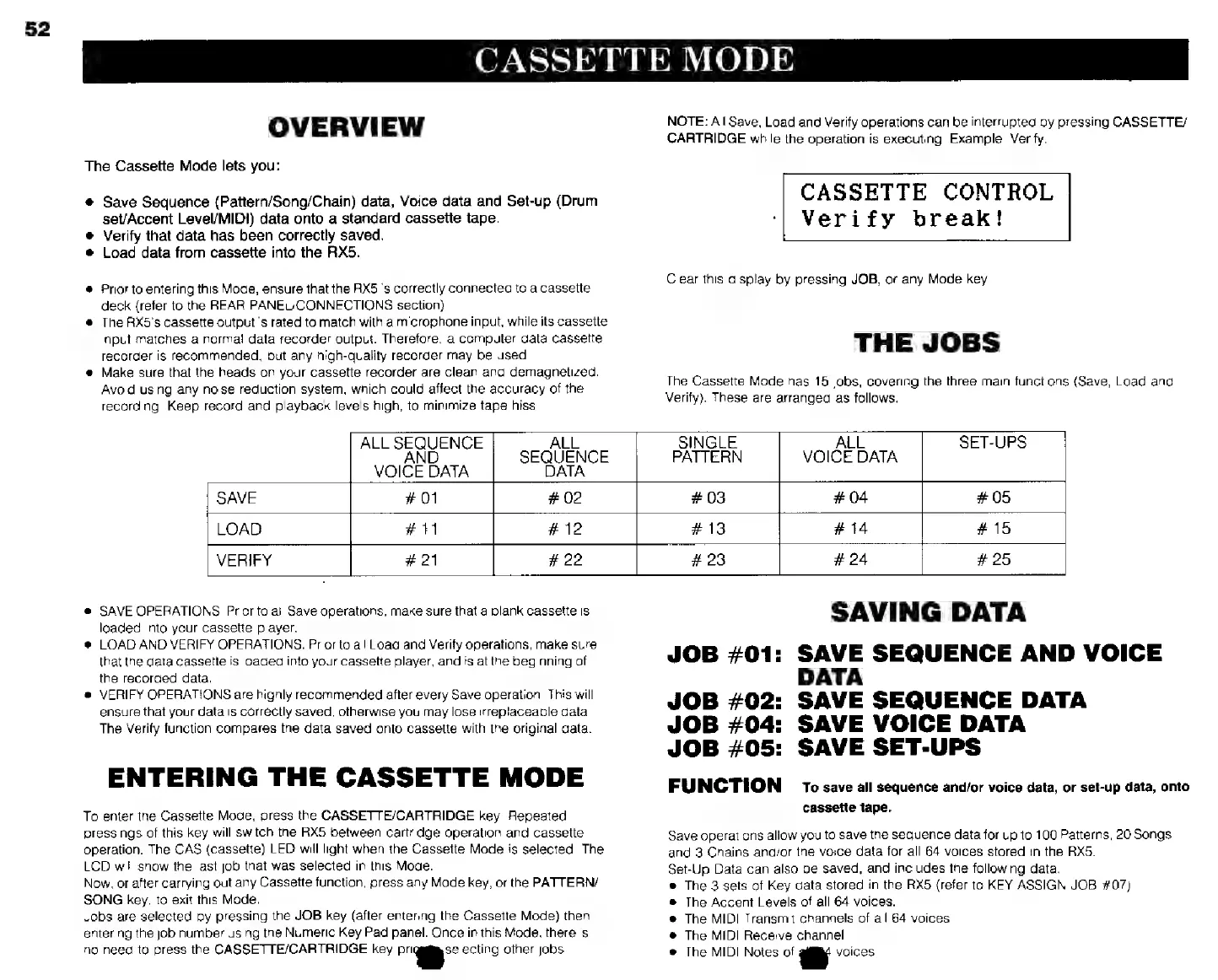
THE
JOBS
The
Cassette
Mode
has
15
jobs,
covering
the
three
main
functions
(Save,
Load
and
Verify).
These
are
arranged
as
follows.
e
SAVE
OPERATIONS:
Prior
to
all
Save
operations,
make
sure
that
a
blank
cassette
is
loaded
into
ycur
cassette
player.
*
LOAD
AND
VERIFY
OPERATIONS:
Prior
to
all
Load
and
Verify
operations,
make
sure
that
the
data
cassette
is
loaded
into
your
cassette
player,
and
is
at
the
beginning
of
the
recorded
data.
e
VERIFY
OPERATIONS
are
highly
recommended
after
every
Save
operation.
This
will
ensure
that
your
data
is
correctly
saved,
otherwise
you
may
lose
irreplaceable
data
The
Verify
function
compares
the
data
saved
onto
cassette
with
the
original
data.
ENTERING
THE
CASSETTE
MODE
To
enter
the
Cassette
Mode,
press
the
CASSETTE/CARTRIDGE
key.
Repeated
pressings
of
this
key
will
switch
the
RX5
between
cartridge
operation
and
cassette
operation.
The
CAS
(cassette)
LED
will
light
when
the
Cassette
Mode
is
selected.
The
LCD
will
show
the
last
job
that
was
selected
in
this
Mode.
!
Now,
or
after
carrying
out
any
Cassette
function,
press
any
Mode
key,
or
the
PATTERN/
SONG
key,
to
exit
this
Made.
Jobs
are
selected
by
pressing
the
JOB
key
(after
entering
the
Cassette
Mode)
then
entering
the
job
number
using
the
Numeric
Key
Pad
panel.
Once
in
this
Mode,
there
is
no
need
to
press
the
CASSETTE/CARTRIDGE
key
Prig
спо
other
jobs.
ALL
SEQUENCE
ALL
SINGLE
ALL
SET-UPS
AND
SEQUENCE
PATTERN
VOICE
DATA
VOICE
DATA DATA
SAVE
#
01
#
02
#
03
#
04
#05
LOAD
#11
#
12
#
13
#
14
#
15
VERIFY
#
21
#22
#
23
#
24
#
25
SAVING
DATA
JOB
#01:
SAVE
SEQUENCE
AND
VOICE
DATA
JOB
#02:
SAVE
SEQUENCE
DATA
JOB
#04:
SAVE
VOICE
DATA
JOB
#05:
SAVE
SET-UPS
FUNCTION
To
save
all
sequence
and/or
voice
data,
or
set-up
data,
onto
cassette
tape.
Save
operations
allow
you
to
save
the
sequence
data
for
up
to
100
Patterns,
20
Songs
and
3
Chains
and/or
the
voice
data
for
all
64
voices
stored
in
the
RX5.
Set-Up
Data
can
also
be
saved,
and
includes
the
following
data:
Ф
The
3
sets
of
Key
data
stored
in
the
RX5
(refer
to
KEY
ASSIGN
JOB
#07)
®
The
Accent
Levels
of
all
64
voices.
e
The
MIDI
Transmit
channels
of
all
64
voices.
e
The
MIDI
Receive
channel.
е
The
MIDI
Notes
of
1
voices.