EasyManua.ls Logo

Yamaha RX5 - Error Messages

Yamaha RX5
81 pages
Print Icon
To Next Page IconTo Next Page
To Previous Page IconTo Previous Page
Loading...
67
ERROR
MESSAGES
The
RX5's
LCD
will
display
an
error
message
if:
*
You
have
made
an
operating
mistake
(for
example,
tried
to
enter
wrong
data).
e
Memory
limits
have
been
reached.
*
You
need
to
know
about
malfunctions
or
operational
information
concerning
the
RX5
or
external
MIDI
devices
or
cassettes
or
cartridges.
NOTE:
All
LCD
messages
that
indicate
an
error
will
be
illustrated
with
the
error
message
ONLY.
This
is
because
some
error
messages
can
occur
in
severai
different
Modes
or
Jobs.
The
error
message
always
appears
in
the
lower
half
of
the
LCD.
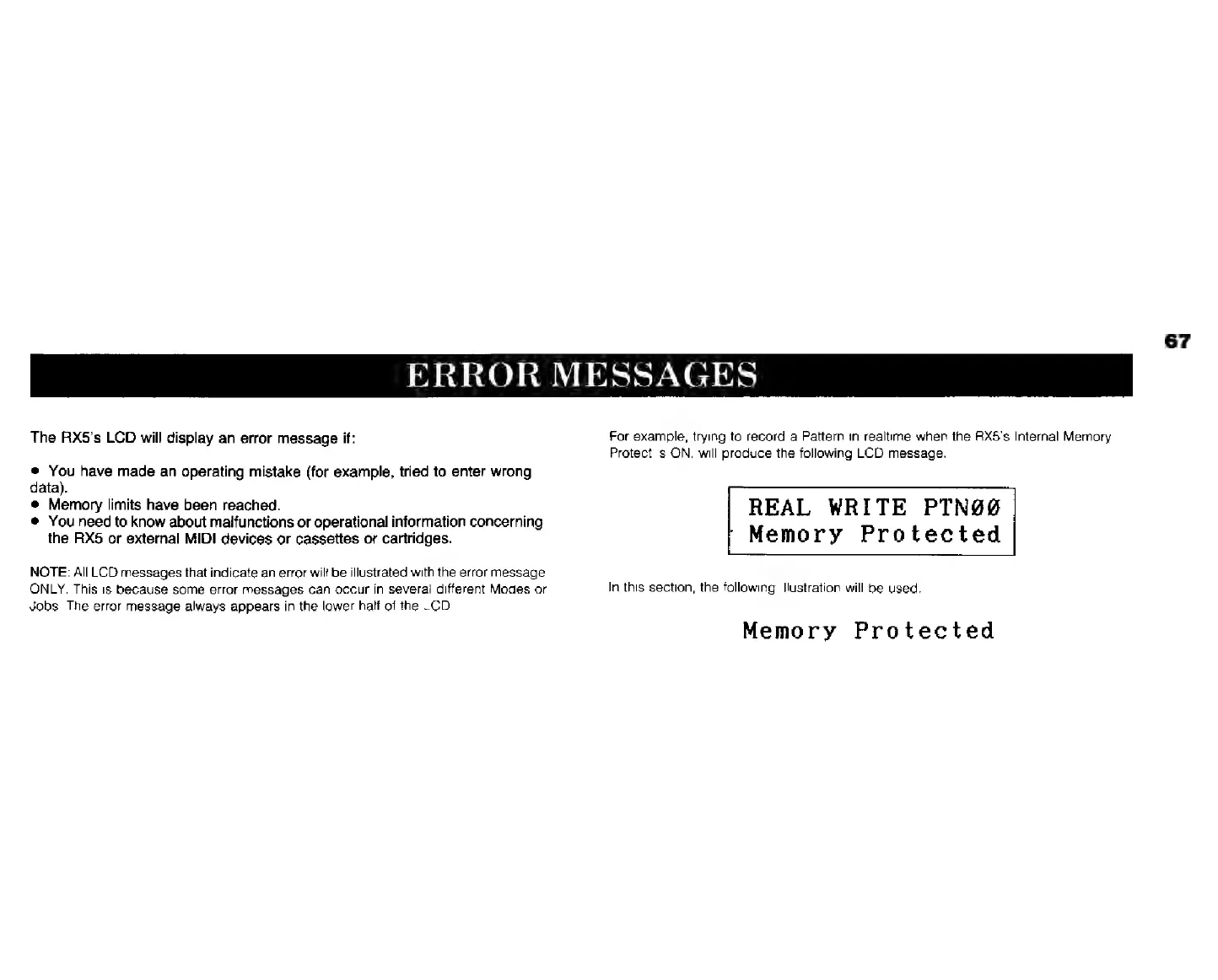
For
example,
trying
to
record
a
Pattern
in
realtime
when
the
АХ5’з
Internal
Memory
Protect
is
ON,
will
produce
the
following
LCD
message.
REAL
WRITE
PTN99
`
Memory
Protected
In
this
section,
tha
following
illustration
will
be
used.
Memory
Protected