EasyManua.ls Logo

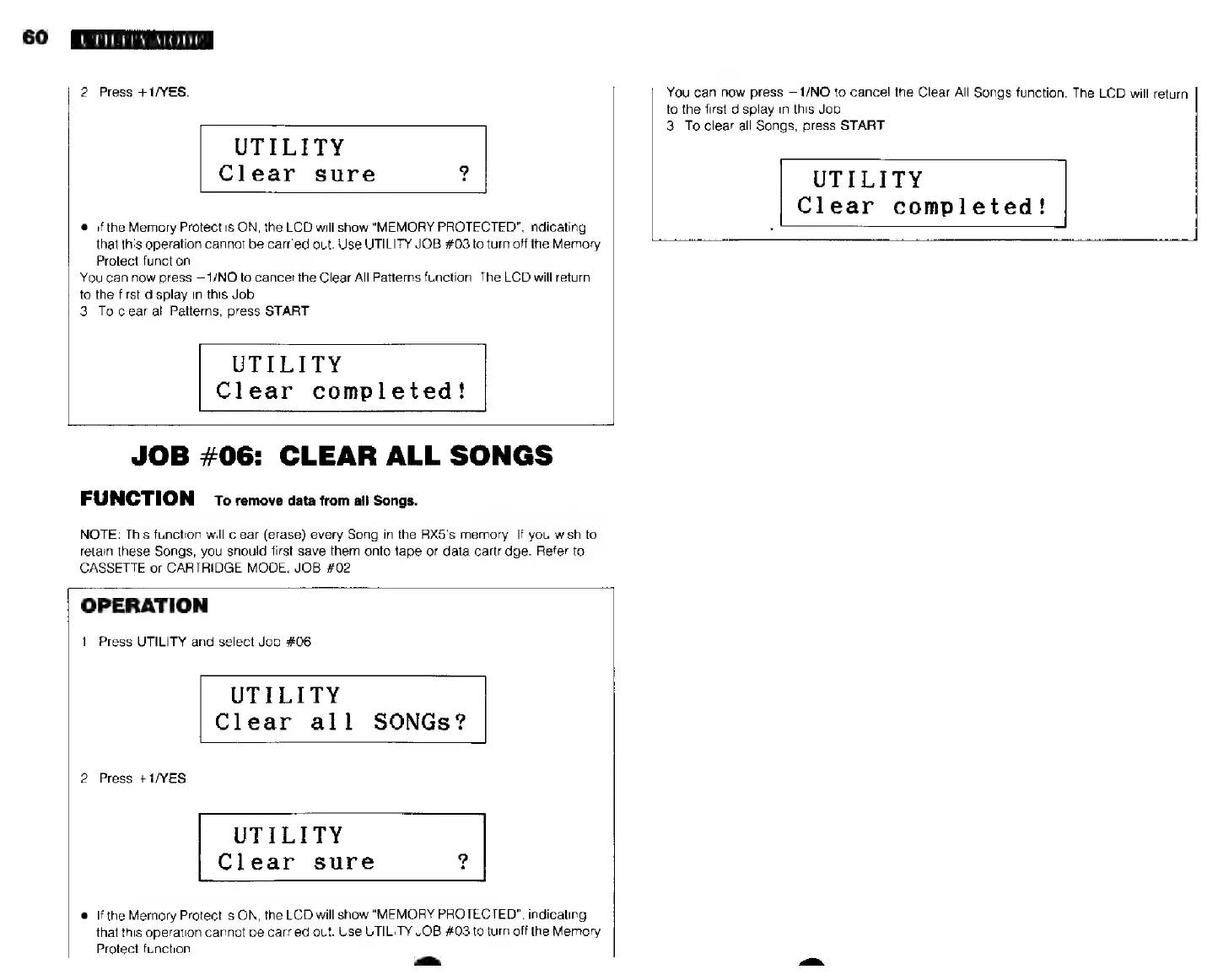
Yamaha RX5 - Job #06: Clear All Songs

Yamaha RX5
81 pages
Print Icon
To Next Page IconTo Next Page
To Previous Page IconTo Previous Page
Loading...
60
UTH.F'Y
MODE
2.
Press
i/YES.
UTILITY
Clear
sure
?
®
if
the
Memory
Protect
is
ON,
the
LCD
will
show
"MEMORY
PROTECTED",
indicating
that
this
operation
cannot
be
carried
out.
Use
UTILITY
JOB
#03
to
turn
off
the
Memory
Protect
function.
You
can
now
press
—1/NO
to
cancel
the
Clear
All
Patterns
function.
The
LCD
will
return
to
the
first
display
in
this
Job.
3.
To
clear
all
Patterns,
press
START.
UTILITY
Clear
completed!
You
can
now
press
—1/NO
to
cancel
the
Clear
All
Songs
function.
The
LCD
will
return
to
the
first
display
in
this
Job.
3.
To
clear
all
Songs,
press
START.
UTILITY
Clear
completed!
JOB
#06:
CLEAR
ALL
SONGS
FUNCTION
ro
remove
data
from
ай
Songs.
NOTE:
This
function
will
clear
(erase)
every
Song
in
the
RX5's
memory.
If
you
wish
to
retain
these
Songs,
you
should
first
save
them
onto
tape
or
data
cartridge.
Refer
to
CASSETTE
or
CARTRIDGE
MODE,
JOB
#02,
OPERATION
1.
Press
UTILITY
and
select
Job
#06.
UTILITY
Clear
all
SONGs?
2.
Press
+1/YES.
UTILITY
Clear
sure
e
Ifthe
Memory
Protect
is
ON,
the
LCD
will
show
"MEMORY
PROTECTED",
indicating
that
this
operation
cannot
be
carried
out.
Use
UTILITY
JOB
#03
to
turn
off
the
Memory
Protect
function.
айы