EasyManua.ls Logo

Yamaha RX5 - Formatting (Job #30)

Yamaha RX5
81 pages
Print Icon
To Next Page IconTo Next Page
To Previous Page IconTo Previous Page
Loading...
FORMATTING
JOB
#30:
FORMAT
CARTRIDGE
FUNCTION
то
format
the
HAM4
Data
Cartridge
for
use
with
the
RX5.
This
function
MUST
be
carried
out
on
any
new
Yamaha
RAM4
Data
Cartridge
that
you
purchase
for
use
with
your
RX5,
prior
to
using
the
cartridge
for
saving
data.
OPERATION
1.
Insert
your
new
ВАМА
Data
cartridge
into
the
Data
Cartridge
slot
on
the
rear
of
the
RX5.
2.
Press
CASSETTE/CARTRIDGE
until
the
LCD
indicates
Cartridge
Mode,
then
select
Job
#30.
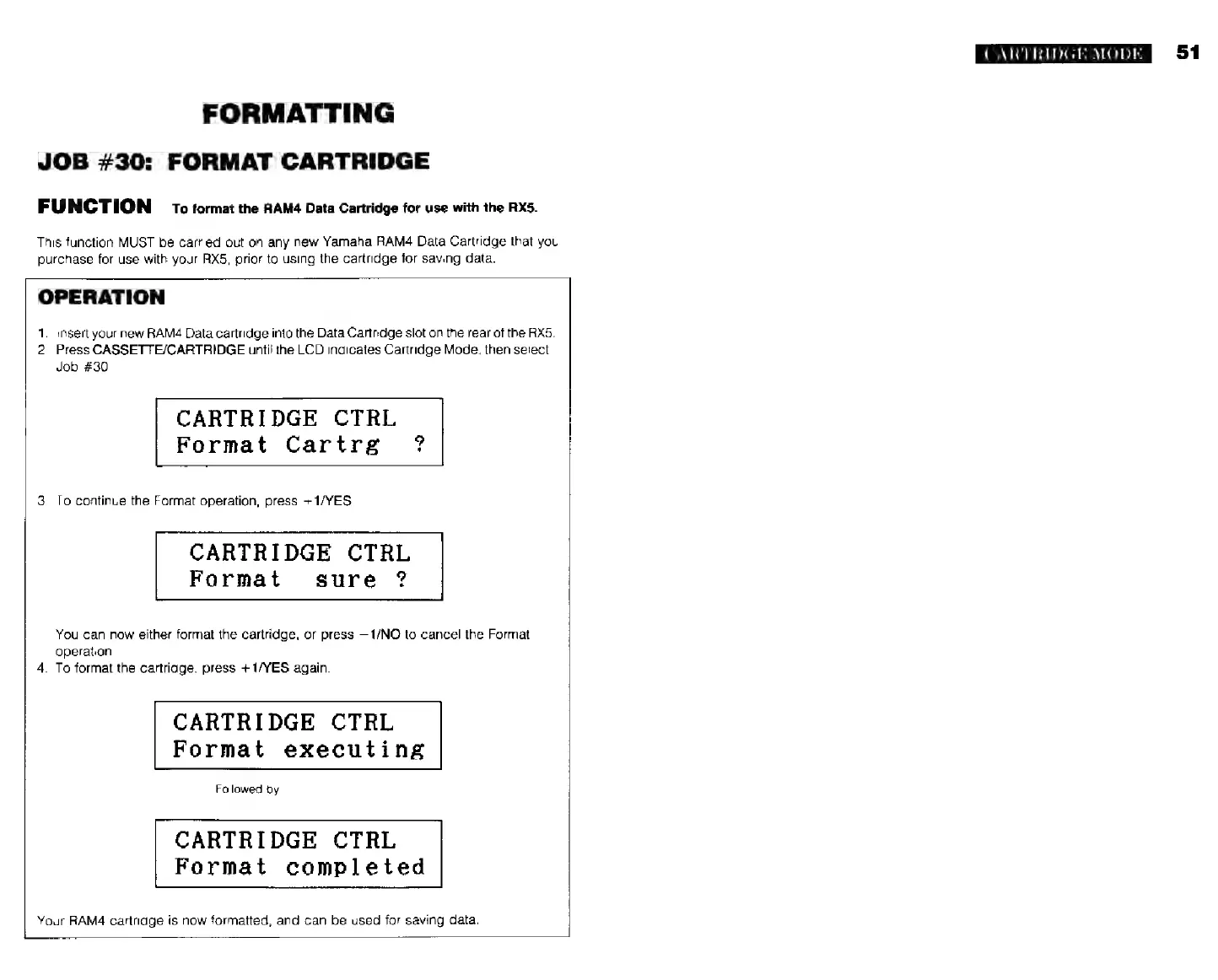
CARTRIDGE
CTRL
Format
Cartrg
°
3.
To
continue
the
Format
operation,
press
+
1/YES.
CARTRIDGE
CTRL
Format
sure
?
You
can
now
either
format
the
cartridge,
or
press
—1/NO
to
cancel
the
Format
operation.
4.
To
format
the
cartridge,
press
--
1/YES
again.
CARTRIDGE
CTRL
Format
executing
Followed
by
CARTRIDGE
CTRL
Format
completed
Your
RAMA
cartridge
is
now
formatted,
and
can
be
used
for
saving
data.
г...
CARTRIDGE
MODE