EasyManua.ls Logo

Yamaha RX5 - Song Operations; Song Selection

Yamaha RX5
81 pages
Print Icon
To Next Page IconTo Next Page
To Previous Page IconTo Previous Page
Loading...
20
SONG
OPERATIONS
OVERVIEW
The
Song
operations
available
on
the
RX5
let
you:
Edit
(assemble)
up
to
20
Songs,
each
consisting
of
up
to
999
Parts.
Each
Song
can
be
given
a
name,
and
an
initial
tempo.
Insert
repeats,
tempo
changes
(accelerando,
ritardando),
volume
changes
in
a
Song.
Select
a
Song
and
play
it
at
any
tempo,
or
from
any
selected
Part
(location).
Set
a
named
"Search"
mark
in
a
song,
and
locate
it
instantly,
for
playback
or
re-editing.
Clear
(Erase)
a
Song.
Copy
a
Song,
or
part
of
a
Song.
Check
the
remaining
Song
memory
of
the
RX5.
The
RX5
contains
factory-programmed
Songs
in
Song
locations
00
thru
02,
showing
how
you
can
put
together
interesting
sequences
of
Patterns.
These
Songs
are
permanently
stored
in
the
RX5's
internal
memory.
So
if
you
clear
them,
or
edit
(alter)
them
to
make
your
own
Songs,
the
original
preset
Songs
are
still
available
and
can
be
re-loaded
into
the
Song
locations
simply
by
holding
the
ACCENT
1
key
white
youu
turn
the
RX5's
power
on.
Song
02
shows
how
you
can
use
the
RX5
as
a
complete
musical
instrument,
pro-
gramming
melodic
parts
and
sound
effects
as
well
as
rhythms.
It
also
contains
Search
Marks,
named
“А”,
"B^,
"С",
*D"
and
"E"
to
demonstrate
the
Search
Mark
function,
which
lets
you
instantly
locate
any
selected
Part
of
a
Song.
To
use
this
convenient
function,
refer
to
JOB
#01;
SEARCH
MARK
later
in
this
chapter.
The
function
of
the
Song
Mode
is
to
allow
you
to
connect
Patterns
in
order
to
form
a
drum
sequence
for
an
entire
Song.
Each
Song
can
contain
up
to
999
"Parts".
A
Part
can
contain
a
Pattern,
or
other
data
such
as
a
Repeat
Command,
a
Tempo
Change,
a
Volume
Change
or
a
Search
Mark.
NOTE:
Some
of
the
Song/Pattern
Operation
keys
on
the
RX5
have
two
functions.
The
LOWER
function
written
on
each
key
applies
to
the
Song
Mode.
ENTERING
THE
SONG
MODE
All
Song
operations
are
preceded
by
entering
the
Song
Mode.
Press
PATTERN/SONG.
Repeated
pressing
of
this
key
switches
the
RX5
between
the
Pattern
Mode
and
the
Song
Mode.
When
the
Song
Mode
is
selected,
the
SONG
LED
will
light.
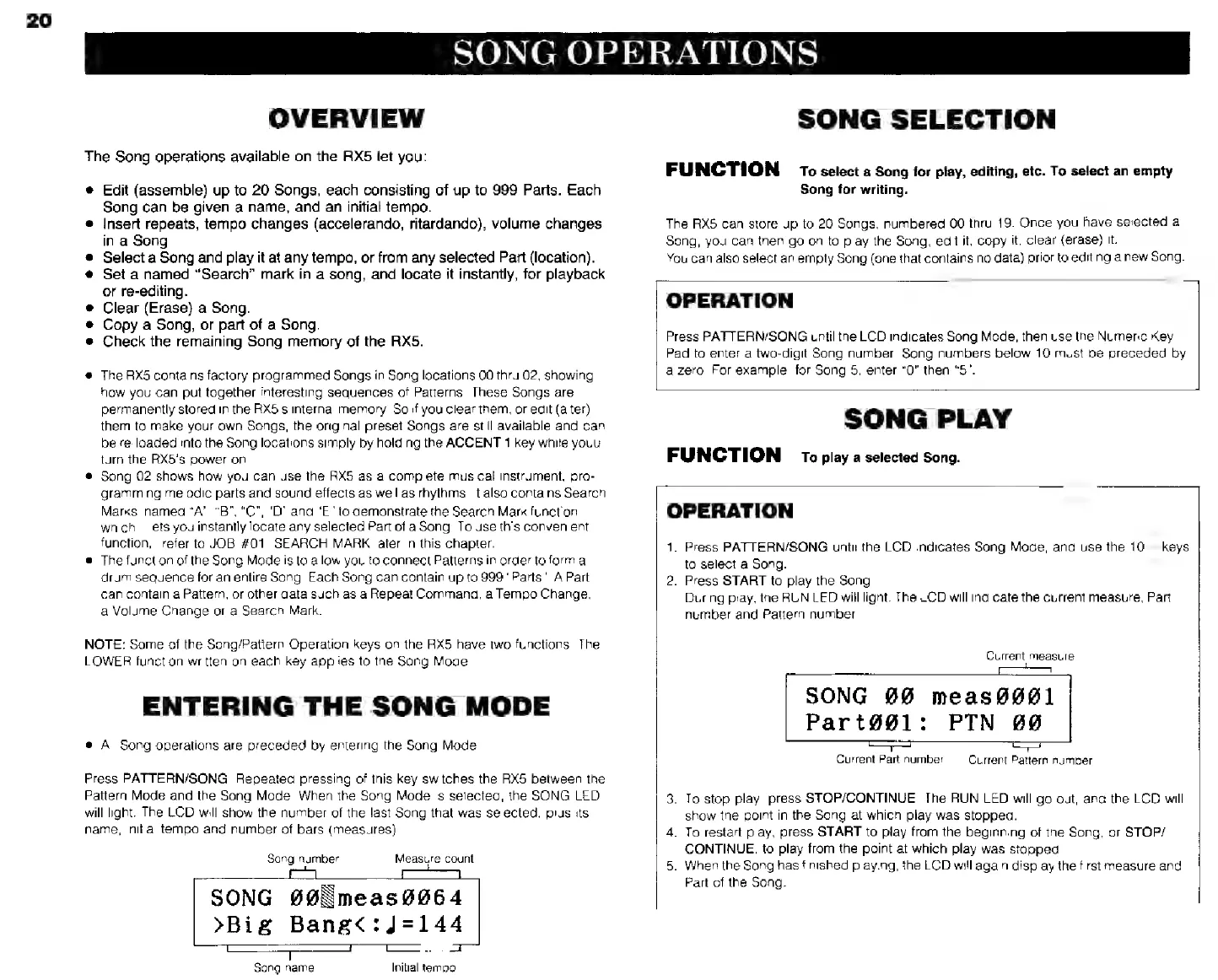
The
LCD
will
show
the
number
of
the
last
Song
that
was
selected,
plus
its
name,
initial
tempo
and
number
of
bars
(measures)
Song
number
Measure
count
SONG
#8
теа50064
>Big
Bang<:J=14
T
T
Т
21
Song
name
Initial
tempo
SONG
SELECTION
FUNCTION
то
select
а
Song
for
play,
editing,
etc.
To
select
an
empty
Song
for
writing.
The
RX5
can
store
up
to
20
Songs,
numbered
00
thru
19.
Once
you
have
selected
а
Song,
you
can
then
go
on
to
play
the
Song,
edit
it,
copy
it,
clear
(erase)
it.
You
can
also
select
an
empty
Song
(one
that
contains
no
data)
prior
to
editing
a
new
Song.
OPERATION
Press
PATTERN/SONG
until
the
LCD
indicates
Song
Mode,
then
use
the
Numeric
Key
Pad
to
enter
a
two-digit
$ong
number.
Song
numbers
below
10
must
be
preceded
by
a
zero.
For
example,
for
Song
5,
enter
“0"
then
"5".
SONG
PLAY
FUNCTION
то
play
a
selected
Song.
OPERATION
1.
Press
PATTERN/SONG
until
the
LCD
indicates
Song
Mode,
and
use
the
10—keys
to
select
a
Song.
2.
Press
START
to
play
the
Song.
During
play,
the
RUN
LED
will
light.
The
LCD
will
indicate
the
current
measure,
Part
number.
and
Pattern
number.
Current
measure
SONG
00
meas9001
Part@@1:
РТМ
00
==
Current
Part
number
Current
Pattern
number
3.
To
stop
play,
press
STOP/CONTINUE
The
RUN
LED
will
go
out,
and
the
LCD
will
show
the
point
in
the
Song
at
which
play
was
stopped.
4.
To
restart
play,
press
START
to
play
from
the
beginning
of
the
Song,
or
STOP/
CONTINUE,
to
play
from
the
point
at
which
play
was
stopped.
5.
When
the
Song
has
finished
playing,
the
LCD
will
again
display
the
first
measure
and
Part
of
the
Song.