EasyManua.ls Logo

Yamaha RX5 - Page 70

Yamaha RX5
81 pages
Print Icon
To Next Page IconTo Next Page
To Previous Page IconTo Previous Page
Loading...
MIDI
МОЕ
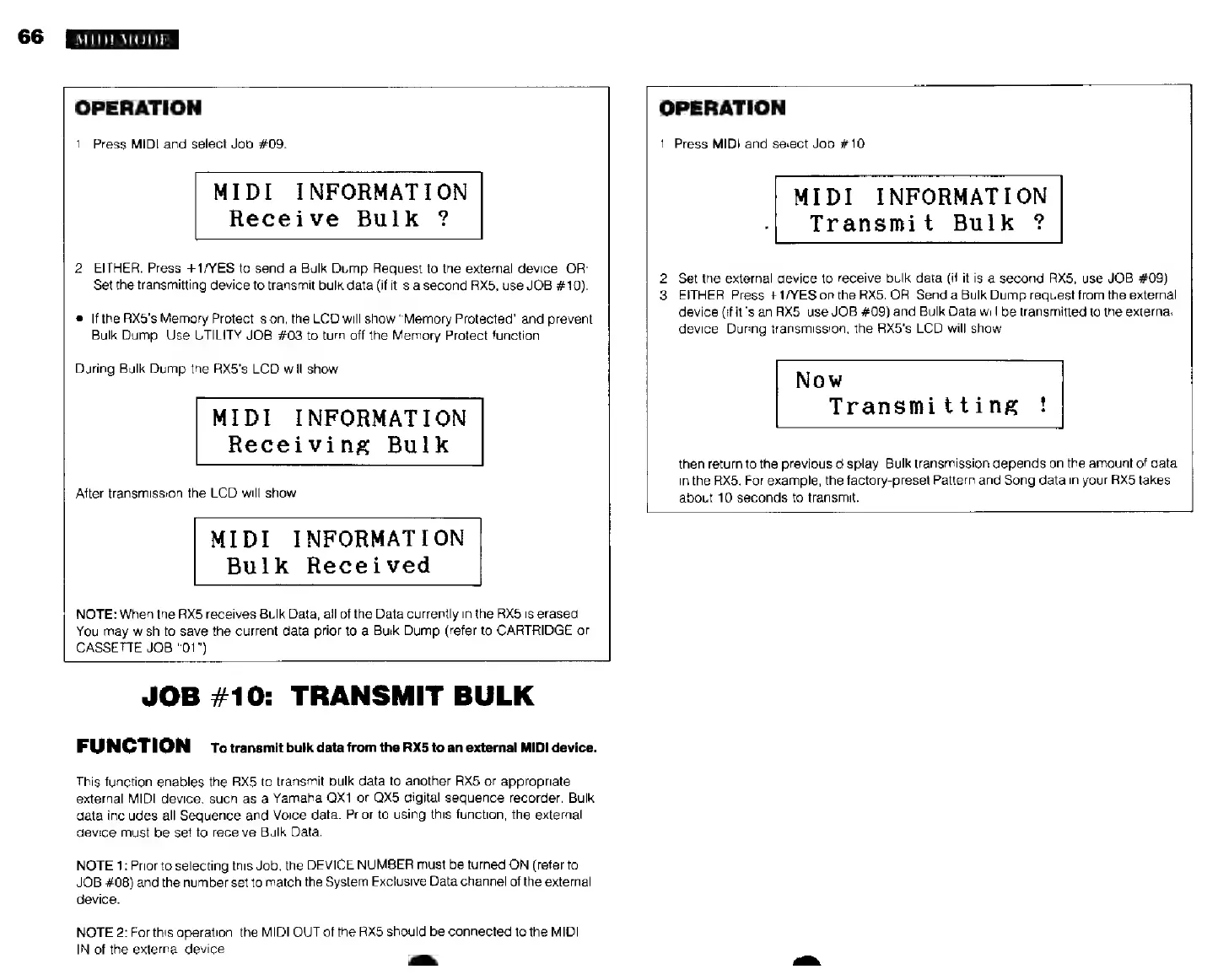
OPERATION
1.
Press
MIDI
and
select
Job
#09.
MIDI
INFORMATION
Receive
Bulk
?
2.
EITHER:
Press
+1/YES
to
send
a
Bulk
Dump
Request
to
the
external
device.
OR:
Set the
transmitting
device
to
transmit
bulk
data
(if
it
is
a
second
RX5,
use
JOB
#10).
*
If
the
RX5's
Memory
Protect
is
on,
the
LCD
will
show
"Memory
Protected"
and
prevent
Bulk
Dump.
Use
UTILITY
JOB
#03
to
turn
off
the
Memory
Protect
function.
During
Bulk
Dump
the
RX5's
LCD
will
show
MIDI
INFORMATION
Receiving
Bulk
After
transmission
the
LCD
will
show
MIDI
INFORMATION
Bulk
Received
NOTE:
When
the
RX5
receives
Bulk
Data,
all
of
the
Data
currently
in
the
RX5
is
erased.
You
may
wish
to
save
the
current
data
prior to
a
Bulk
Dump
(refer
to
CARTRIDGE
or
CASSETTE
JOB
"01").
OPERATION
1.
Press
MIDI
and
select
Job
#10.
MIDI
INFORMATION
Transmit
Bulk
?
2.
Set
the
external
device
to
receive
bulk
data
(if
itis
a
second
RX5,
use
JOB
#09).
3.
EITHER:
Press
+1/YES
on
the
RX5.
OR:
Send
a
Bulk
Dump
request
from
the
external
device
(if
itis
an
RX5,
use
JOB
#09)
and
Bulk
Data
will
be
transmitted
to
the
external
device.
During
transmission,
the
RX5's
LCD
will
show
Now
Transmitting
!
then
return
to
the
previous
display.
Bulk
transmission
depends
on
the
amount
of
data
inthe
RX5.
For
example,
the
factory-preset
Pattern
and
Song
data
in
your
RX5
takes
about
10
seconds
to
transmit.
JOB
#10:
TRANSMIT
BULK
FUNCTION
To
transmit
bulk
data
from
the
RX5
to
an
external
MIDI
device.
This
function
enables
the
RX5
to
transmit
bulk
data
to
another
RX5
or
appropriate
external
MIDI
device,
such
as
a
Yamaha
QX1
or
QX5
digital
sequence
recorder.
Bulk
data
includes
all
Sequence
and
Voice
data.
Prior
to
using
this
function,
the
external
device
must
be
set
to
receive
Bulk
Data.
NOTE
1:
Prior
to
selecting
this
Job,
the
DEVICE
NUMBER
must
be
turned
ON
(refer
to
JOB
#08)
and
the
number
set
to
match
the
System
Exclusive
Data
channel
of
the
external
device.
NOTE
2:
For
this
operation,
the
MIDI
OUT
of
the
RX5
should
be
connected
to
the
MIDI
IN
of
the
external
device.
лм.